

Series · How we solve it
Is it safe to give AI a login?
Work that crosses systems needs a login, and a login is what a security team guards hardest. These are the five controls that make a Virtual Employee safe to credential, how the kill switch works, and the one number a security team should watch.
Inovagio team · Published · Updated · 8 min read
On this page
The ticket reaches the security team on a Tuesday afternoon. Finance operations wants a service account for "the AI" so it can pull invoices and update vendor records in the finance system. The request names no owner and no end date, and it asks for read and write access to the whole system. Everything the security team has learned says to send it back. A shared account with broad rights, a password in a configuration file and a program that reads documents from outside the company: that is how incident reports begin.
Yet the work in question crosses several systems, and work that crosses systems needs a login. The useful question about AI agent identity and access is whether that login can behave like an employee's: issued to one named principal, scoped to the job, watched while it works, and revoked the moment it isn't needed.
The industry calls this software AI agents or AI employees. Ours are Virtual Employees, and what makes one a worker rather than a chat window is covered elsewhere. This piece is about what it takes to give one a login, and it is written for the person who has to sign the access request.
Two kinds of Virtual Employee, two levels of access
#Not every Virtual Employee needs an account on your network. Many work from a queue. Requests arrive by email or in a shared folder, and the Virtual Employee reads and writes only through approved connectors. It has no account in your directory at all. That is the right place to start, and for plenty of queues it is where the work stays.
The second kind works on your network, because the job needs a system no connector reaches. That Virtual Employee has an account in your directory, and a desktop of its own when the job needs one. Every session is recorded, and it works in shadow mode, with your team still deciding, before it takes on live work. Everything below applies to both kinds, but it matters most for the second.
| What differs | Works from a queue | Works on your network |
|---|---|---|
| Account in your directory | None | Its own, with least privilege |
| How it reaches your systems | Approved connectors | Through the gateway |
| Sessions recorded | Every task leaves a receipt | Every session, plus the receipt |
| Shadow mode before live work | Yes | Yes |
Five controls for AI agent identity and access
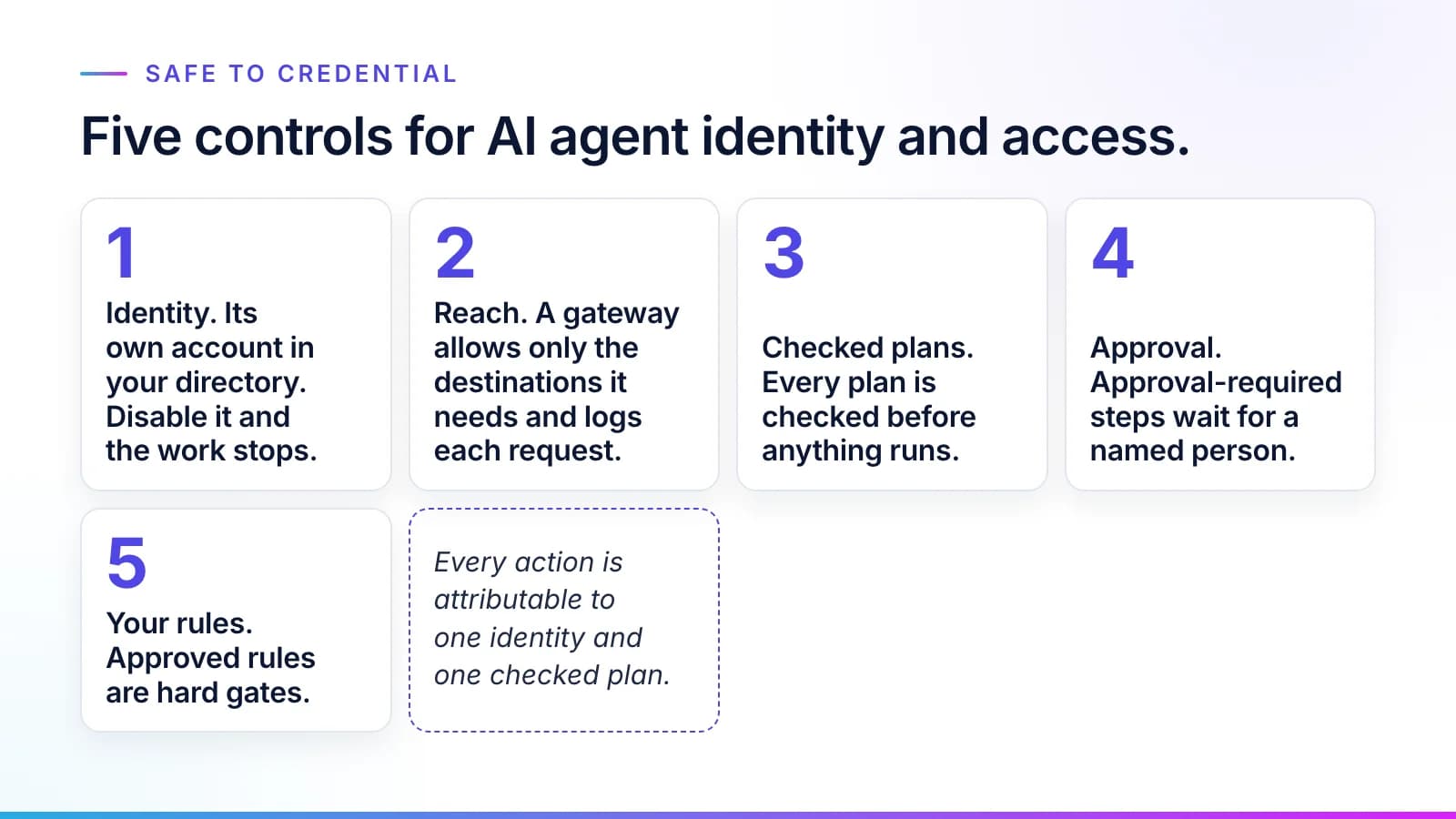
#Your approved rules tell a Virtual Employee what the right work is. Four other controls make sure it can't do anything else. Each is described below by what the system does.
Identity
#Every Virtual Employee is a real principal with its own roles and group memberships, and there are no shared accounts. For a Virtual Employee on your network, Auth, our identity service, federates the identity to your identity provider. Your conditional access and privileged-access rules then apply to it as they do to a person, and so do your access reviews. Extra rights are granted just in time, and each grant is audited. Disable the account and the work stops.
Reach
#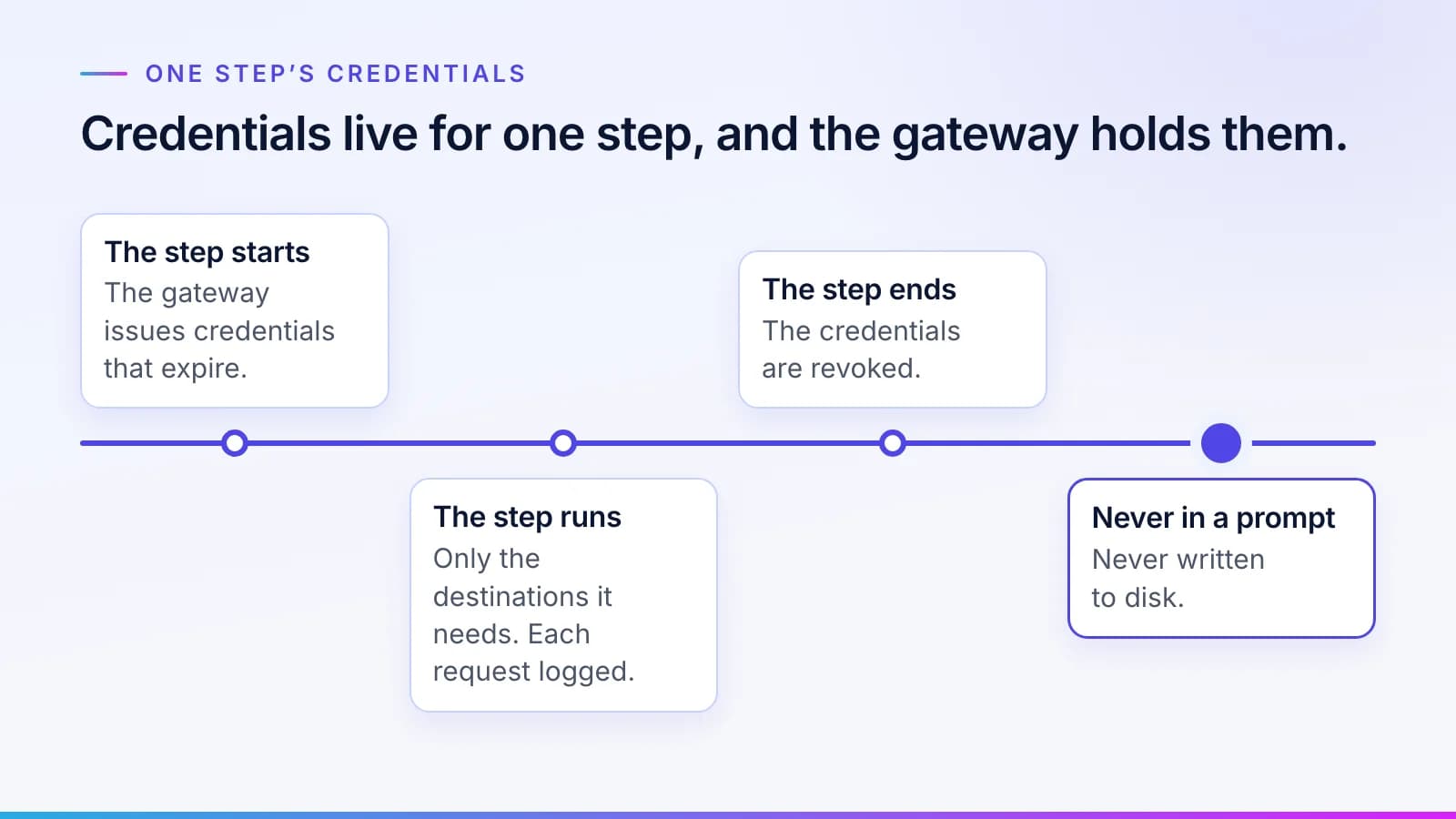
Every call to one of your systems goes through a gateway that allows only the destinations that Virtual Employee needs and logs each request. There is no open internet and no moving sideways from one system to the next.
The gateway also holds the credentials. Each set is short-lived and scoped to one step: issued when the step starts, revoked when it ends, and never shown in a prompt or written to disk.
Checked plans
#The Virtual Employee proposes a plan. Before anything runs, the plan is checked against its role and your approved rulebook, and against the data it has been granted. The checked plan then runs inside a sandbox step by step, exactly as approved. This is the control that answers prompt injection. A poisoned document can change what the Virtual Employee proposes, not what the checks allow. Screening prompts, documents and tool calls for injection is a second control, run by Guard, and business rules and AI guardrails explains why regulated work needs both.
Approval
#Steps your policy marks as approval-required wait for a named person. Work the checks can't confirm goes to a Needs a person queue, and dual control applies wherever your rules require two approvers.
Your rules
#Approved rules are hard gates, so only work that fits them goes ahead. A correction becomes a new, versioned rule with an approver, which we describe in a mistake your team fixes once stays fixed.
Together, the five controls tie every action to one identity and one checked plan.
Stopping one Virtual Employee, a department or everything at once
#A security team will ask how fast it can stop the thing. The kill switch in Archon, the control plane, works for one Virtual Employee, for a department or for everything at once, and Guard enforces it. It sits on the same screen that shows what each one is doing.
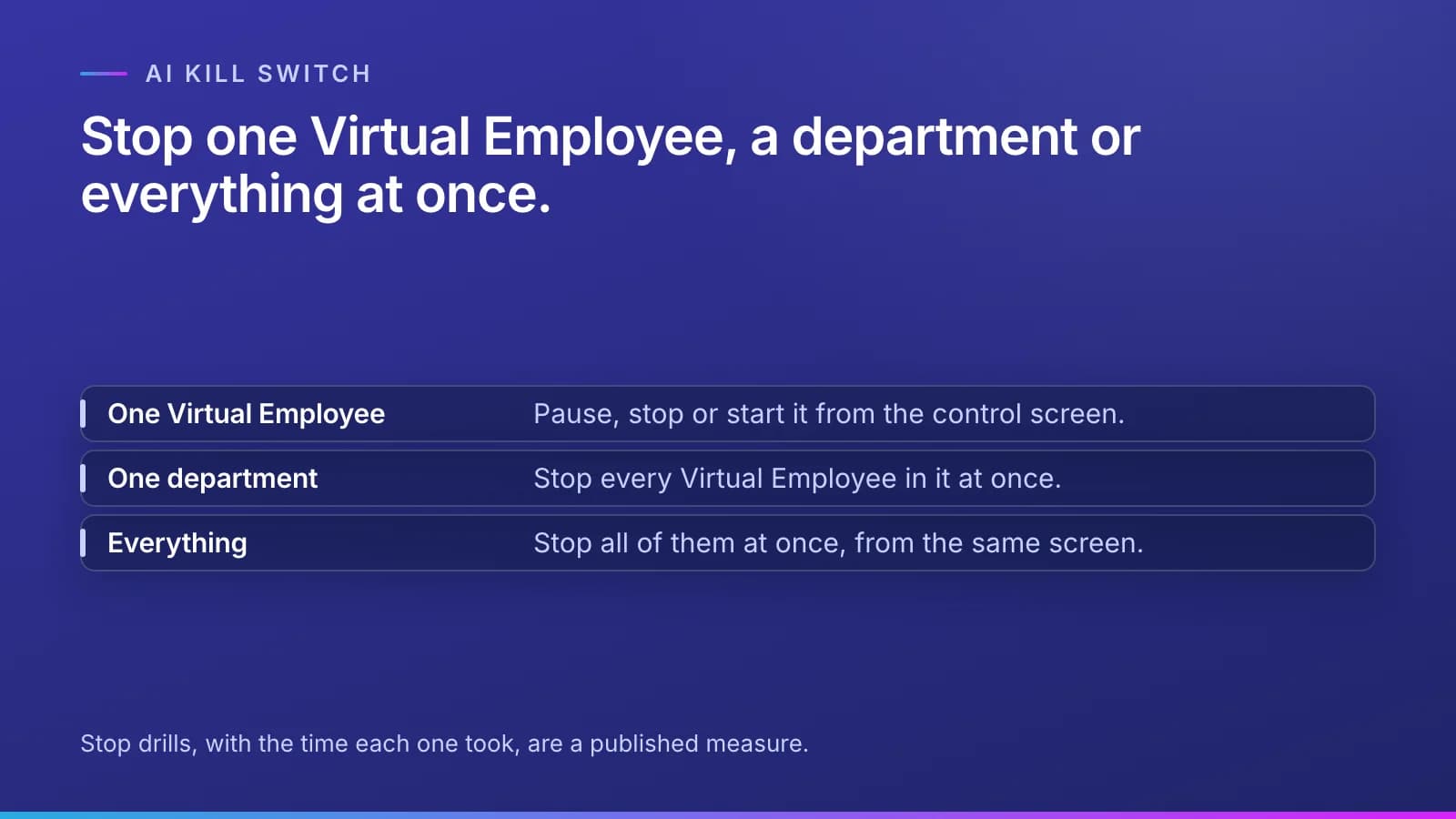
That screen shows, live, which Virtual Employees are running, the step each is on, what it is touching, the cost so far and every attempt the policy check blocked. From it, an operator can pause or stop work at any of those three levels and start it again. The same screen replays any session and sets spending limits, from a single task up to a whole department. The stop itself goes on the record, timestamped. It shows who stopped what and why, and what the work was doing at that moment. The control and cost page shows the screen and the limits.
An untested kill switch can't be relied on, which is why stop drills are a published measure, with the date of each drill and the time it took to stop each Virtual Employee and each department. Our piece on the AI agent kill switch sets it against the questions bank examiners now ask.
Blocked attempts are the number to watch
#Every control above produces refusals, and the question is what happens to them. In many systems a refused action is dropped quietly, and the security team learns of the attempt late, if at all, from a log nobody reads.
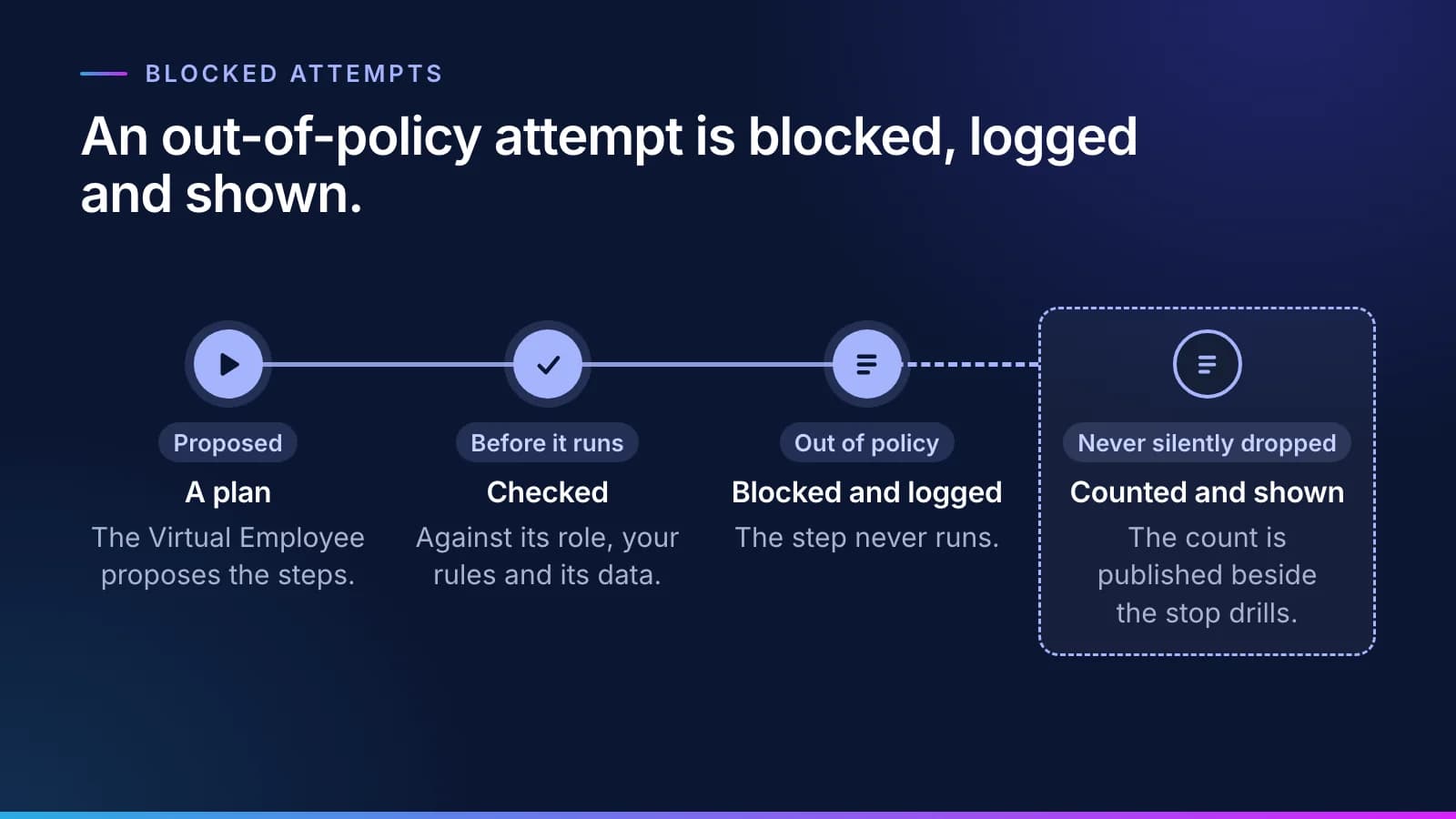
Here an out-of-policy attempt is blocked and logged, then shown on the control screen. It is never silently dropped. The count of blocked attempts is published beside the stop drills because it tells a security team two things at once: the controls are working, and something is pushing on them. A count that rises after a new document source goes live deserves a look before anyone asks.
What the auditor sees
#Each task leaves a receipt. It names the identity that did it and the checked plan; the model and the rules it ran under; what it touched; and the cost and the outcome. Phylax keeps every receipt and approval timestamped and tamper-evident, along with each queue move, and sessions on your network are recorded. When an examiner asks who approved a step, or whether anything has changed since, the answer is already in the record. Our guide to reading an AI task record walks through one line by line, and lenders will find the same controls set against the examiners' questions in the CSBS AI framework checklist.
Five questions to put to any vendor
#Two public references are worth having open as you do: the OWASP Top 10 for Agentic Applications (OWASP GenAI Security Project, December 9, 2025), which counts identity and privilege abuse among the main risks, and the NIST NCCoE concept paper on software and AI agent identity and authorization (NIST, February 5, 2026).
Before you sign an access request for any AI agent, ours included, ask:
- Is each agent its own identity in our directory, or a shared service account?
- Where are its credentials held, and how long do they live?
- What checks a plan before it runs, and can a document it reads change those checks?
- How fast can we stop one agent, and how fast can we stop all of them?
- When a check blocks an action, do we see it, or is it dropped?
Our answers to all five are on the security and trust page, and the wider questions buyers ask are in our Virtual Employees FAQ. Bring your security questionnaire to a briefing, and we will walk your team through each control.
Questions
What people ask.
Is it safe to give an AI agent a login?
It is, when the login behaves like an employee's. Each Virtual Employee gets its own identity in your directory with least privilege, its credentials are short-lived and held by a gateway, every plan is checked before it runs, and you can stop it at once. Disable the account and the work stops, and every action is tied to one identity and one checked plan.
What is AI agent identity and access management?
It is giving each AI agent its own identity, permissions and credentials, and governing them the way you govern a person's. For a Virtual Employee on your network, that means an account federated to your identity provider, so your conditional access rules, privileged-access rules and access reviews apply to it, and every action it takes is tied to one identity and one checked plan.
How do we stop an AI agent that has a login?
From one screen, at once. With Inovagio, an operator can pause or stop one Virtual Employee, a department or everything at once, and the stop is recorded with who did it, when, why and what the work was doing. Stop drills, with the time each one took, are a published measure, so the switch is tested rather than assumed.
Can a malicious document make an AI agent do something it shouldn't?
It can change what the Virtual Employee proposes, not what the checks allow. Every plan is checked against the Virtual Employee's role, your approved rules and the data it has been granted before anything runs, and the checked plan runs inside a sandbox. An attempt outside policy is blocked, logged and shown on the control screen, and it adds to the published count.
Where are an AI agent's passwords and credentials stored?
Nowhere the AI can read them. The gateway holds short-lived credentials, scoped to one step, issued when the step starts and revoked when it ends. They never appear in a prompt and are never written to disk, and every request that passes through the gateway is logged against the Virtual Employee that made it.
The products, industries and examples it covers.
- Identity and sign-inAuthOne sign-in for every person, service and AI agent.
- AI safetyGuardContent safety on every prompt, response and tool call.
- Agent control planeArchonSee every agent at work, and stop or start any of them.
- Governance and auditPhylaxSign-in, policy, secrets and one audit trail from the screen to the disk, so you can show any examiner what happened.
- Observability and analyticsPanoptesSee every log, trace, cost and decision across the platform.
- Secrets and keysInovagio SecretsKeep every credential sealed, scoped and rotated.
- API gatewayAPI ManagementOne governed door to every model, agent and API.
- IntegrationsConnectConnectors to the health, insurance, banking, legal, ERP and cloud systems you run, under your permissions.
- IndustryFinancial servicesCredit, account and claims files checked against your policy, and answers to exam requests drafted from records on file. Your compliance officer approves every response.
- IndustryHealthcare providersEach denial matched to the payer’s reason and the record, with an appeal drafted for a person to sign, and each remittance checked against the contract. Staff and clinicians decide.
- IndustryHealth plansEnrollment and premium files reconciled line by line, directory entries verified on schedule, and appeal case files tracked on their clocks. A physician decides every medical appeal.
- IndustryLegalEach party on a new matter searched with its parent companies and former names, ethical wall requests drafted for lateral hires, and contracts compared with your playbook. Lawyers decide.
- IndustryGovernmentPermit applications checked against your code and checklist before the review deadline, and records requests prepared with proposed redactions for staff to approve.
- IndustryDefenseFirst articles checked against the drawing and purchase order, each supplier’s required cybersecurity level tracked, and outgoing drawings compared with your release rules. Engineers and reviewers decide.
- IndustryInsurance claimsEach claim file audited against your state’s standards, deadlines kept with letters drafted, and bills checked. Adjusters decide.
- IndustryInsurance servicing and reconciliationEach program’s bordereau matched to your policy system, the MGA’s cash matched to what is due, and every line checked against the delegated authority. Your team approves every write-off.
- OverviewTrust and governanceEvery action checked, every step recorded.
- OverviewArchitectureHow the platform fits together, from your data to finished work.
- OverviewHow it worksTen checked steps from your first decision to the day it handles real cases.
Read next.
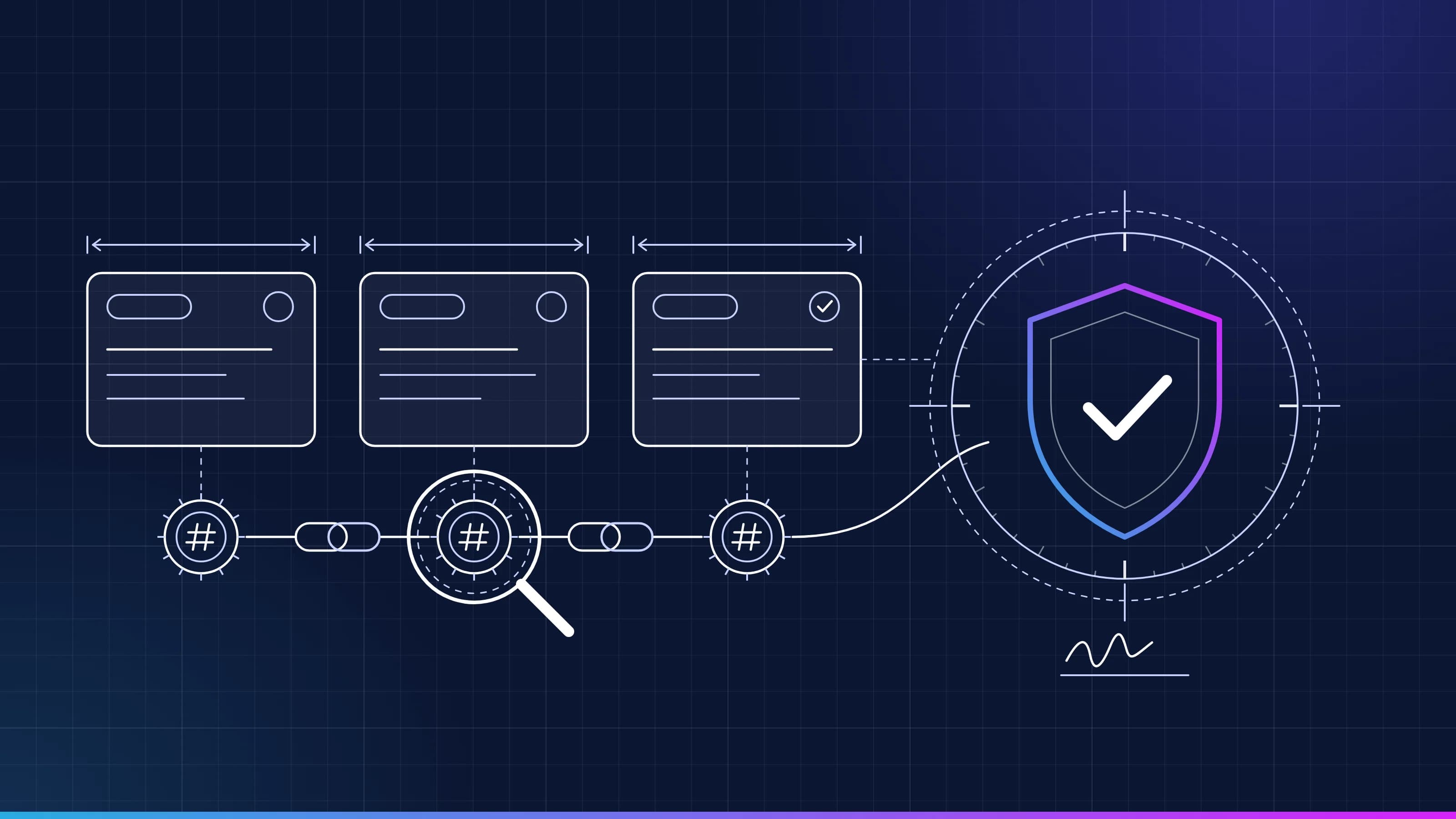 Guide · AI audit trailRead a task recordEvery task Inovagio runs leaves a tamper-evident record. Here is what each line means, how the seals chain together, and how to replay a task end to end. · updated November 18, 2026 · 5 min read
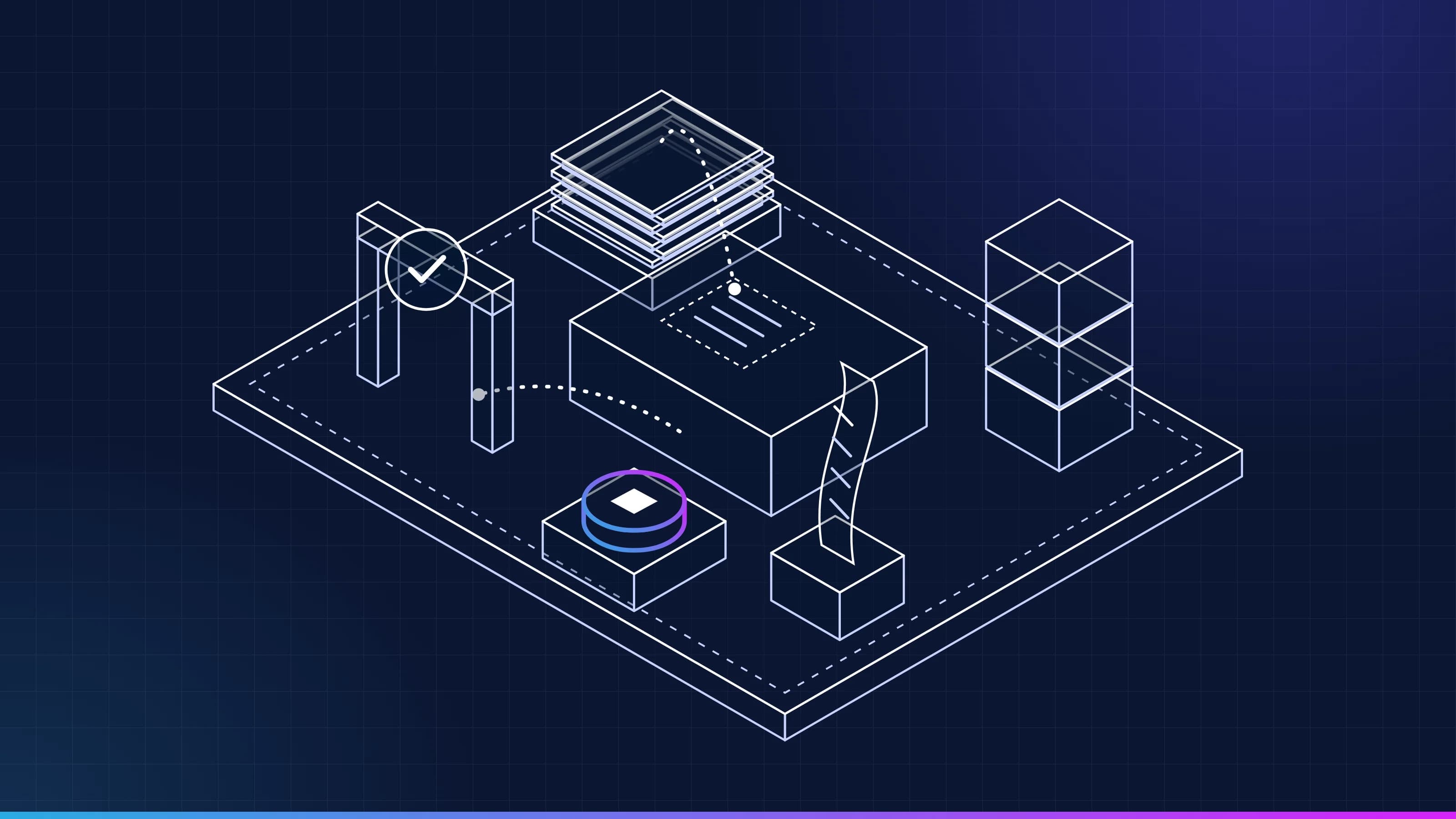 Article · ApproachA worker, not a conversationWhat is a Virtual Employee? It has a queue, a memory, a receipt for every task, the approvals and spot checks a rule sets, and a stop button. Here is what each one means, and what a Virtual Employee is not. · updated November 18, 2026 · 7 min read
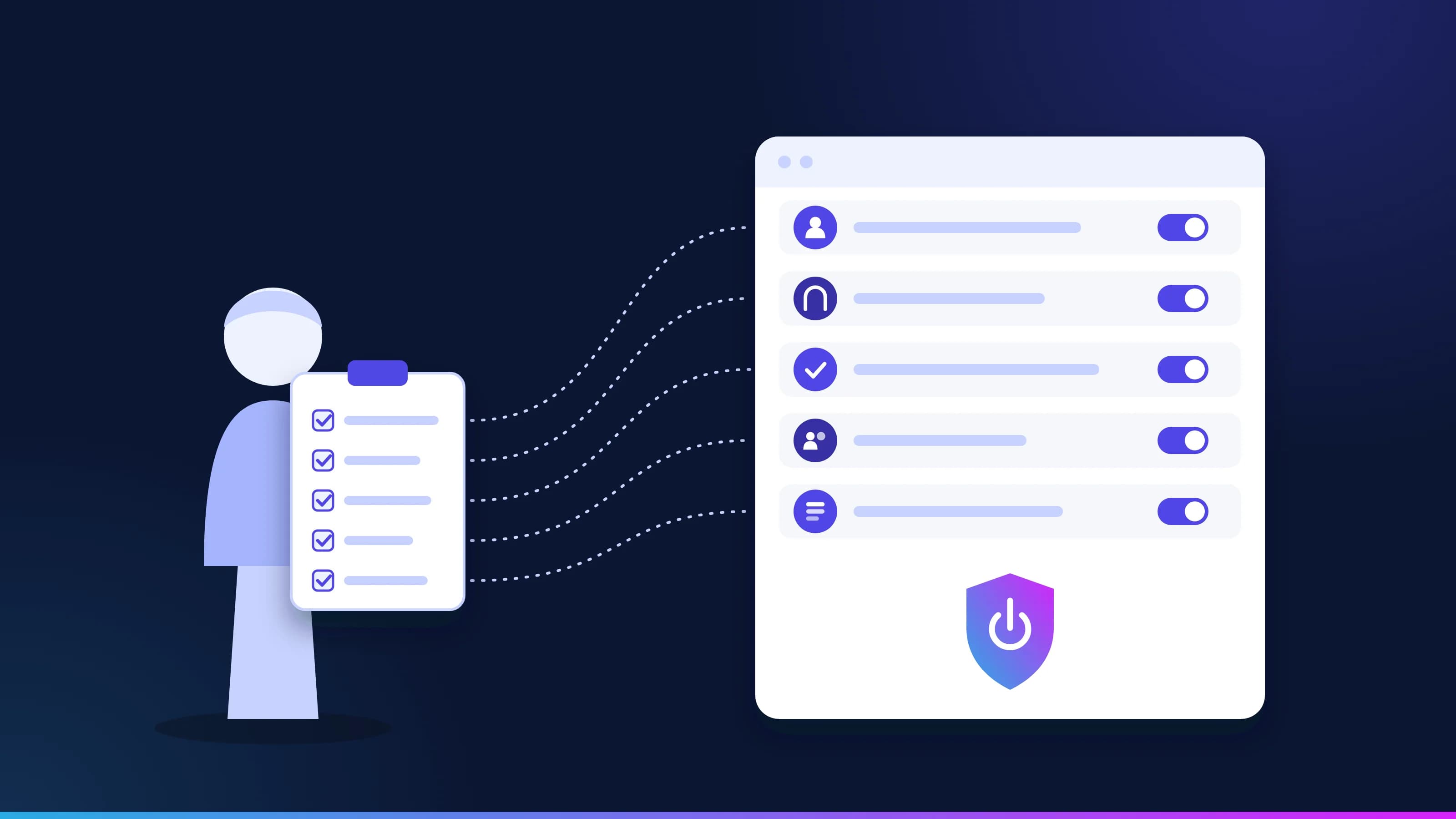 Guide · GovernanceCSBS AI Supervisory Framework: a checklist for banksState examiners now have a framework for reviewing AI, with its own section on AI that takes actions on its own. The questions they are directed to ask, turned into a checklist, and the control in Inovagio that answers each one. · updated November 18, 2026 · 9 min read
See it on your work
See how one of your tasks runs, start to finish.
A 30-minute walkthrough of one of your workflows, the approval step and the audit record, with the people who build the platform.