

Virtual EmployeesRole workers
Virtual Employees that ask before they act.
Every plan is checked against your rules before it runs. Anything outside them waits for a named person.
We’ll spend 30 minutes with you on one of your workflows, and you don’t need to share any data.
Where Virtual Employees work
Each one has its own queue, rulebook, record and stop button (Virtual Employees). These are the onboarding steps they work in, from your first decision to live work, and after go-live.
- Step 6 · BuildBuild the releaseRemoves: The black box.
- Step 9 · ShadowRun in shadow mode and prepare the teamRemoves: The leap of faith from test to live.
- Step 10 · LiveGo live, one kind of case at a timeRemoves: The big-bang switch.
- After go-live · Live workOperate: watch, re-test, decideRemoves: Silent drift, and spend nobody can justify.
What Virtual Employees do
Virtual Employees are Inovagio’s workforce: workers that plan and do real work across your systems, check every plan against your rules, and pause for a person when policy says so.
Plans checked first
Before a step runs, the plan is checked against your rulebook and policies. A plan that breaks a rule never starts.
Breaks the work down
Virtual Employees split each goal into tasks and hand them to specialist Virtual Employees in sequence or in parallel, choosing among eight reasoning strategies and recording why.
People stay in charge
Approvals are steps in the run itself. The approver, the decision and the reason become part of the record.
Works in your systems
Reads documents, calls your tools and writes to your systems under the identity and permissions you set.
How a task is aligned before it runs.
Every task is checked against its department’s rules and the company’s goals, policy and risk. Anything outside policy goes to a named person.
Virtual Employees at work
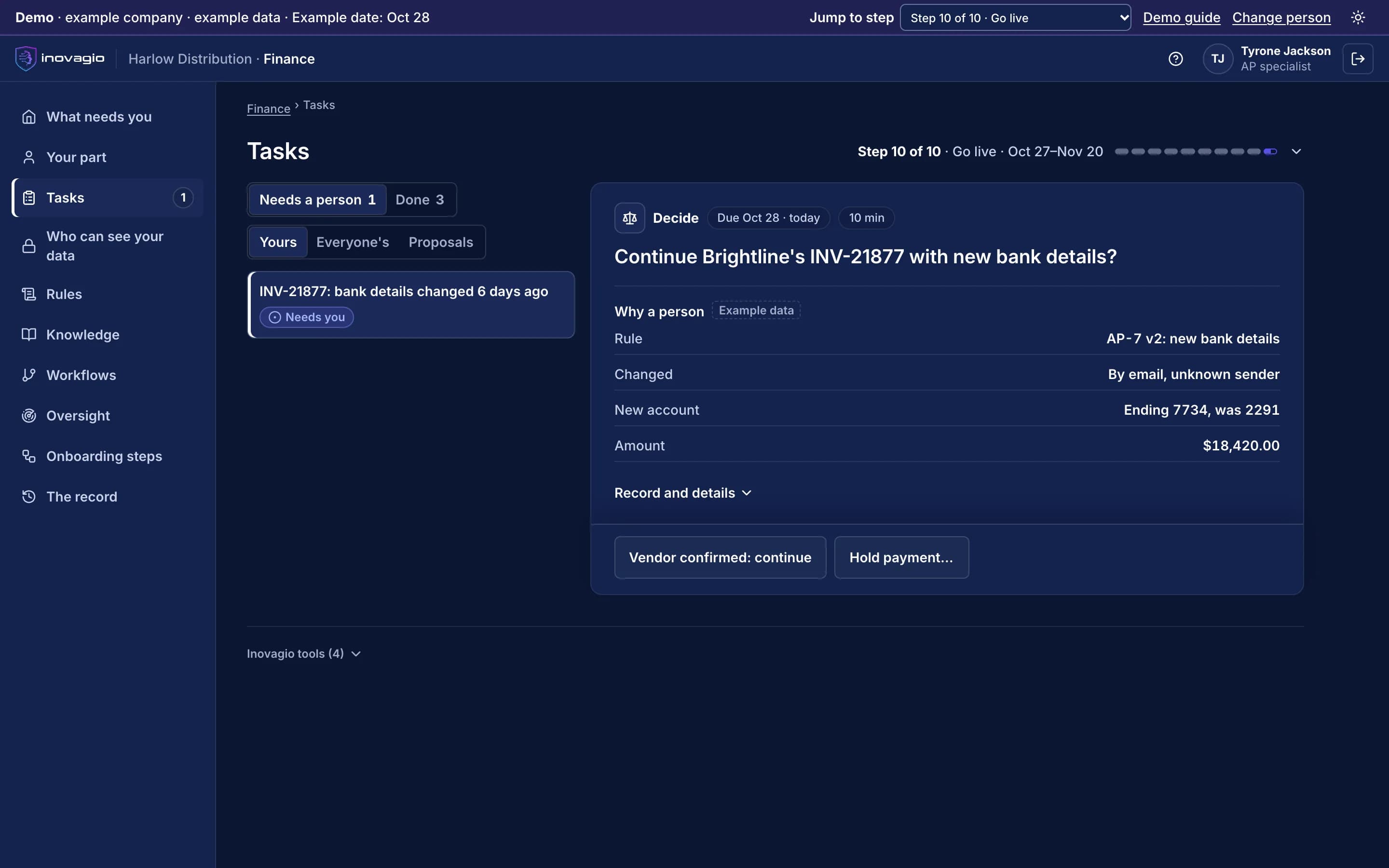
In the App at step 10: Go live, one kind of case at a time.
- Rule AP-7 held invoice INV-21877: the bank details changed by email, from an unknown sender.
- The person sees the rule, the change, the new account and the amount.
- Continue once the vendor confirms, or hold the payment.
Inside Virtual Employees
The views Virtual Employees give the people who run them, on sample data from Inovagio’s example companies.
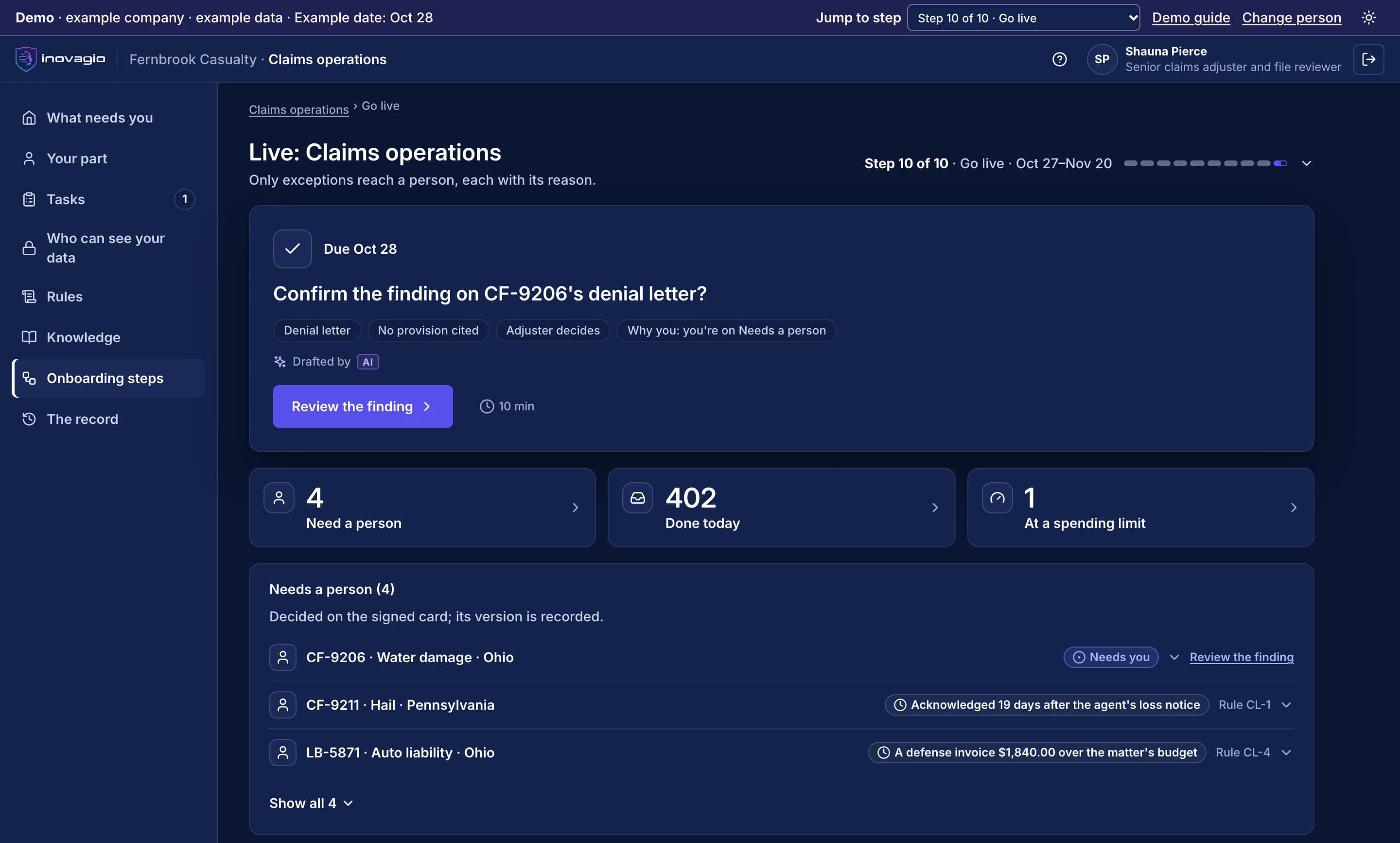
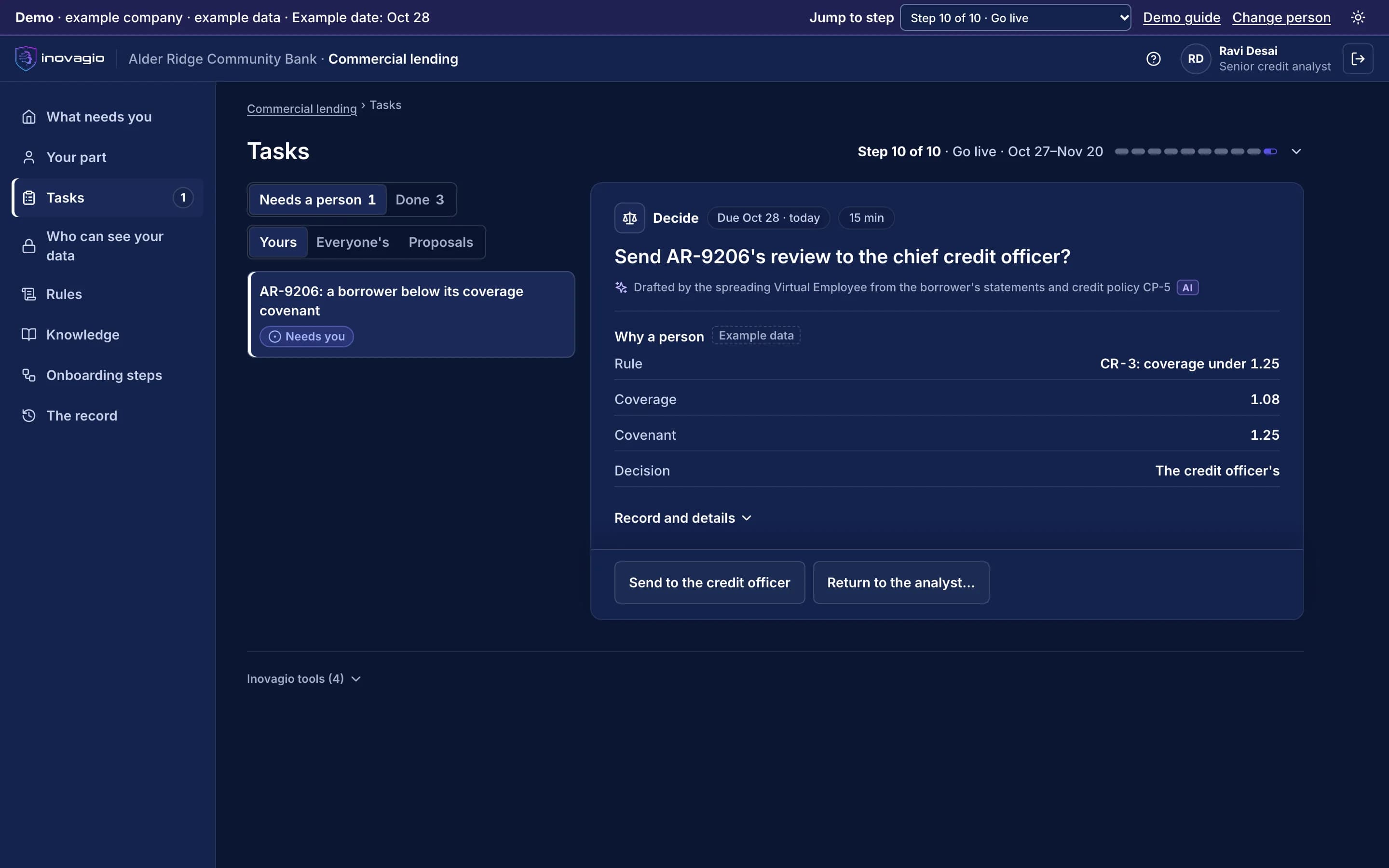
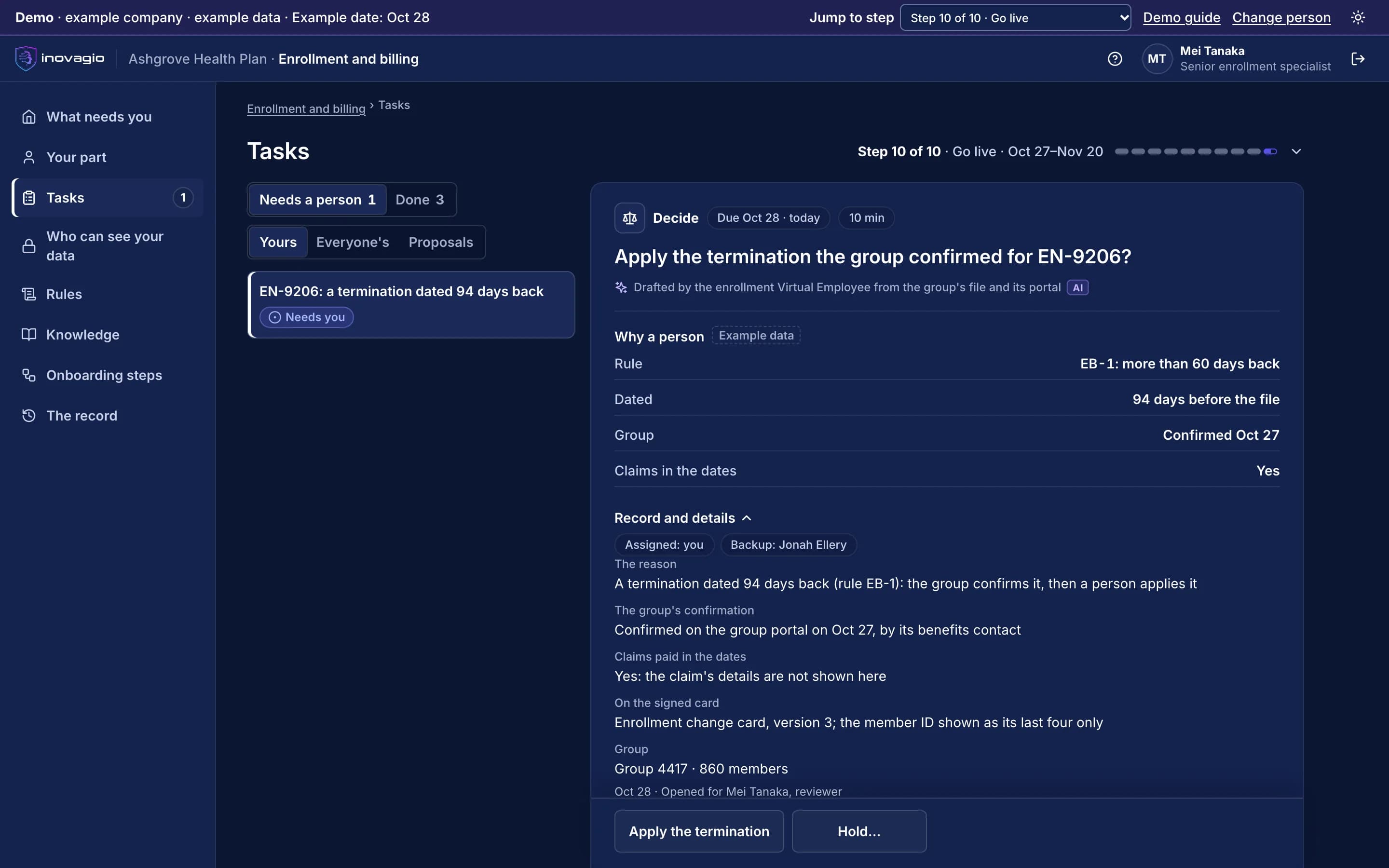
Virtual Employees › Today: a department at go-live, with how many cases were done today, how many need a person, and the rule that sent each one. Sample data from Inovagio’s example companies.
What you get with Virtual Employees
Building an agent
A governed runtime that is part of the platform.
Before an action
A policy check blocks a step that breaks a rule before it happens.
Human approval
A named approval step, recorded in the ledger.
Who owns and runs it
You own the rulebook, and your team or ours runs it.
Everything Virtual Employees do, by area.
Work intake
- Per-area task queues in MNEMOS
- Direct, email and role-based routing
- Scheduled and event-driven work
- Refinement: is the definition of done testable?
- Escalation and returned work
- Outcomes fed back to the knowledge graph
Governance
- Permission modes, ceilings and an immutable floor
- Plan-level approval
- Blast-radius risk signal
- Decision record for every gated action
- Hash-chained audit on every step
- Tenant bound from the signed-in identity
Virtual Employees
- Virtual Employees and people in one workforce model
- Lifecycle: create, deploy, pause, resume, retire
- Health, success rate, latency and cost per Virtual Employee
- SLA thresholds per Virtual Employee
- Area models trained for a department’s work
- Skills packs for business tasks
Portable Virtual Employees
- Package a Virtual Employee as a signed, portable file
- Ed25519 signing and verification
- AES-256-GCM encrypted sections
- Declarative Virtual Employee definition language
- Import and export between environments
What Virtual Employees replace
Virtual Employees do the work of these, inside one platform with one identity, one policy and one record:
- Agent framework assembled in-house
- Robotic process automation scripts
- Shared inbox and ticket triage by hand
- Approval chains run in email and chat
The controls Virtual Employees bring
Every Inovagio product keeps the same five commitments, because regulated work needs all five at once.
Security
Virtual Employees act under the permissions you grant, never more.
Governance
Every plan is checked against your rules before it runs; anything outside policy waits for a person.
On the record
Each step records the rule it followed and who approved it.
Monitoring
Every run is traced end to end in Panoptes.
Cost per task
Routine work moves to small models you own, and the cost of every task is shown.
Virtual Employees in your industry
Every industry runs the same ten steps, so Virtual Employees do the same job in each, on that industry’s own work.
- Financial servicesBanks, credit unions, lenders and insurersWorked example: Alder Ridge Community Bank · Example company
- Healthcare providersHealth systems, hospitals and physician groupsWorked example: Meridale Health · Example company
- Health plansMedicare Advantage, Medicaid and commercial plansWorked example: Ashgrove Health Plan · Example company
- LegalLaw firms and in-house legal teamsWorked example: Calloway Finch · Example company
- GovernmentState, county and city agenciesWorked example: City of Larkhaven · Example company
- DefenseDefense contractors and their suppliersWorked example: Keelstone Aerospace · Example company
- Finance operationsFinance teams in any industry
For developers: Virtual Employees at a glance
- Runs on
- One workstation, a business server, or hosted for you
- System of record
- MNEMOS for tasks, queues, runs and audit
- Models
- Origin: local open models or a chosen frontier model
- Approvals
- Inline, headless over the control channel, or on approval cards
- Control verbs
- stop · kill · pause · redirect · inform · approve · deny · dispatch
- Package format
- .ve: signed, encrypted, portable
- Interfaces
- Web console, desktop app, CLI, product API
Virtual Employees in the platform.
Where Virtual Employees fits
One platformAgent HarnessAgent harness
Inovagio CLIInovagio DesktopWeb ChatInovagio SDK
OpsisExperience layer
FolioMorphe
Virtual Employees (this layer)Virtual Employee layer
NexusErgon
SynesisKnowledge layer
PerceptionMNEMOS
OriginModel layer
Inference ServerForge
PhylaxTrust layer
AuthInovagio SecretsGuard
OperationsOperations
PanoptesArchon
Platform servicesPlatform services
ServerAPI ManagementConnect
Questions
Virtual Employees questions
Can a Virtual Employee pay or send something on its own?
Only where your policy allows it. Anything outside policy pauses for a named approver, and the approval is part of the record.
Which models does it use?
The model you choose: open models on your own hardware through Origin, or a frontier model, behind one API.
How do you know what an agent did?
Every step is written to a hash-chained ledger: what it read, which rule applied, who approved it and what it cost.
Guides and posts on Virtual Employees
 Article · GovernanceAI in Medicare Advantage coverage decisions: what CMS allowsCMS lets a Medicare Advantage plan use AI to help with coverage decisions. Each decision must rest on the member's own record and the plan's published criteria, and a physician or other qualified clinician must review any medical necessity denial before it goes out. Here is what to ask a vendor. · 5 min read
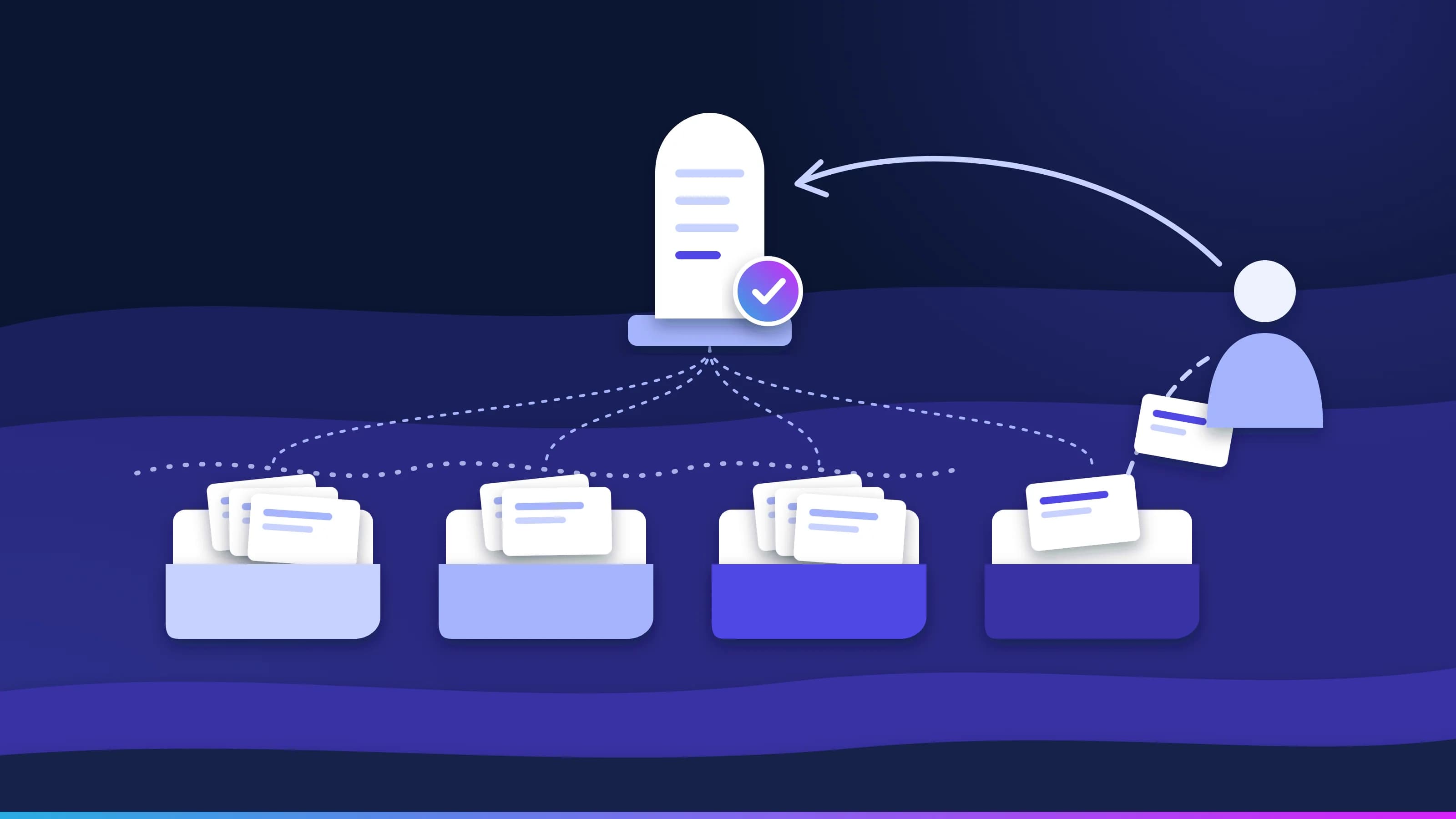 Article · Learning loopA mistake your team fixes once stays fixedGood AI exception handling doesn't stop at the flag. Every task moves through four queues, every failure reaches a named person with the reason attached, and that person's fix becomes an approved rule, so the same exception doesn't come back next week. · updated November 18, 2026 · 8 min read
 Article · ApproachA worker, not a conversationWhat is a Virtual Employee? It has a queue, a memory, a receipt for every task, the approvals and spot checks a rule sets, and a stop button. Here is what each one means, and what a Virtual Employee is not. · updated November 18, 2026 · 7 min read
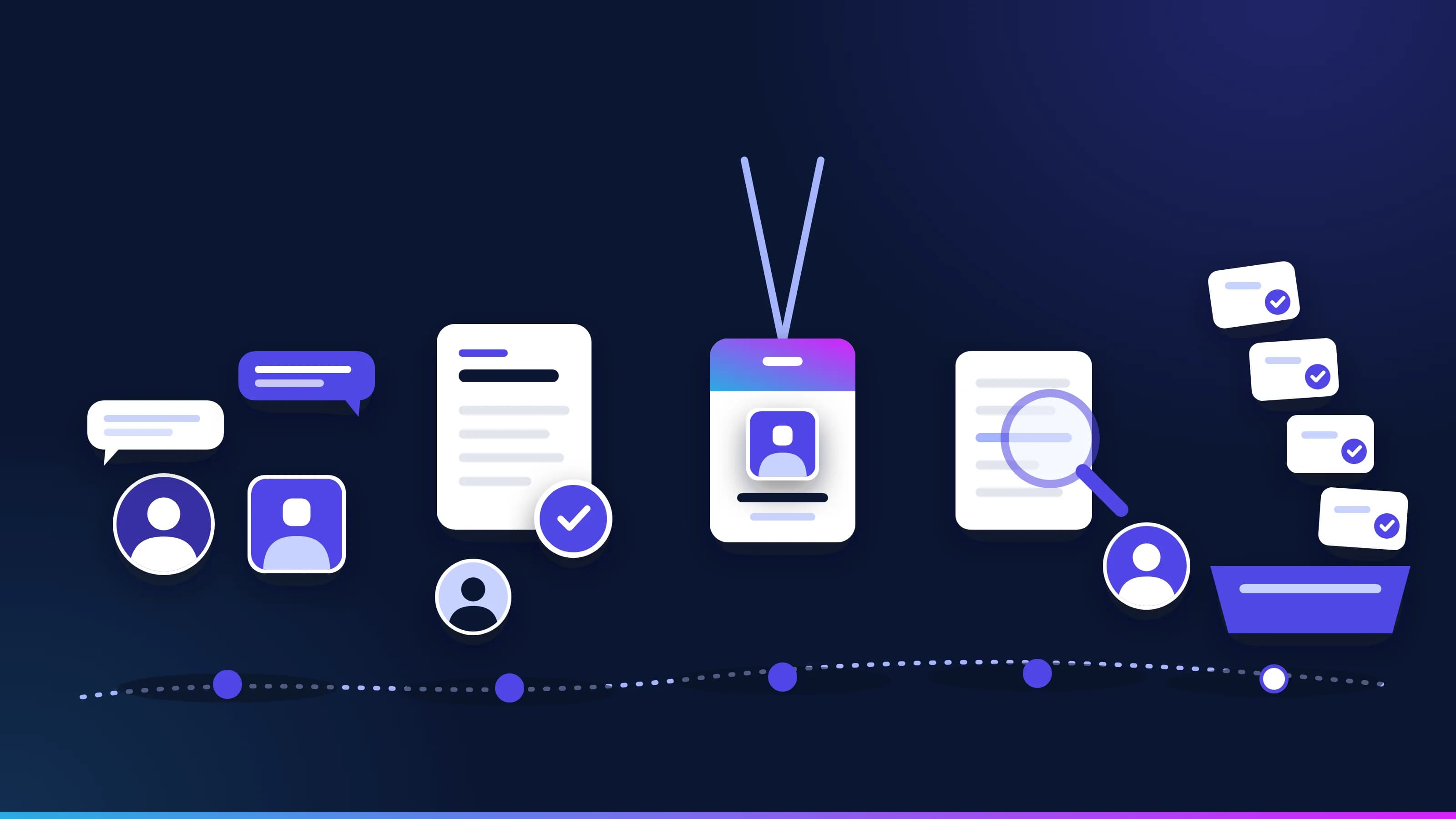 Article · OnboardingHow to onboard an AI employee, the way you hire a personA department hires a Virtual Employee using the same steps it uses for a person (interview, approval, account, a test and shadow mode, then the work). This is how to onboard AI employees so they earn the routine queue on evidence. · updated November 18, 2026 · 8 min read
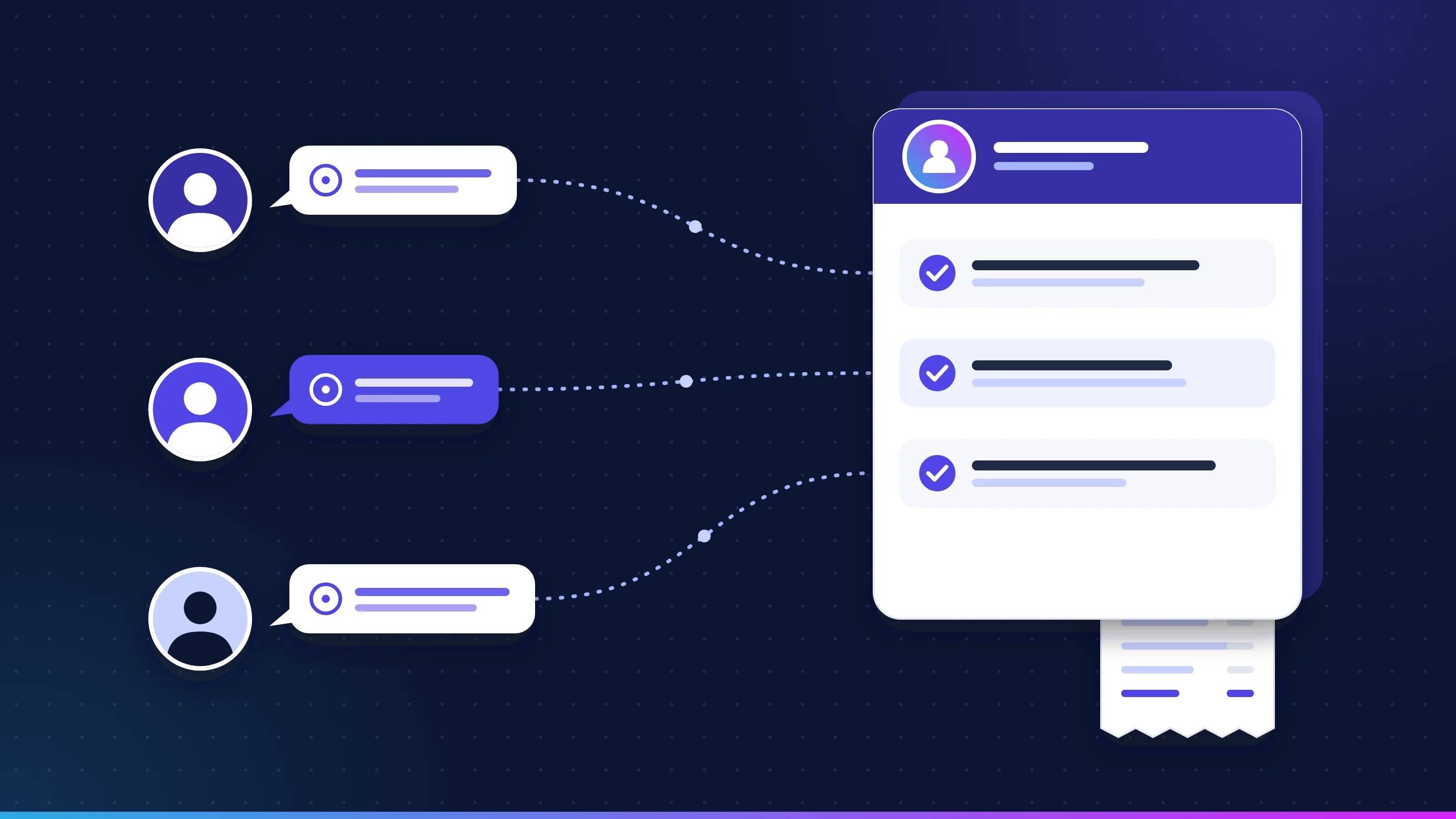 Guide · ApproachVirtual Employees: questions and answersStraight answers to what buyers ask about Virtual Employees, including what they are, how they learn your rules, what they never do, who owns what, where they run, how cost is measured, and how they differ from AI assistants. · updated November 18, 2026 · 12 min read
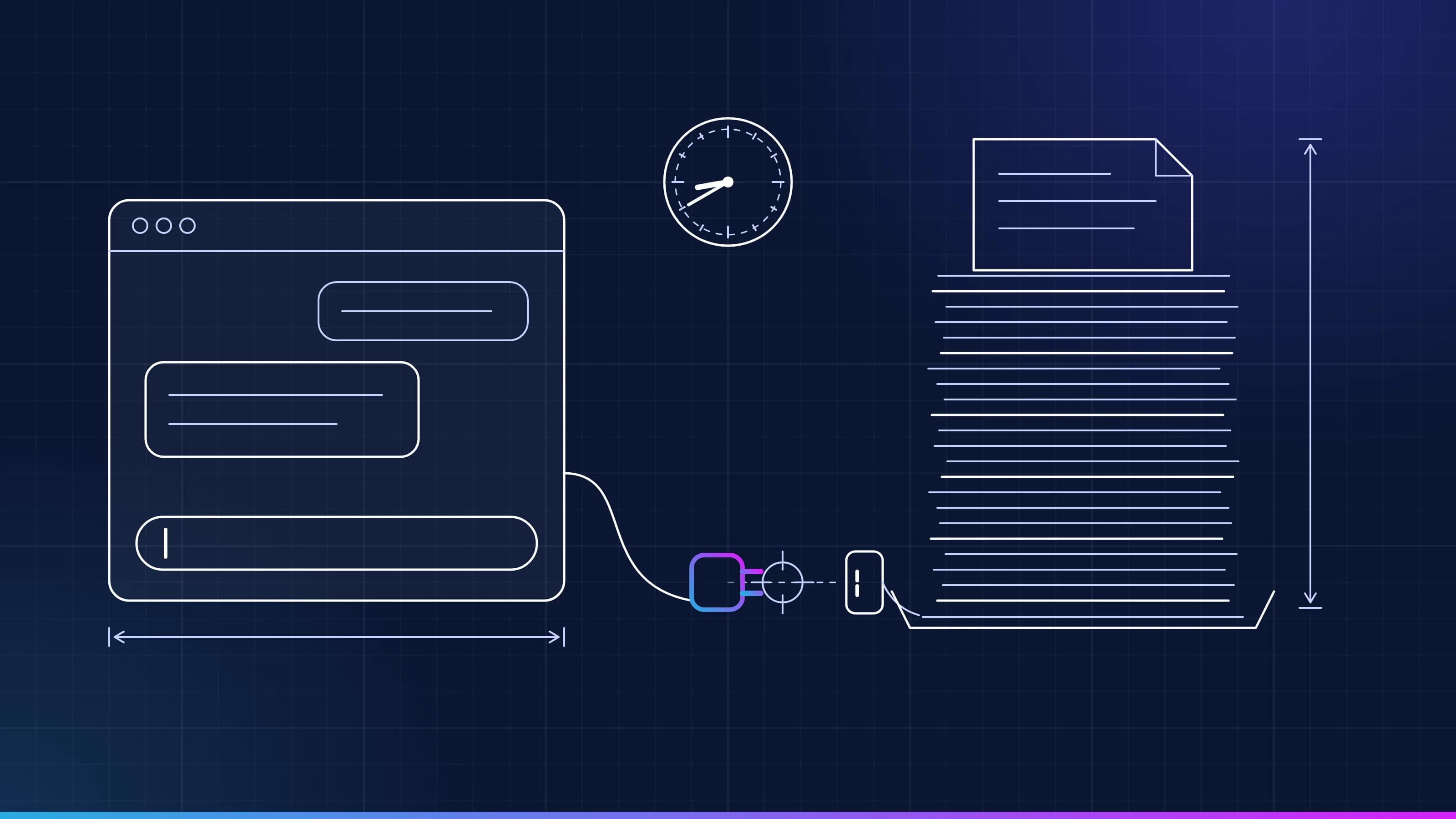 Article · ApproachWhy AI at work stallsMost AI at work stalls because it doesn't know your team's rules and waits to be asked. Here is why AI projects fail in operations, and what changes when the routine queue goes to a worker that knows them. · updated November 18, 2026 · 8 min read
See Virtual Employees on one of your workflows.
Every project starts with one workflow your people know well, measured against what it costs you today.