

ConnectIntegrations
Connects to the systems your teams already run.
Agents read and write in the systems you already run, under your permissions, with every call authorized and audited.
We’ll spend 30 minutes with you on one of your workflows, and you don’t need to share any data.
Where Connect works
Connects your systems, read-only first, under each owner’s approval (Connect). These are the onboarding steps it works in, from your first decision to live work.
What Connect does
Connect is Inovagio’s integration layer: governed connectors to the systems you already run, from health records and claims platforms to core banking, document management, ERP and your cloud storage, plus Model Context Protocol servers, so agents and the platform read from and act in them with every call authorized, audited and given its secrets from Inovagio Secrets.
Connectors to the systems you run
Health records and health plan systems, policy and claims administration, core banking and loan origination, legal document and matter management, ERP, HR, engineering and GIS systems, and your cloud storage, through their published APIs and standards such as FHIR, HL7, X12 and ISO 20022.
Ingests from enterprise endpoints
Document libraries, cloud drives, file shares, mail servers, databases, data warehouses, message queues and REST and GraphQL APIs feed Perception on a schedule or as changes happen.
Ready-made connector packs
Packs for email, team messaging, ticketing, CRM, IT service management and document libraries ship ready to configure.
Data connectors
Relational databases, caches, object storage, spreadsheets, PDFs and any HTTP API connect through one connector model.
Model Context Protocol
Agents use tools from MCP servers you run, and platform capabilities are exposed to MCP clients.
Governed on every call
Each connector call is authorized, checked against policy and audited before and after, so you can see who did what in which system.
Secrets stay in Inovagio Secrets
Connectors resolve credentials at call time from the secrets provider, never from agent prompts or files.
Build your own
A Connect Pack SDK and test harness let your developers add connectors for internal systems.
Connect at work
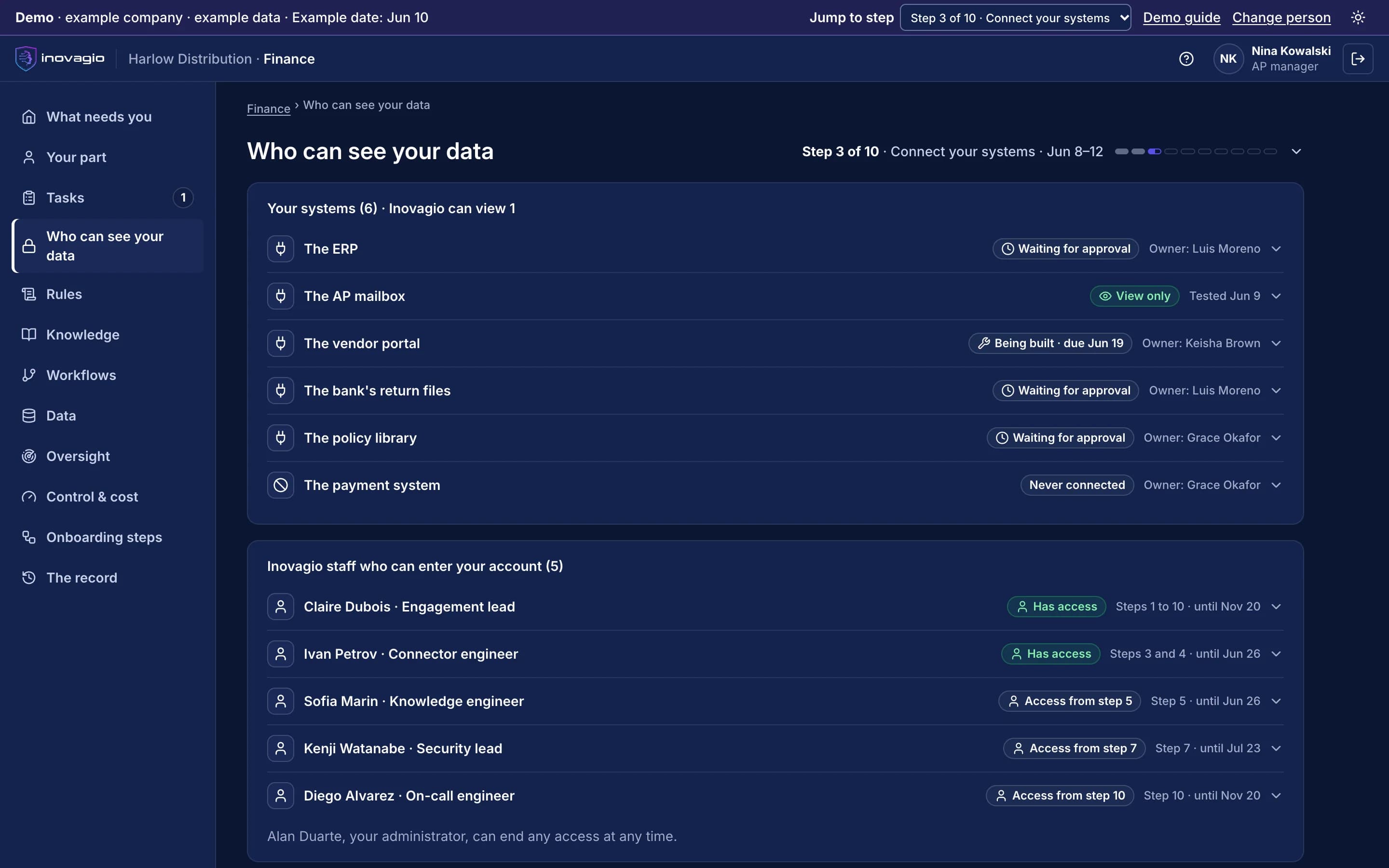
In the App at step 3: Map the work and connect, read-only.
- Six systems, each with its owner.
- Each shows its state: waiting for approval, view only and tested, being built, or never connected.
- So far, Inovagio has view-only access to one of them.
The systems each industry runs, connected.
Inovagio connects to each kind of system, so agents read and write in the systems a team already uses, under that team’s permissions.
Financial services
- Core banking
- Loan origination
- Insurance policy and claims
- Documents and imaging
Through: Published APIs, ISO 20022, ACORD forms and messages, and scheduled file exchanges
Healthcare providers
- Electronic health records
- Clearinghouse
- Billing and patient accounting
- Medical imaging
Through: FHIR R4, HL7 v2, X12 EDI (837, 835, 270/271, 278) and DICOM
Health plans
- Core administration system
- Enrollment and premium files
- Clearinghouse
- Provider data and medical records
Through: X12 EDI (834, 820, 837, 835, 270/271, 278), FHIR R4 and HL7 v2
Legal
- Document management
- Practice management and billing
- Conflicts and intake
- E-discovery
Through: Each product’s REST API, under each matter’s access rules
Government
- Permitting and land management
- Finance and ERP
- Maps and parcels
- Records and content
Through: Published APIs, Esri REST services and scheduled file exchanges
Defense
- Product lifecycle (PLM)
- ERP and program finance
- Supplier collaboration
- Trade and export screening
Through: REST APIs, OData and STEP files
Clouds and enterprise platforms
- Public and private cloud
- Object storage
- ERP
- HR
- Document management
Through: Their published APIs, object storage and event streams, under identities you grant
How Connect works with your data
01
Connect
One connector per system, signed in with a service account you create and limit.
02
Read what the task needs
Each task reads only the records it needs. Nothing is copied in bulk unless you choose to.
03
Keep it in your environment
What Inovagio keeps (facts, links and search) stays on your servers or in your cloud, tied to the record it came from.
04
Write back the system’s way
Updates go in through the system’s own interfaces, after a person approves wherever your rules say.
05
Record every call
Every read and every write is checked against permissions and recorded, with the record it touched.
Inside Connect
The views Connect gives the people who run it, on sample data from Inovagio’s example companies.
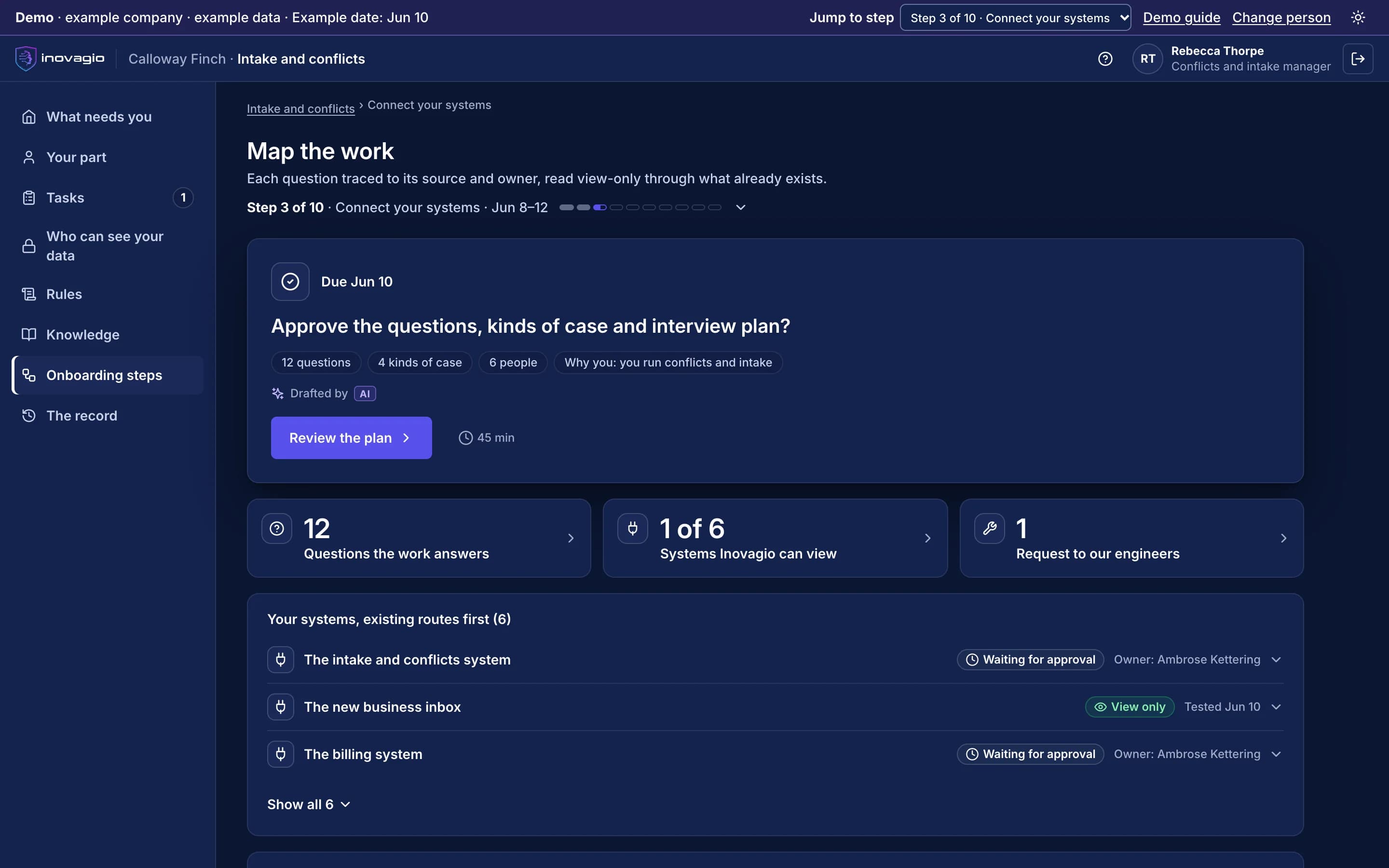
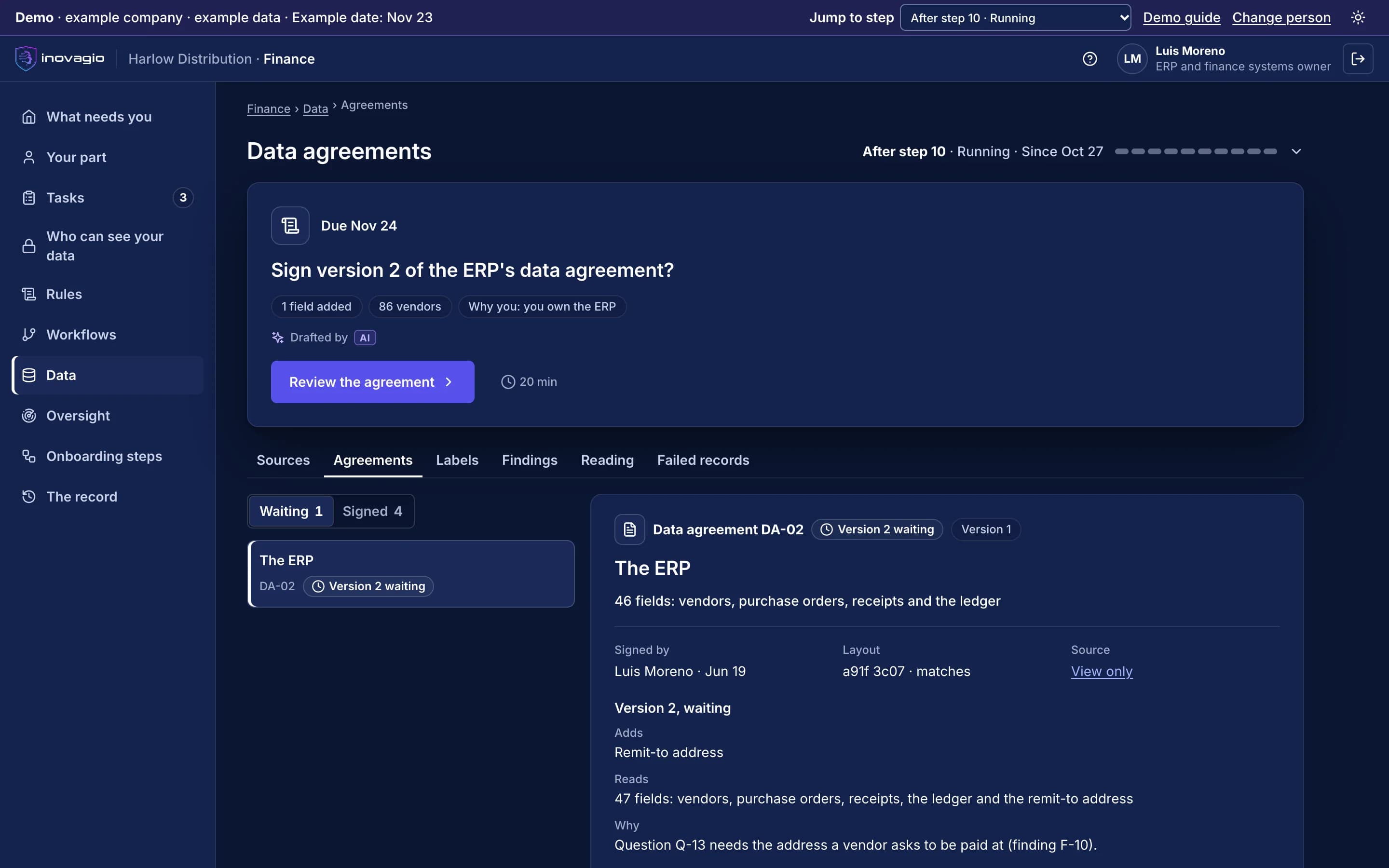
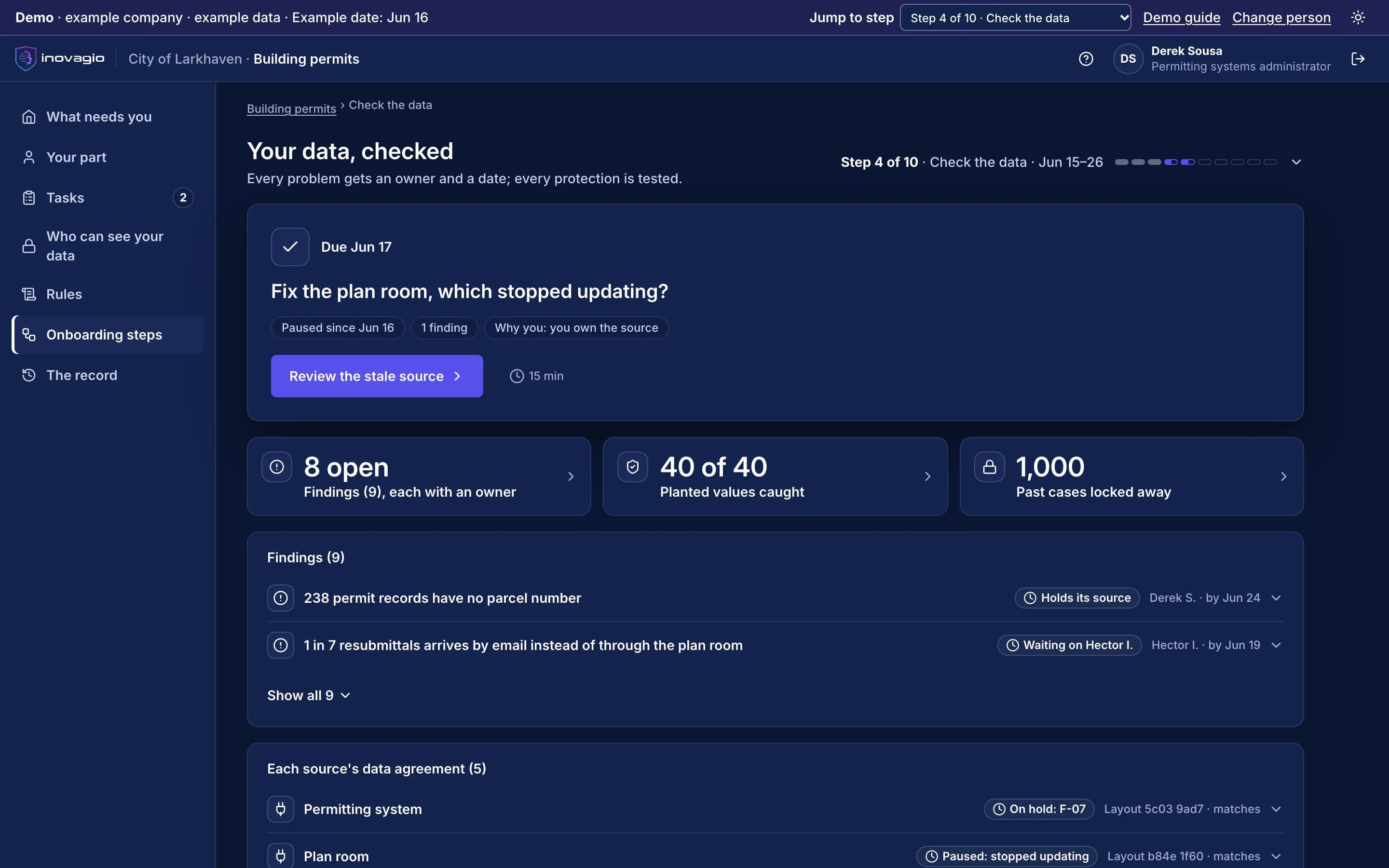
Connect › Systems in scope: the systems a team’s work reaches, existing routes first, each with its owner and whether Inovagio may view it yet. Sample data from Inovagio’s example companies.
Everything Connect does, by area.
Business systems
- Team messaging
- Ticketing and work tracking
- CRM
- IT service management
- Document libraries
Data and files
- Relational databases
- Key-value caches
- Object storage
- Spreadsheets
- PDF documents
- Generic HTTP APIs
Platform
- MCP host and stdio MCP client
- WASM host for sandboxed connectors
- Connector registry
- Secrets from Inovagio Secrets or your own store
- Policy enforced on every connector
- Pack SDK and test harness
What Connect replaces
Connect does the work of these, inside one platform with one identity, one policy and one record:
- Point-to-point integration scripts
- Integration platform subscriptions for agent workflows
- Hand-built tool adapters per agent
- Credentials stored in agent configuration
The controls Connect brings
Every Inovagio product keeps the same five commitments, because regulated work needs all five at once.
Security
Credentials come from Inovagio Secrets; data moves only where policy allows.
Governance
Which systems an agent may reach is set by policy.
On the record
Every read and write to a connected system is recorded.
Monitoring
Connector health and throughput in Panoptes.
Cost per task
One connector library shared by every product.
Connect in your industry
Every industry runs the same ten steps, so Connect does the same job in each, on that industry’s own work.
- Financial servicesBanks, credit unions, lenders and insurersWorked example: Alder Ridge Community Bank · Example company
- Healthcare providersHealth systems, hospitals and physician groupsWorked example: Meridale Health · Example company
- Health plansMedicare Advantage, Medicaid and commercial plansWorked example: Ashgrove Health Plan · Example company
- LegalLaw firms and in-house legal teamsWorked example: Calloway Finch · Example company
- GovernmentState, county and city agenciesWorked example: City of Larkhaven · Example company
- DefenseDefense contractors and their suppliersWorked example: Keelstone Aerospace · Example company
- Finance operationsFinance teams in any industry
For developers: Connect at a glance
- Protocols
- HTTP/REST, Model Context Protocol (stdio), database wire protocols
- Extension model
- Connect Pack SDK; WASM-hosted connectors
- Security
- Per-call authorization and audit; secrets from Inovagio Secrets
- Deployment
- Inside the Inovagio platform, on your hardware or hosted
Connect in the platform.
Where Connect fits
One platformAgent HarnessAgent harness
Inovagio CLIInovagio DesktopWeb ChatInovagio SDK
OpsisExperience layer
FolioMorphe
Virtual EmployeesVirtual Employee layer
NexusErgon
SynesisKnowledge layer
PerceptionMNEMOS
OriginModel layer
Inference ServerForge
PhylaxTrust layer
AuthInovagio SecretsGuard
OperationsOperations
PanoptesArchon
Platform services (this layer)Platform services
ServerAPI ManagementConnect (this product)
Further reading
Guides and posts on Connect
 Guide · Context engineeringContext engineering for enterprise AI agentsContext engineering decides what an AI agent sees at each step of a task. The research on why long contexts fail, the techniques that keep context small, how agent memory fits in, and the controls that stop context from becoming an attack path. · updated November 18, 2026 · 18 min read
 Guide · Semantic layerSemantic layer for AI agents: governed metrics for accurate answersA semantic layer defines each business metric once, with its joins and its owner, so an AI agent asks for "credit note rate" instead of writing its own SQL. What the 2023 to 2026 benchmarks show, a worked metric definition, the open Ossie standard and where MCP fits. · updated November 20, 2026 · 14 min read
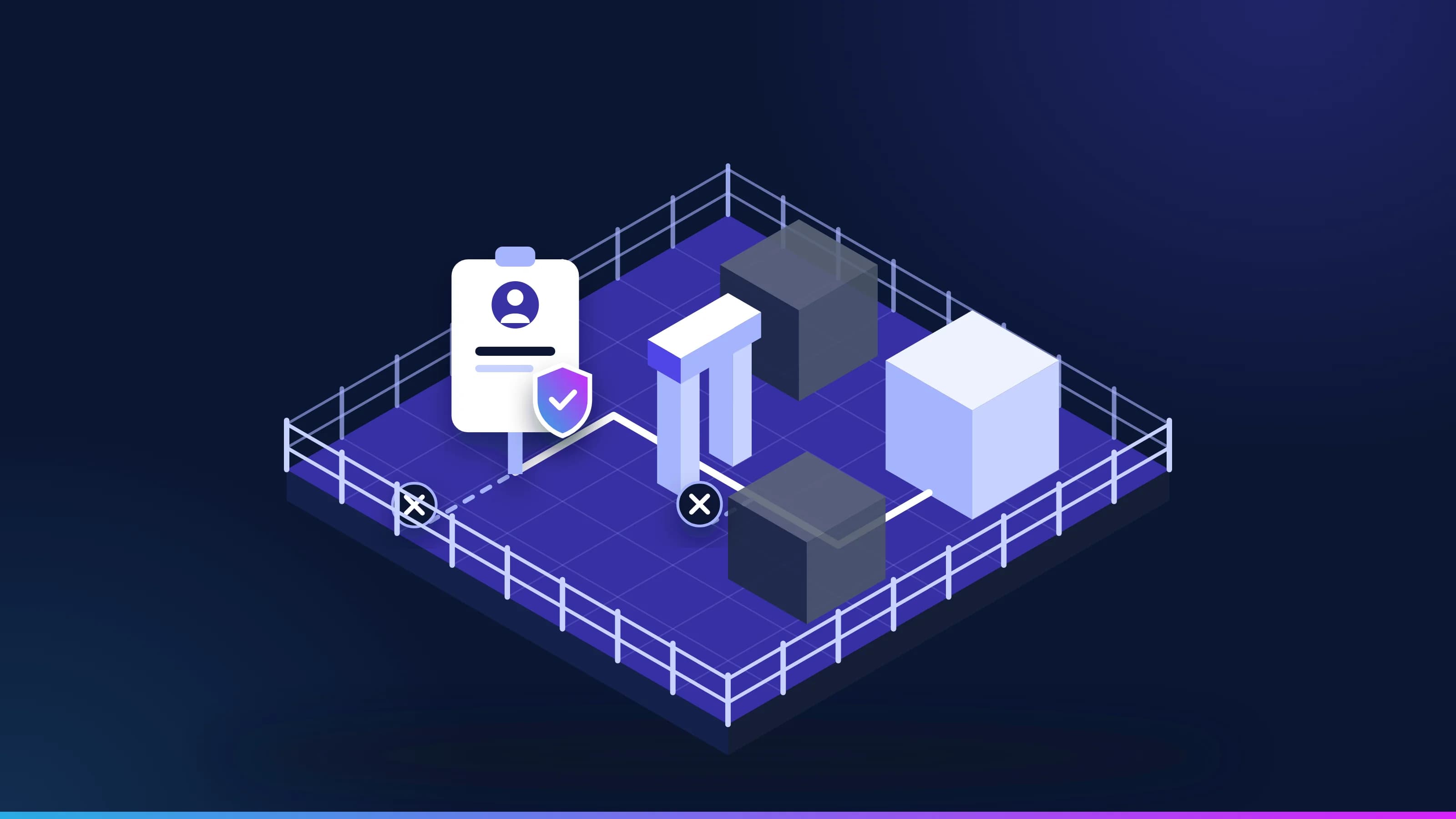 Article · GovernanceIs it safe to give AI a login?Work that crosses systems needs a login, and a login is what a security team guards hardest. These are the five controls that make a Virtual Employee safe to credential, how the kill switch works, and the one number a security team should watch. · updated November 18, 2026 · 8 min read
See Connect on one of your workflows.
Every project starts with one workflow your people know well, measured against what it costs you today.