

Series · How we solve it
A worker, not a conversation
What is a Virtual Employee? It has a queue, a memory, a receipt for every task, the approvals and spot checks a rule sets, and a stop button. Here is what each one means, and what a Virtual Employee is not.
Inovagio team · Published · Updated · 7 min read
On this page
An AI employee is AI that a department hires to work a routine queue, the way it would hire a person, instead of a chat window someone types into. Ours are called Virtual Employees.
An accounts payable clerk at Ashcombe Freight pastes a vendor invoice into an AI assistant, and a clean summary comes back in four seconds. She reads it, opens the finance system and keys the invoice number and purchase order, then the amount due, by hand, the same way she did before anyone bought an assistant. Then she opens the next email. (Ashcombe Freight · Example company)
The assistant did what it was built for. It held a good conversation, and the keying still fell to her. A Virtual Employee would have spent that morning differently, because it is a worker a department hires for a routine queue. It joins your network, knows your business, follows your rules and runs on AI you own. The email would have gone to its queue, and the invoice, matched to its purchase order and entered, would have come to her for review.
What is an AI employee?
#Other vendors sell this category as AI employees or AI agents; ours are Virtual Employees. The name matters less than the five things that make one an employee, each answering a question a department head would ask about any new hire.
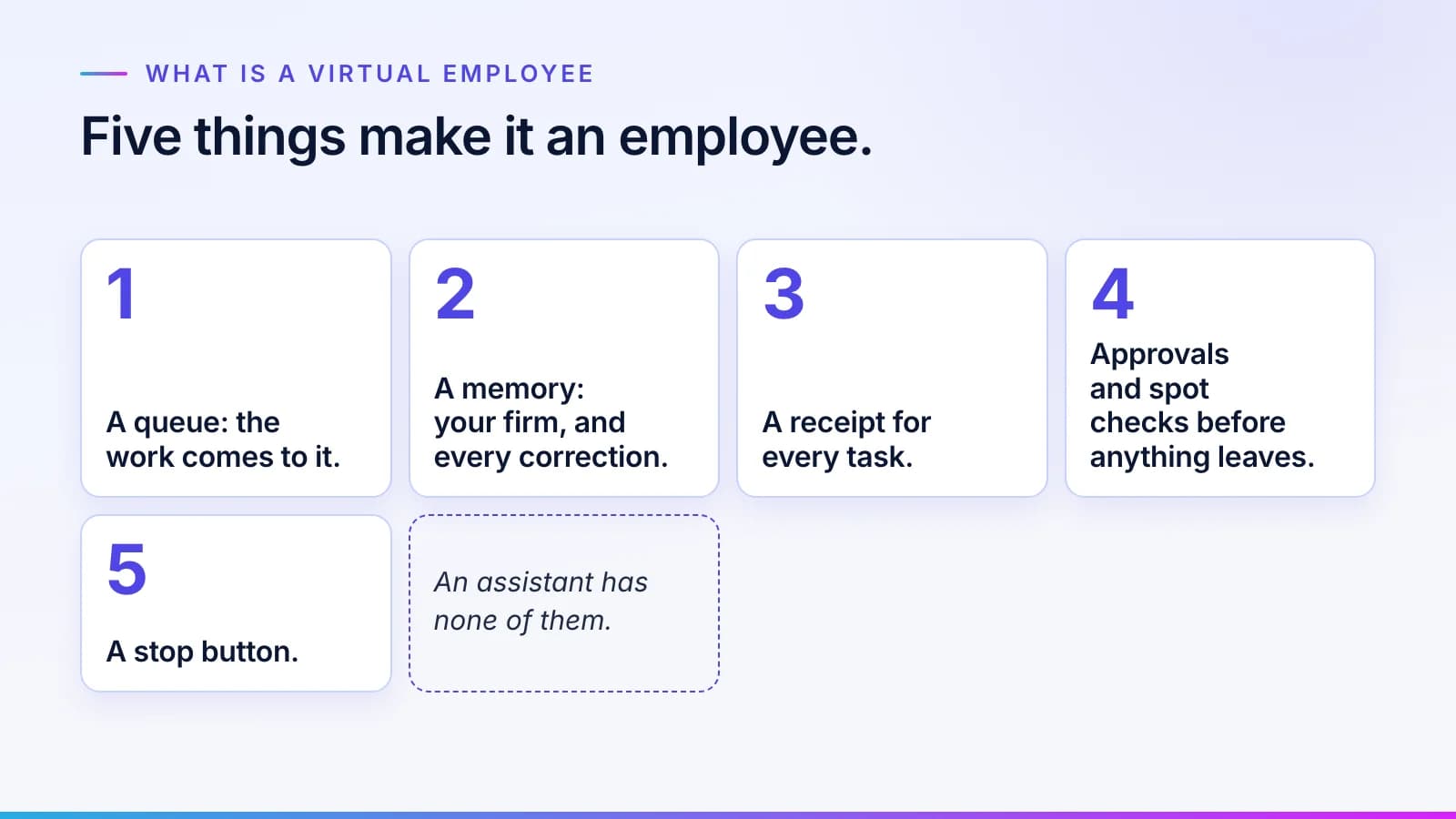
A queue, so the work comes to it
#You don't prompt a Virtual Employee. You forward the pile to its mailbox or drop files in its folder, and it works through them without anyone needing to watch. Requests can also come from a system or another department, even from another team's Virtual Employees.
Before any work starts, each request is checked against the team's goals and rules. A request that is unclear is rewritten or sent back. That check is why the queue can run unattended: nothing reaches the worker that the department wouldn't hand a new analyst.
A memory of your firm and its corrections
#An assistant starts each conversation close to blank. A Virtual Employee works from two things. Its memory holds what happened: your records, the past decisions on similar cases and every correction your team has made, all in one data engine, MNEMOS, on servers you choose. Beside that sits what your organization has approved: the rules and terms in Synesis. The worker reads those rules. It never changes them on its own.
That split is how mistakes stop repeating. A correction lands in memory first. From there it is drafted as a proposed rule, and once the rule's owner approves it, every task after that reads the update. A mistake your team fixes once stays fixed, and our knowledge layer questions and answers explain how memory and approved knowledge fit together.
Note
The model doesn't retrain itself to make that happen. The rules change, each change has an approver, and any change can be rolled back.
A receipt for every task
#Every task leaves a receipt. It shows what the worker did and the rules it ran under; what it read and touched; the model it used; and how long the task took and what it cost. Receipts are tamper-evident and timestamped, so an auditor can replay a task step by step months later.

The receipt is also where cost comes from. Add up the receipts for a month, divide by the tasks done correctly, and you have cost per correct task, set against what the same task costs you today. The control and cost page shows how it is worked out, and the guide to reading a task record walks through one receipt entry by entry.
Approvals and spot checks before anything leaves
#Nothing a Virtual Employee produces goes out until it passes your checks. Each result is checked against your approved rules and the records it used, and anything the checks can't confirm goes to a person. Where the rules require it, a person approves the batch before it is sent.
The tasks that need a person land in a queue called Needs a person, with the reason and the evidence, plus the rule the worker tried to apply. Your people take those exceptions. They approve the work instead of keying it.
A stop button
#You can watch a Virtual Employee work. You can also stop it. Pause one Virtual Employee, a department or everything at once from one screen. Spending limits stop work when they are reached, not after. You can set them as narrowly as one task or as widely as a department. A Virtual Employee that works on your network has its account in your own directory, so disabling the account stops the worker. Together, that means an account you can disable, a network it can't leave and a record of everything it did. Trust and governance sets out each control in plain words. For a security team, how to give AI a login safely covers the same controls, and what bank examiners now ask about stopping AI agents covers the stop itself.
AI employees vs AI assistants
#The two are often sold as the same thing, so it helps to put them side by side.
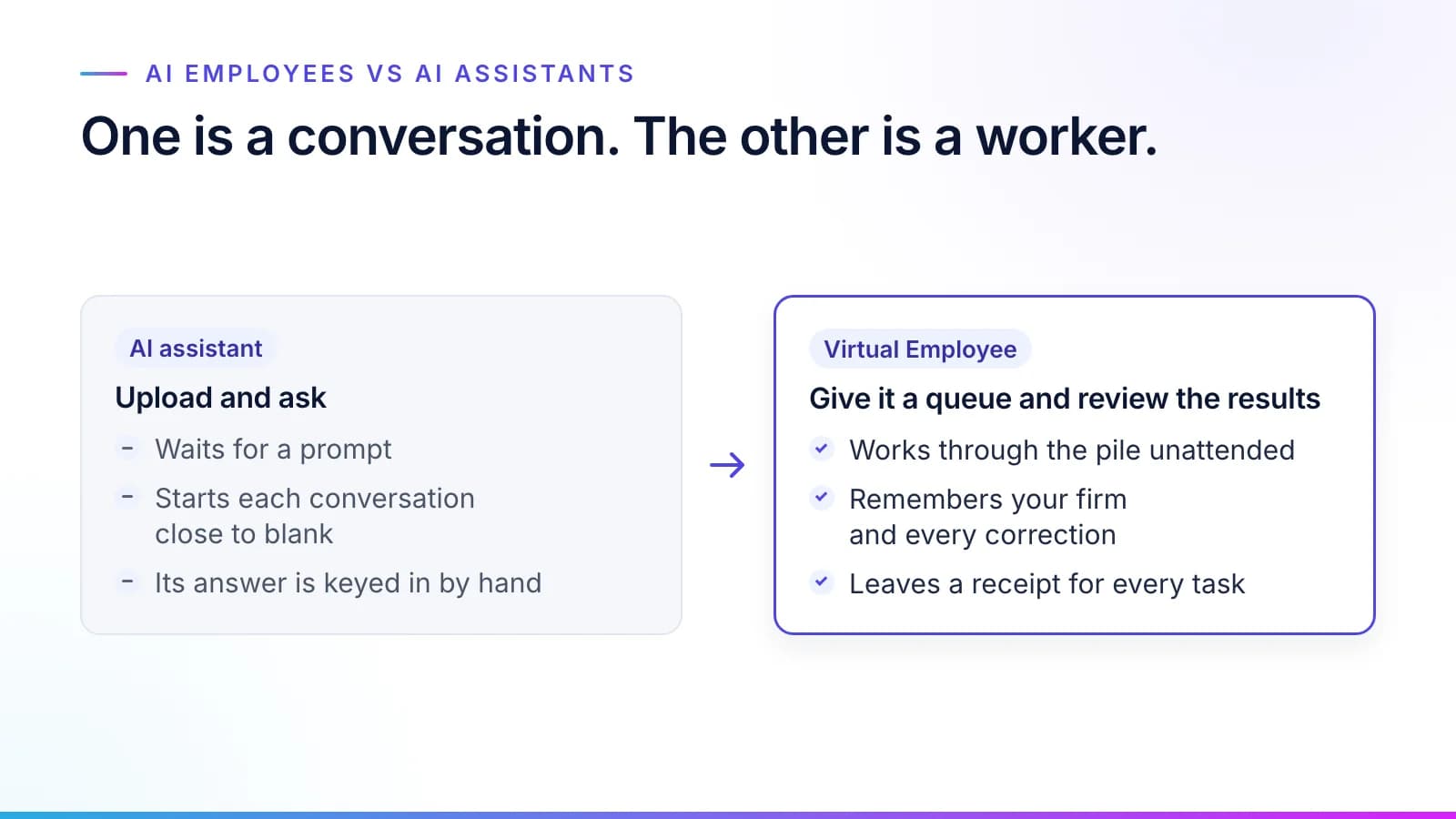
An assistant is good at drafting and summarizing, and at answering questions. It is a fine tool, and most teams should keep theirs.
A Virtual Employee is hired for something else: a queue owned by a department and measured by backlog and cost. Why AI at work stalls explains what goes wrong when an assistant is asked to do that job.
What a Virtual Employee is not
#It is not a smarter model, and we never claim our model knows more than the best one on the market. The model is a replaceable part: you choose the base family, and a better one can be swapped in without touching the rulebook or the account, and without a gap in the audit record.
It isn't a remote contractor, either. Elsewhere "virtual employee" often means a person hired to work from home; a Virtual Employee is AI software.
Nor is it a chatbot with a job title. A worker with no rules would be exactly that, which is why the job starts with your people's rules written down and approved.
It doesn't take the whole role, only the routine queue. The exceptions and judgment calls stay with your people, and so does every regulated decision.
And it hides nothing. Every step is on the receipt, and every receipt can be replayed.
To see how a department brings one on, read how to hire a Virtual Employee, or browse the Virtual Employee roles from accounts payable to policy servicing. Short answers to the rest are in Virtual Employees: questions and answers.
Questions
What people ask.
What is a Virtual Employee?
A Virtual Employee is a worker a department hires for a routine queue. It joins your network, learns your rules from your people, does the routine work inside those rules and hands the exceptions to a person. Every task leaves a receipt with what it did and what it cost, and you can stop it at any time.
How does a Virtual Employee get its work?
It gets its work from a queue, not a prompt. You forward the pile to its mailbox or drop files in its folder, and requests can also come from a system or another department. Each request is checked against the team's goals and rules before work starts, and an unclear one is rewritten or sent back.
Is a Virtual Employee the same as an AI agent?
Broadly, yes: both do assigned work instead of only answering questions, and AI agent and AI employee are the names much of the industry uses. A Virtual Employee is Inovagio's version, defined by five things: a queue, a memory of your firm and its corrections, a receipt for every task, the approvals and spot checks its rules set, and a stop button.
Does a Virtual Employee take over my team's whole job?
No. A Virtual Employee takes the routine queue, and your people take the exceptions, the judgment calls and every regulated decision. The people who know the work approve the rules it follows, and their names are on them, so the Virtual Employee works for them rather than in their place.
Can I stop a Virtual Employee at any time?
Yes. You can pause or stop one Virtual Employee, one department or everything at once from one screen, and spending limits stop work when they are reached. A Virtual Employee that works on your network has an account in your own directory, so disabling that account stops it too.
The products, industries and examples it covers.
- Role workersVirtual EmployeesVirtual Employees that plan, act and ask before anything leaves the building. Every plan is checked before it runs.
- Knowledge layerSynesisTurns your policies, procedures, records and your people’s know-how into a rulebook your experts approve, which you own and can take anywhere.
- Data engineMNEMOSRecords, documents, vectors, graph and agent memory in one engine, with a ledger behind every write.
- Agent control planeArchonSee every agent at work, and stop or start any of them.
- IndustryFinance operationsInvoices matched to orders and receipts and coded by your rules, and payments to changed bank details held until a callback is logged. Your team releases every payment.
- OverviewHire a Virtual EmployeeThe roles, what each knows, and what always goes to a person.
- OverviewHow it worksTen checked steps from your first decision to the day it handles real cases.
- OverviewTrust and governanceEvery action checked, every step recorded.
Read next.
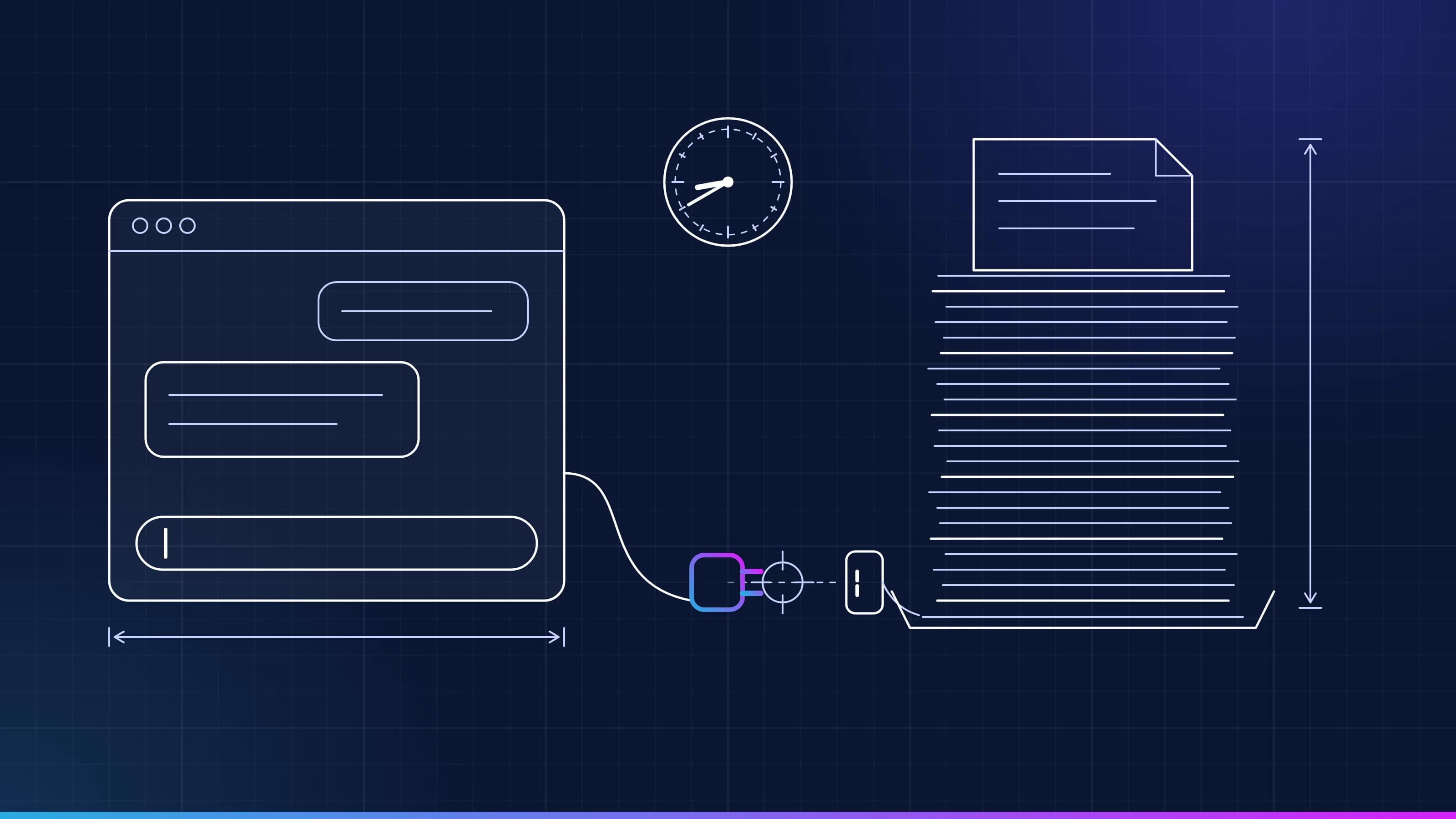 Article · ApproachWhy AI at work stallsMost AI at work stalls because it doesn't know your team's rules and waits to be asked. Here is why AI projects fail in operations, and what changes when the routine queue goes to a worker that knows them. · updated November 18, 2026 · 8 min read
 Article · OnboardingHow to onboard an AI employee, the way you hire a personA department hires a Virtual Employee using the same steps it uses for a person (interview, approval, account, a test and shadow mode, then the work). This is how to onboard AI employees so they earn the routine queue on evidence. · updated November 18, 2026 · 8 min read
 Article · GovernanceIs it safe to give AI a login?Work that crosses systems needs a login, and a login is what a security team guards hardest. These are the five controls that make a Virtual Employee safe to credential, how the kill switch works, and the one number a security team should watch. · updated November 18, 2026 · 8 min read
See it on your work
See how one of your tasks runs, start to finish.
A 30-minute walkthrough of one of your workflows, the approval step and the audit record, with the people who build the platform.