

Developers
Build AI agents and apps, already governed.
Agents, workflows, card apps, data and models through one CLI, one SDK and open standards, with identity, policy, audit, monitoring and cost tracking you don’t have to build.
$ inovagio knowledge add --from-dir ./docs$ inovagio mode set approve-edits$ inovagio -p "Explain how invoice retries work and cite the files"$ inovagio -p --goal "Make every test in tests/billing pass" --ceiling balanced --budget 30$ inovagio -p --resume-goal billing-tests --approve$ inovagio mcp list$ inovagio> /plan> /model
Start here
The products developers use first.
Inovagio CLI
Terminal agent
Plan, edit, test and run goals from the terminal, with approval modes and a safety floor.
Inovagio SDK
Agents in your app
Embed the same agent harness, card engine and policy in your own application.
Agent Harness
One agent loop
The loop, tools, task breakdown, models, memory and approvals every face shares.
Inference Server
Runs the models
Open models on your hardware behind the Inovagio API.
MNEMOS
Data engine
SQL, documents, vectors, graph, search, queues and memory in one engine, with existing drivers.
API Management
API gateway
Publish, secure and meter your APIs and agent tools, with the cost of every call.
Every product, in four groups.
Knowledge: Synesis and MNEMOS. Workers: Virtual Employees, the agent harness and the Opsis apps. Intelligence: Origin, the models you run and train. Control: Phylax, operations and the platform services.
Synesis
Knowledge layer
Learns the business: reads your data, interviews your people and writes the rules your experts approve.
- PerceptionData ingestionTurn documents, scans, email and system data into cited knowledge.
- MNEMOSData engineRecords, documents, vectors, graph and agent memory in one engine, with a ledger behind every write.
Virtual Employees
Virtual Employee layer
Does the work: each goal is broken into tasks that Virtual Employees run as workflows, asking a person whenever policy requires it.
Agent Harness
Agent harness
How people and apps work with agents: the agent loop, tools, task breakdown, models and approvals, in the terminal, on the desktop, in web chat or inside your own app.
- Inovagio CLITerminal agentA governed coding agent that plans, edits, tests and stops for approval.
- Inovagio DesktopWorkspace and command centerChat with your agents and run the whole platform from your desktop.
- Web ChatBrowser agentThe same governed agents, in the browser.
- Inovagio SDKDeveloper kitsBuild your own apps, cards and agents on the Inovagio core.
Opsis
Experience layer
Shows the work and the data: card apps, documents, spreadsheets, diagrams and 3D, rendered the same way on desktop, web and phone.
Origin
Model layer
Runs and builds the models: open models, small to large, on your hardware or in your cloud.
- Inference ServerModel servingRun open models, small to large, on hardware you control.
- ForgeModel trainingTrain task-specific models on your data, with the evidence built in.
Phylax
Trust layer
Controls and proves it: identity, secrets, safety, policy and a tamper-evident record of every step.
- AuthIdentity and sign-inOne sign-in for every person, service and AI agent.
- Inovagio SecretsSecrets and keysKeep every credential sealed, scoped and rotated.
- GuardAI safetyContent safety on every prompt, response and tool call.
Operations
Operations
Sees and runs everything: one view of every log, trace, metric and cost, and one place to stop or start any agent.
Platform services
Platform services
Connects it all: the server, the API gateway and the connectors every product shares.
- ServerHTTP, web and proxy serverServe, route and protect web traffic on your own hardware.
- API ManagementAPI gatewayOne governed door to every model, agent and API.
- ConnectIntegrationsConnectors to the health, insurance, banking, legal, ERP and cloud systems you run, under your permissions.
Standards and interfaces.
- Identity
- OpenID Connect, OAuth 2.0 with PKCE, token exchange, device grant, SAML 2.0, SCIM 2.0, WebAuthn
- Agents and tools
- Model Context Protocol, agent-to-agent (A2A) task messages, gRPC tool and approval services
- Telemetry
- OpenTelemetry (OTLP traces, logs and metrics), W3C Trace Context
- Data
- SQL, ISO GQL and SQL/PGQ graph queries, REST, gRPC, key-value and messaging APIs
- Models
- Native Inovagio API for generation, embeddings, reranking and model control; GGUF and safetensors
- Embedding
- C ABI with C++ headers and language bindings; web through WASM
- Platforms
- macOS, Linux and Windows
From your data to a governed agent in five steps.
Connect
Bring in the data
Perception and Connect read your documents and the systems you work with.
Ground
Give it knowledge
MNEMOS stores and retrieves it; Synesis turns it into approved rules.
Build
Write the agent
Skills, tools, goals and workflows, from the CLI or the SDK.
Ship
Put it in any face
The terminal, the desktop, web chat or your own app, with one admin.
Run
Watch and control it
Panoptes shows every trace and cost; Archon can stop or start it.
Guides, API references and the architecture, with the developer edition.
Developer access comes with the product guides, API and SDK references, the card catalog and worked examples for each product.
- Getting-started guides for the CLI, the SDK and the inference server
- API references for MNEMOS, API Management, Auth and the Inference Server
- The card catalog for Opsis apps
- The architecture, product by product
Articles and guides on building on Inovagio.
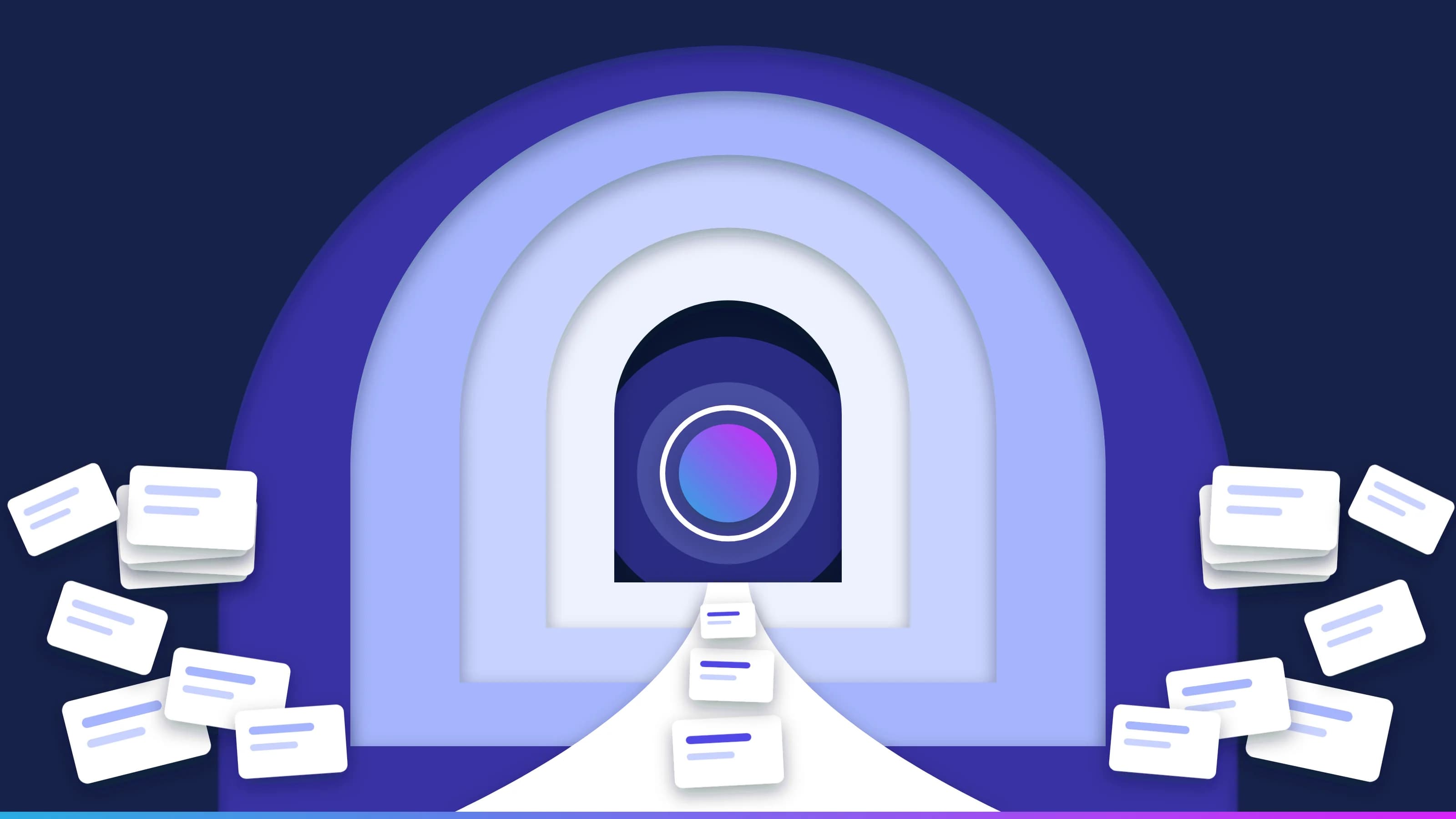 Guide · Context engineeringContext engineering for enterprise AI agentsContext engineering decides what an AI agent sees at each step of a task. The research on why long contexts fail, the techniques that keep context small, how agent memory fits in, and the controls that stop context from becoming an attack path. · updated November 18, 2026 · 18 min read
 Guide · Data qualityData quality checks for AI agents in automated processesThe checks a record must pass before an AI agent may act on it, and the monitoring that catches what slips through. Shapes, business rules, freshness limits, confidence and quarantine, drift, and how a bad record is traced and fixed at the source, with the audit record each step leaves. · updated November 18, 2026 · 13 min read
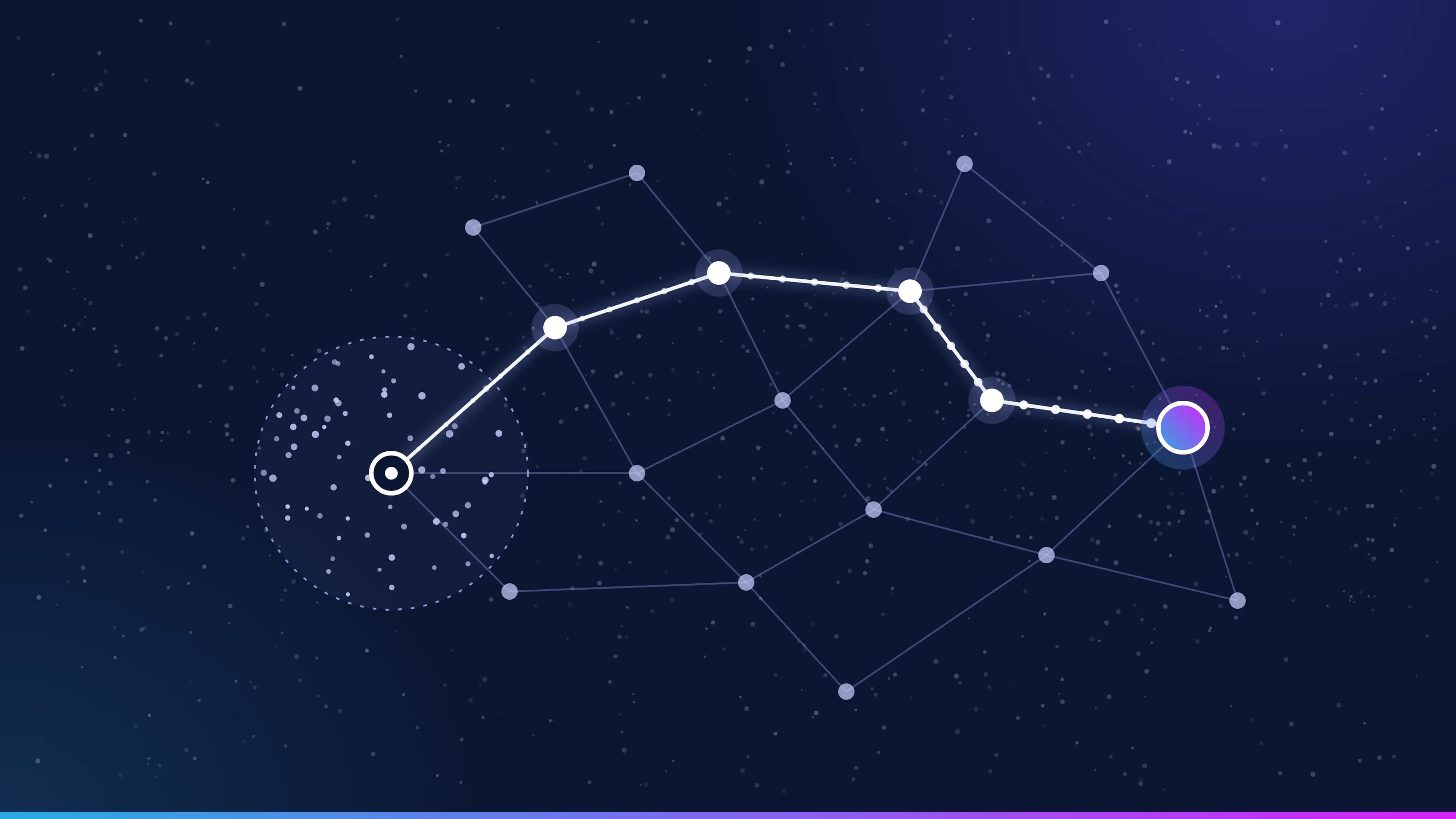 Guide · Knowledge graphHow AI agents use your knowledge graphAn AI agent uses your knowledge graph in five steps. Approved terms become concepts, the ontology types the graph, retrieval finds connected records and their evidence, your rules check the result, and failures go to a person. How each step works, and what the GraphRAG research shows. · 17 min read
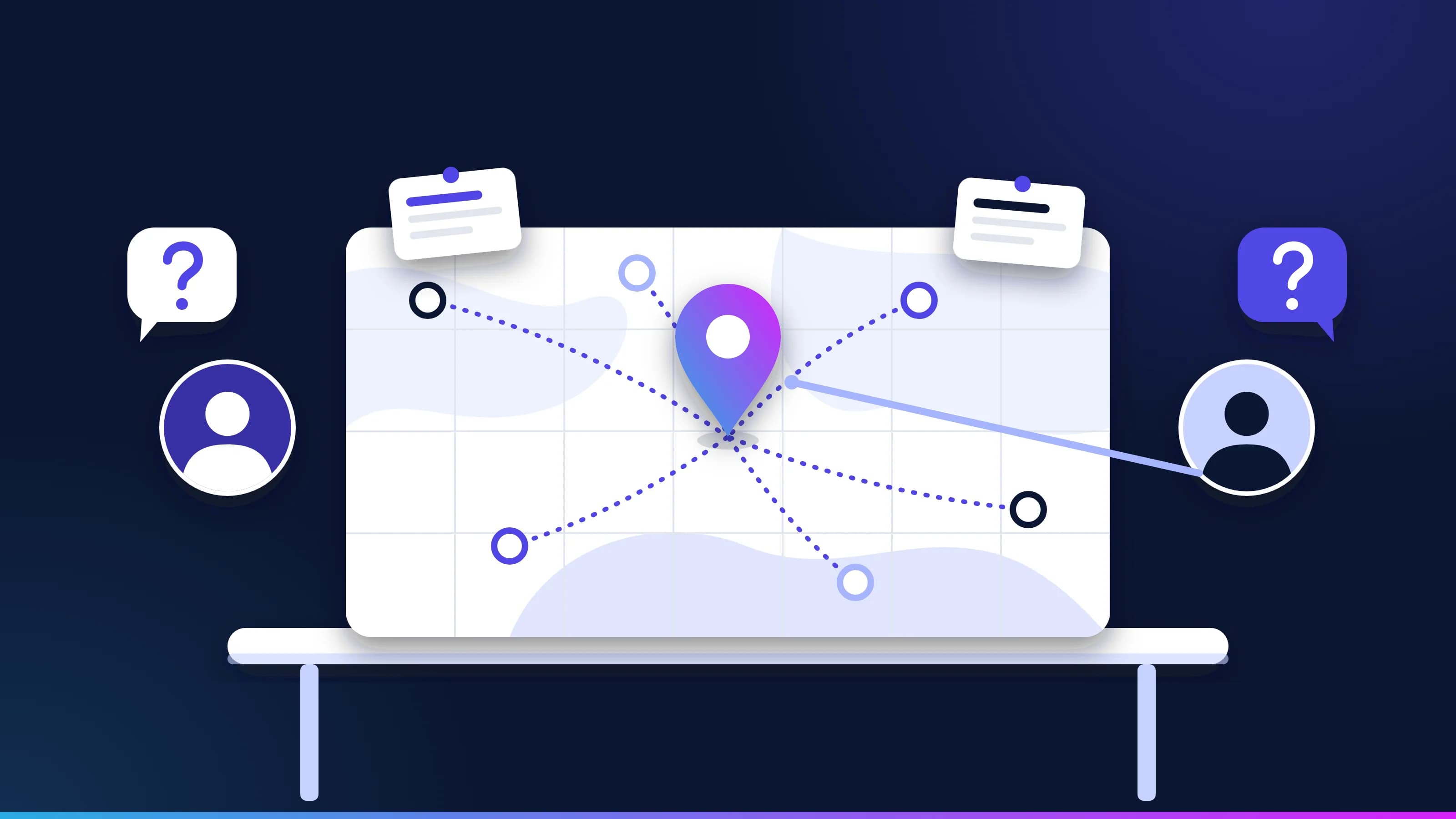 Guide · KnowledgeKnowledge layer: questions and answersStraight answers to the questions buyers and architects ask about the knowledge layer for AI agents, from ontologies, knowledge graphs and semantic layers to context engineering, GraphRAG, semantic caching, small models and who owns it all. · updated November 18, 2026 · 12 min read
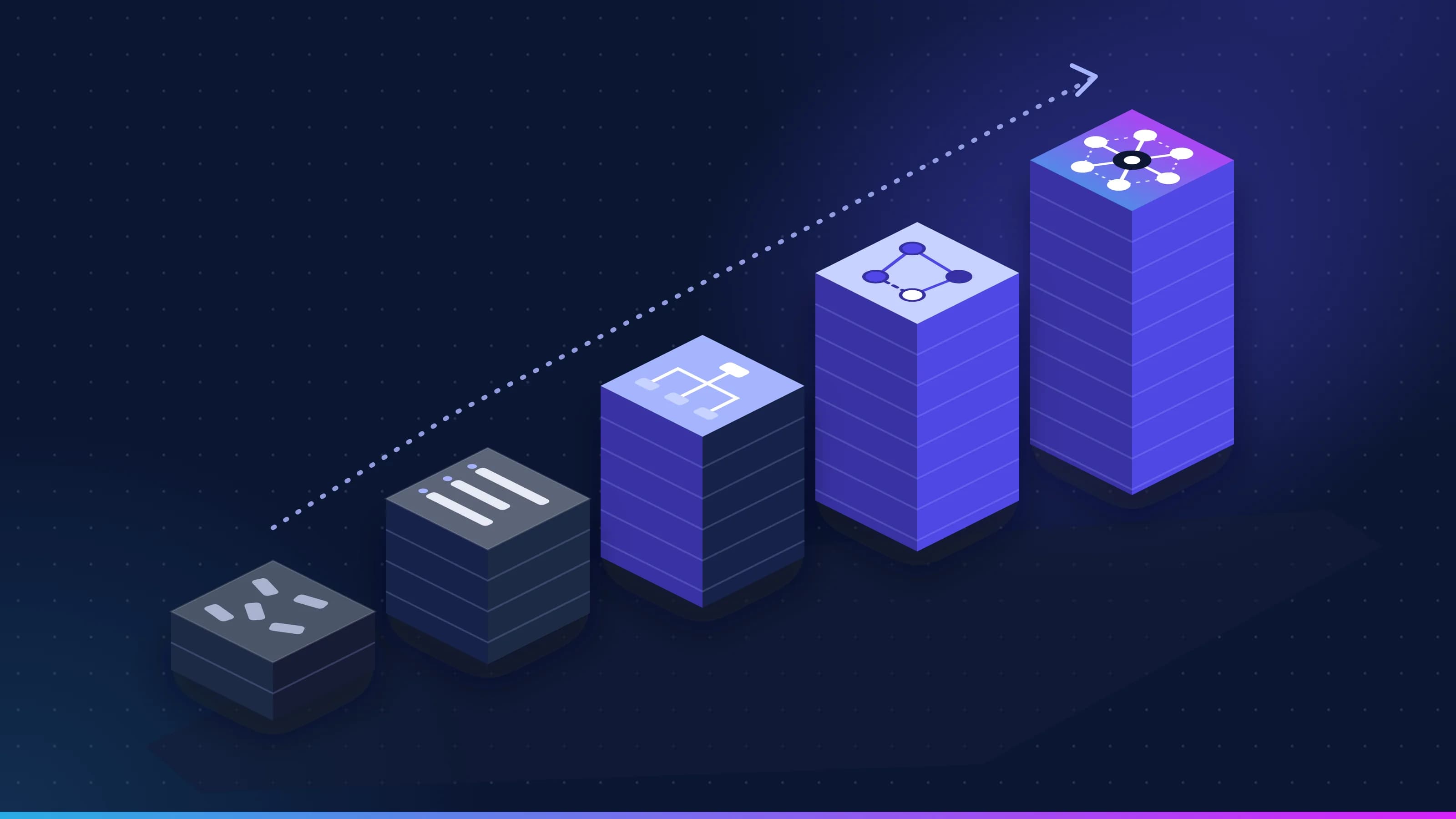 Guide · OntologyOntology for AI agents: how to build one in five stagesHow to build an ontology AI agents can use, in five gated stages from a controlled vocabulary to a knowledge graph. The W3C standards for each stage, competency questions, Turtle and SPARQL for a worked example, entity resolution, versioning and "as of" queries. · updated November 18, 2026 · 21 min read
 Guide · Data qualityPreparing data for a knowledge layer: a step-by-step guideHow to get data ready for a knowledge layer and the AI agents that read it, in the order that works. Scope by the first queue, profile against named quality dimensions, name owners, resolve entities reversibly, clean documents, record lineage, map to the ontology and put a contract on every source. · updated November 18, 2026 · 17 min read
Build on the platform.
Request the developer edition, or start with a 30-minute conversation about one of your workflows.