We’ll spend 30 minutes with you on one of your workflows, and you don’t need to share any data.
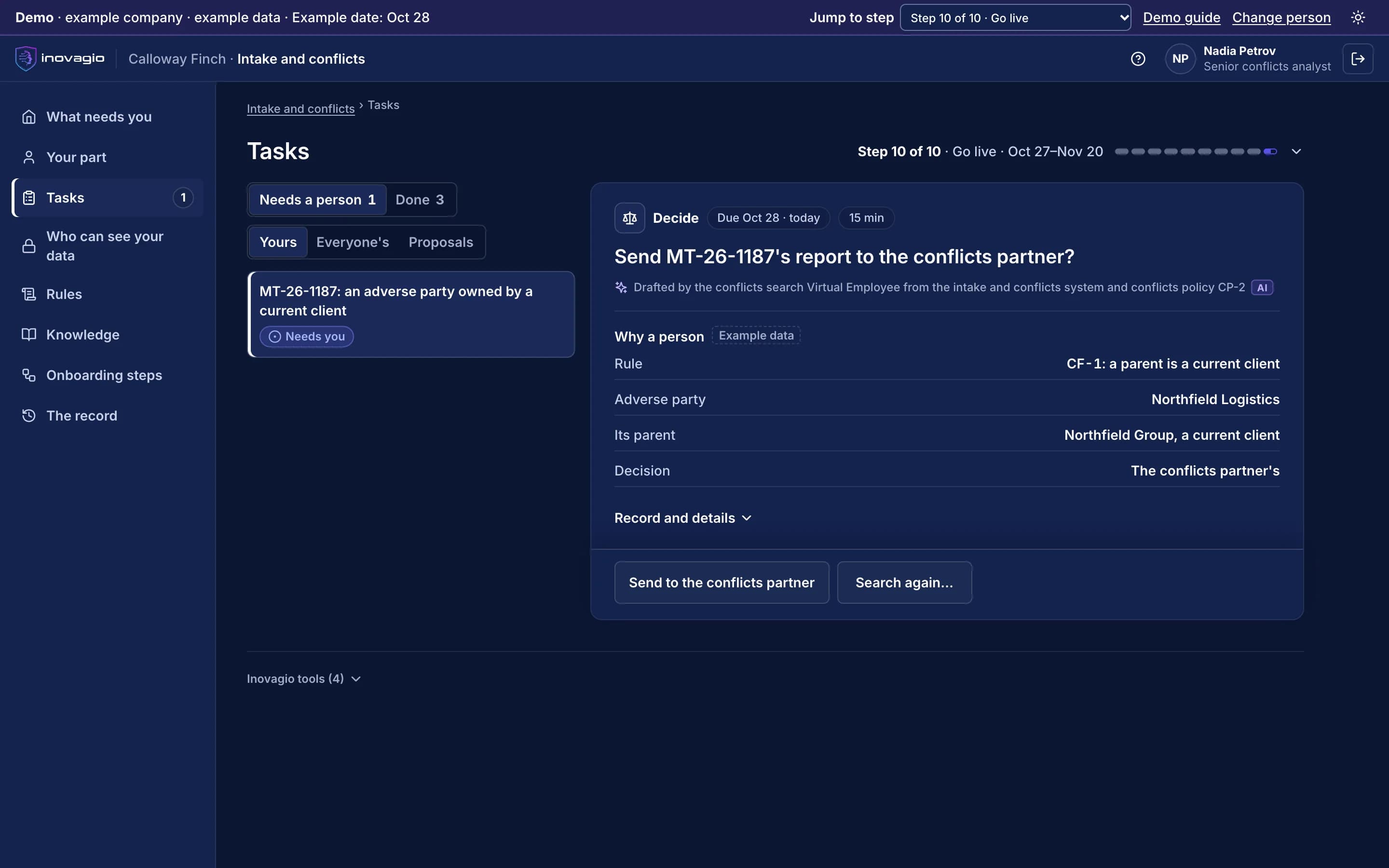
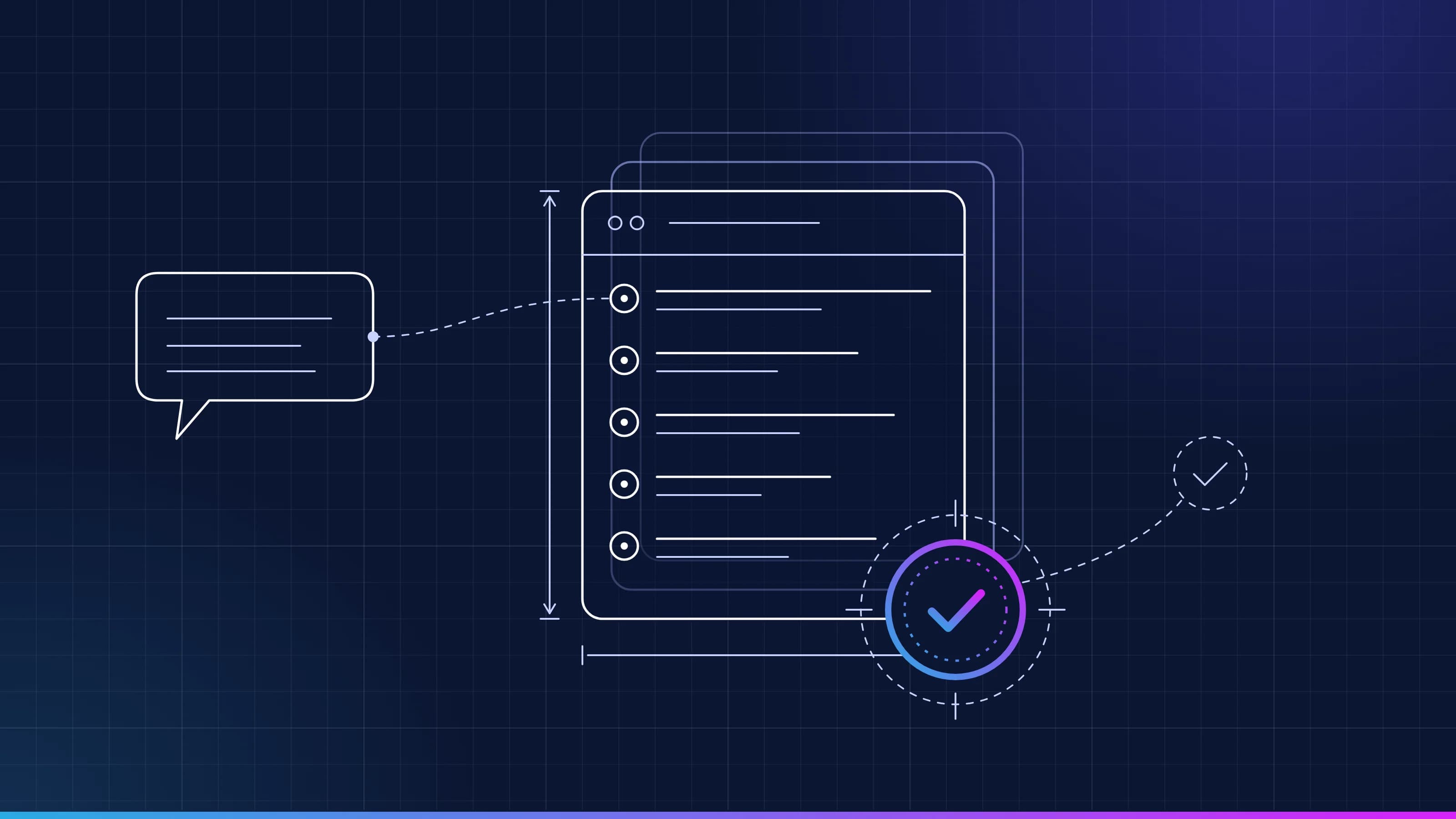
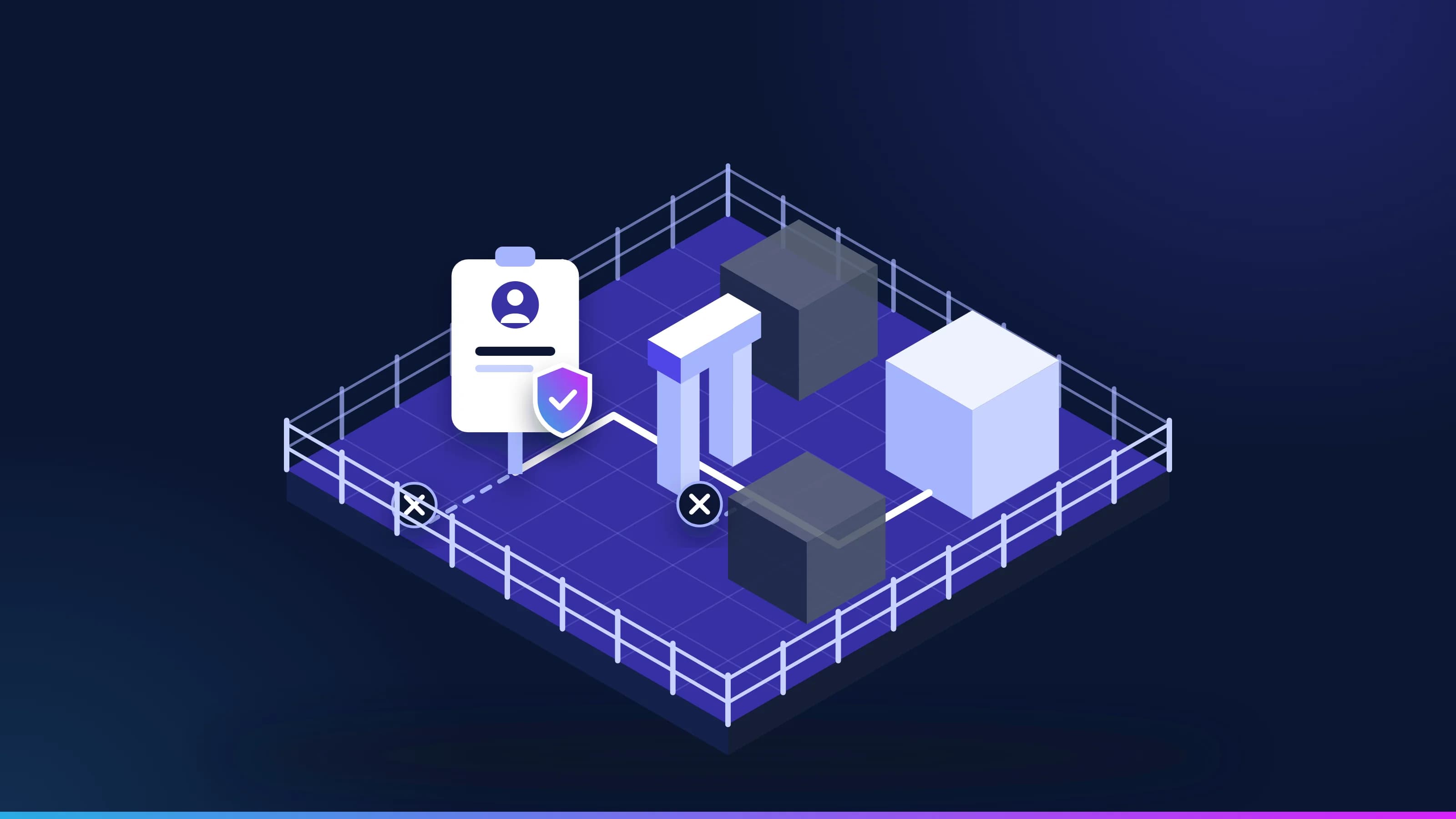
Pictured: a new matter’s conflicts report at Calloway Finch in the Inovagio App. An adverse party is owned by a current client, so the analyst is asked to send the report to the conflicts partner (example company).
A conflict missed at intake is a problem for the whole firm.
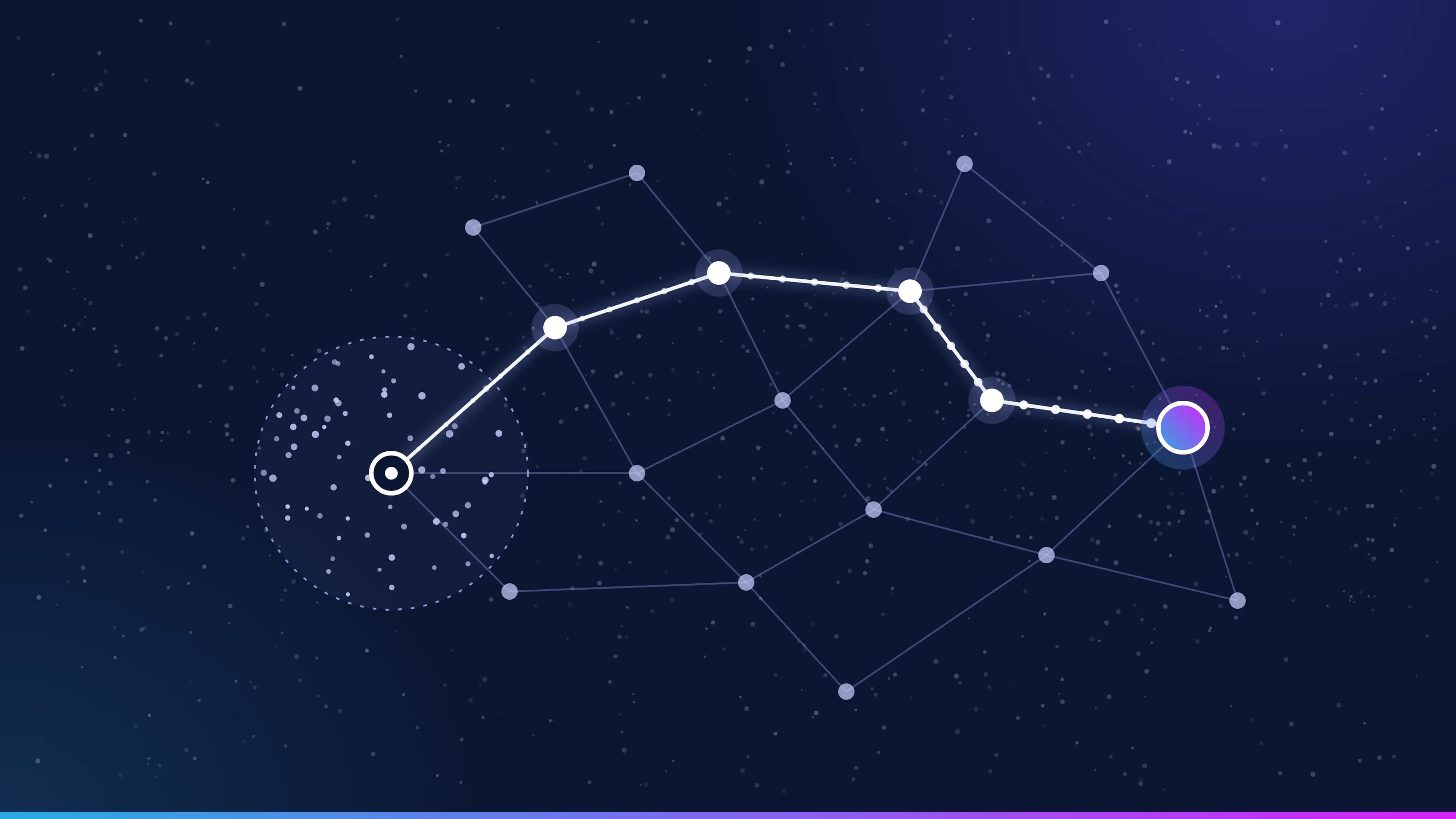
Parties change names, parents and subsidiaries, and the matter records, the conflicts policy and the intake team don’t always agree. Checking every party means applying rules to records, which is work Virtual Employees take on.
From your first decision to live work: the ten steps at Calloway Finch.
Calloway Finch is an example company, not a customer. Its sponsor signs a charter for new-matter conflicts checks. Nothing touches live cases until the work has been tested, signed off, checked and run beside the team, and each kind of case goes live only when it clears the bar.
1 of 5 · Prepare · Steps 0–2
An account and a charter for new-matter intake
0
Step 0: Open your account
The firm’s account opens in its own environment, and each Inovagio person is approved by name, steps and end date.
1
Step 1: Choose the work and sign the charter
The general counsel signs a charter for conflicts checks: a target, a pass mark, a cost limit per matter and when to stop.
2
Step 2: Set up sign-in and access
Staff sign in with the firm’s accounts. The conflicts Virtual Employee starts with no access, and each matter’s walls apply.
What your clients and your professional liability insurer see: The signed charter, and every person allowed into the firm’s account, until when.
One kind of matter at a time, every clearance with a lawyer
10
Step 10: Go live, one kind of case at a time
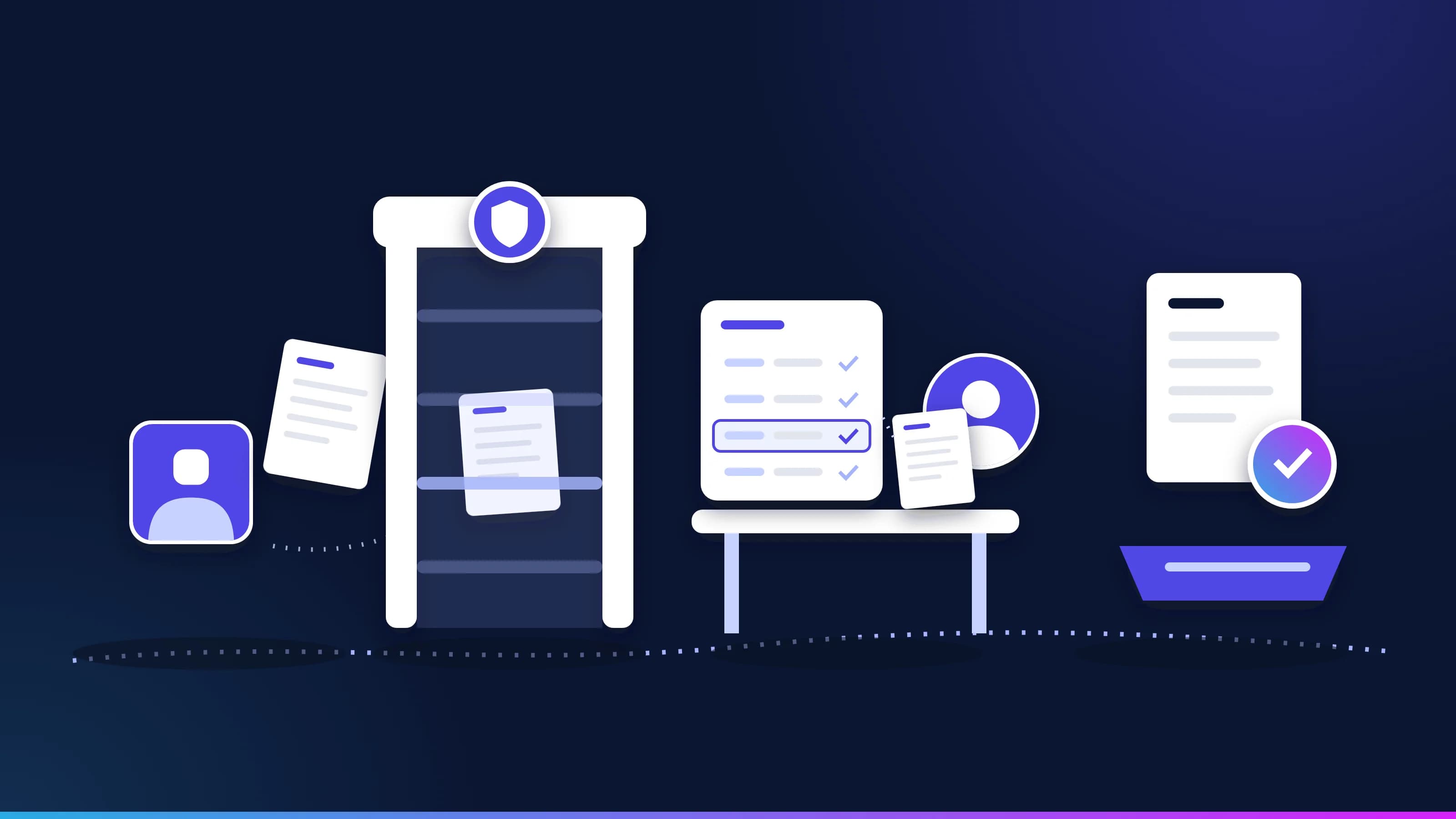
Each kind of matter goes live on its own, spot-checked first. Nothing is cleared, waived or walled without a lawyer.
O
Operate: Operate: watch, re-test, decide
A changed policy is tested again before it runs, and each review decides to continue, expand or stop.
What your clients and your professional liability insurer see: Every check with its rule, its sources and who cleared it, the record a client or an insurer asks for.
Conflict checks across parties, parents and aliases.
Intake and conflict checks
New matters opened with the parties researched and possible conflicts listed with their sources, for a person to clear.
Contract review
Each contract compared with your playbook, with clauses outside it marked and ranked by risk, and your fallback position suggested for a lawyer to confirm.
Document review
Documents sorted and summarized for discovery or diligence, with every call shown for a reviewer to check.
Deadlines and docketing
Dates read from filings and orders and checked against your docketing rules before they go on the calendar.
Billing guidelines
Time entries checked against each client’s billing guidelines before the invoice goes out.
Precedent and know-how
Your approved positions and clauses kept current, with the reason and the owner behind each one.
Built for the people who answer for the work.
Managing partners and general counsel
Routine intake taken off the team, and the cost of every task shown beside today’s.
Risk and conflicts teams
Every check links to the rule and the sources behind it, and nothing is cleared without a person.
Legal operations and IT
Contracts checked against your playbook before a lawyer sees them, outside counsel invoices checked against your billing guidelines, and ethical walls enforced when data is read.
Every legal judgment stays with a lawyer.
Virtual Employees search, show their sources and draft. Lawyers decide every conflict, waiver, wall and clause, and no Virtual Employee gives legal advice (step 10).
Your data stays yours, end to end.
Calloway Finch’s records stay in its own account, where it chooses to run, and never train anything for anyone else. Your rules, your record and the models trained on your approved results are yours.
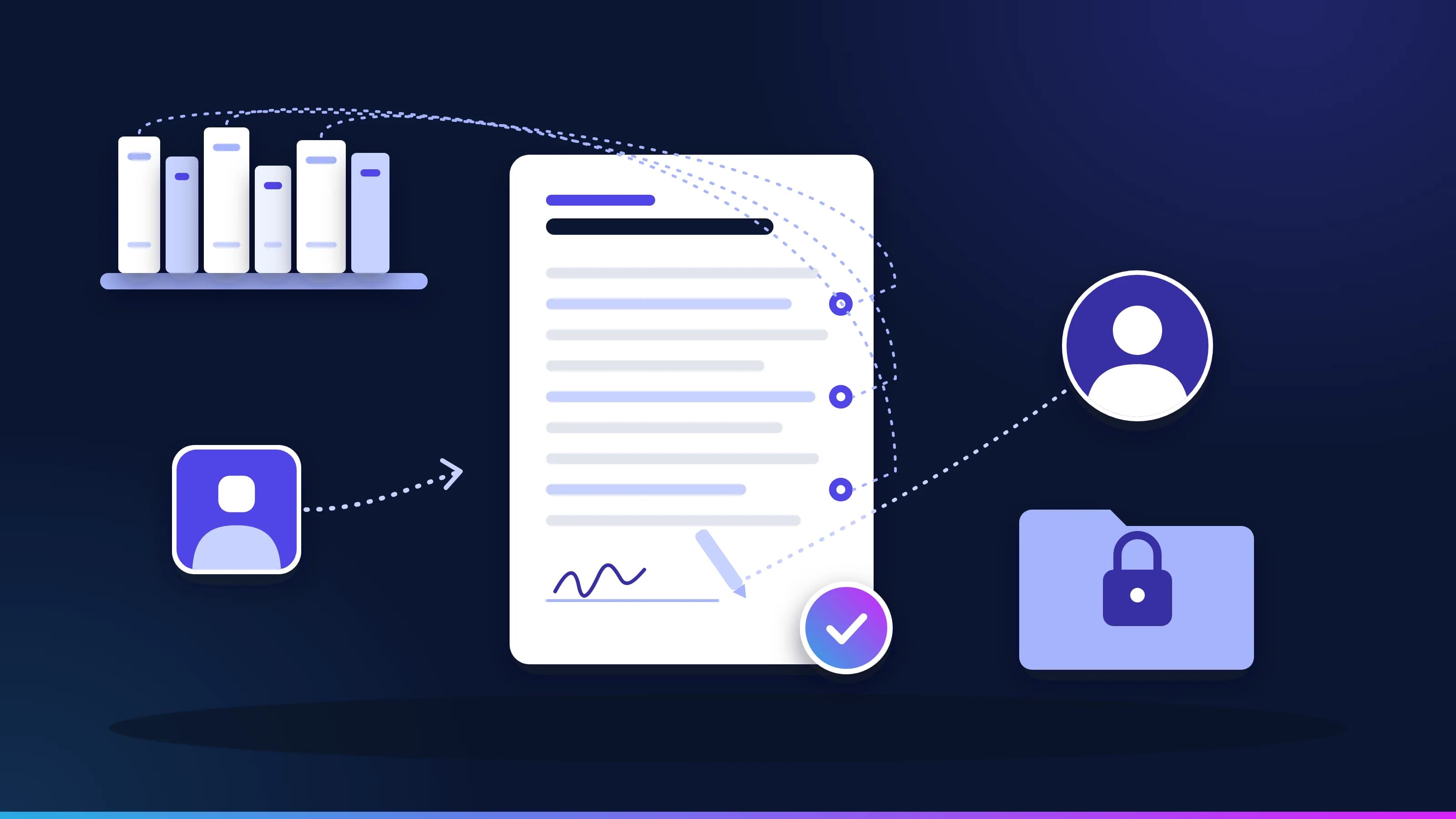
Your conflicts policy, your matter records and your intake team don’t always agree.
In his interview, Owen says every new matter runs a conflicts check on the client and the adverse parties. Nadia says: “We also check the other side’s parent companies and former names. We learned that the hard way.” Two other analysts agree. Inovagio flags the gap instead of guessing, and Owen decides, with the Ethics Partner as second approver: check the client, every adverse party, their parent companies and former names; any hit goes to the conflicts partner before the engagement letter goes out. That approved rule is now followed on every matter.
Every gap between policy and practice goes to the person who decides it; nothing is guessed.
Every rule quotes the words it came from, by the speaker’s role, and names who approved it.
Nobody approves their own change, and every change is tested again before it runs.
Rule review · New matter conflicts · Calloway Finch · example company
What the policy says
“Every new matter runs a conflicts check on the client and the adverse parties.”General Counsel · interview
What the team does
“Analysts also check the other side’s parent company and former names.”Three analysts · interviews
The rule its owner approved
“Check the client, adverse parties, parents and former names. Any hit: conflicts partner first.”Approved by the General Counsel and the Ethics Partner
In force on every matter. The Virtual Employees follow version 2, and each check links back to the rule and the interviews it came from.
Works with your document, billing and conflicts systems.
We connect to each system the way it already supports, and reuse what exists before building anything new: read-only first, approved by the system’s owner, under its own limited identity (step 3). Your systems remain the system of record.
Document management
iManage · NetDocuments
their REST APIs, under each matter’s access rules
Practice management and billing
Elite 3E · Aderant
their APIs
Conflicts and intake
Intapp
its APIs
E-discovery
Relativity
its REST API
Each kind of data gets its protections before any work runs.
Each protection is a rule your privacy and security teams approve, proven with planted test values and checked again before go-live (steps 4, 7 and 8).
Privileged client files
Kept in each matter’s own area, seen only by the people its walls allow, and never used to train a shared model.
Personal data
Every prompt, response and tool call is screened inside your network. Logs keep the category and the count, never the value.
Documents and email
Screened before a model reads them. An instruction found inside one carries no authority.
A short form with the questions that matter in legal work. We reply within one business day.
Legal questions
How does conflict checking work?+
Every party on a new matter is checked, with its parent companies and former names, and each possible conflict is listed with its source. A person clears every conflict.
How are lateral hires checked?+
Each lateral’s questionnaire is checked against the firm’s current and former clients, matters and adverse parties; any overlap comes with an ethical wall and a former-client notice drafted for the General Counsel to approve. Some states limit screening, and your rules decide.
What does ABA Formal Opinion 512 ask of us?+
It asks lawyers to check AI output, protect client confidences and supervise vendors. Every draft shows its sources for a lawyer to check, stays in your environment and names who approved it.
Does it give legal advice?+
No. It prepares the work against your playbook and policies; your lawyers decide and sign off.
Are client files kept confidential?+
Inovagio runs in your environment, each person sees only the matters they are allowed to see, and client files never train a shared model.
Does it work with our document management system?+
Yes. It connects to iManage and NetDocuments through their APIs and follows each matter’s access rules, reading and writing under the permissions you set.
Who approves what Virtual Employees do?+
Your lawyers and staff. Anything outside your rules, such as a possible conflict or a clause outside the playbook, pauses for a named person.
See how this works for your team.
A 30-minute briefing on one workflow of yours: whether it fits, what the first steps would be, and roughly what it would ask of your people. No data needed.