

Trust and governance
AI governance: every action checked, every step recorded.
You can turn off a Virtual Employee’s account at any time, you approve what it can reach, and it records every step it takes. That is AI governance your reviewers can check, in your account.
We’ll spend 30 minutes with you on one of your workflows, and you don’t need to share any data.
Why AI governance decides which projects survive
Gartner predicts over 40% of agentic AI projects will be canceled by the end of 2027, due to escalating costs, unclear business value or inadequate risk controls.
Each cause has a control here: the cost of every task is recorded under limits you set, every result is checked against your approved rules and records, and policy is enforced before and after every protected action.
Gartner, June 25, 2025AI governance, built into the runtime.
Policy before and after
A policy check runs before every protected action and again on its result.
Each customer bound to its own sign-in
Each customer's data, keys and cached results are tied in code to the signed-in customer. Any attempt to reach another customer's data is refused and recorded.
An account that starts with no access
Each Virtual Employee has its own identity, starts with no access and gains each permission only by approval. Write access is granted one action at a time and expires.
Human approval in the runtime
Approvals are steps in the task itself, with the approver and their reason recorded. Moving money always waits for a person.
Decisions about people stay with people
A decision about a customer, a patient, a member or an employee stays with a named person. The AI prepares the case and shows its evidence.
A tamper-evident record
Each entry carries a hash of the one before it, so any change breaks the chain.
See, stop and start any Virtual Employee
Watch every Virtual Employee's work as it runs. Anyone you authorize can stop a kind of case, a Virtual Employee, a department or everything at once, and the stop is recorded.
The cost of every task
Every task shows its cost: the AI, the platform's share and the minutes your people spent on it, at your rates, under spending limits you set.
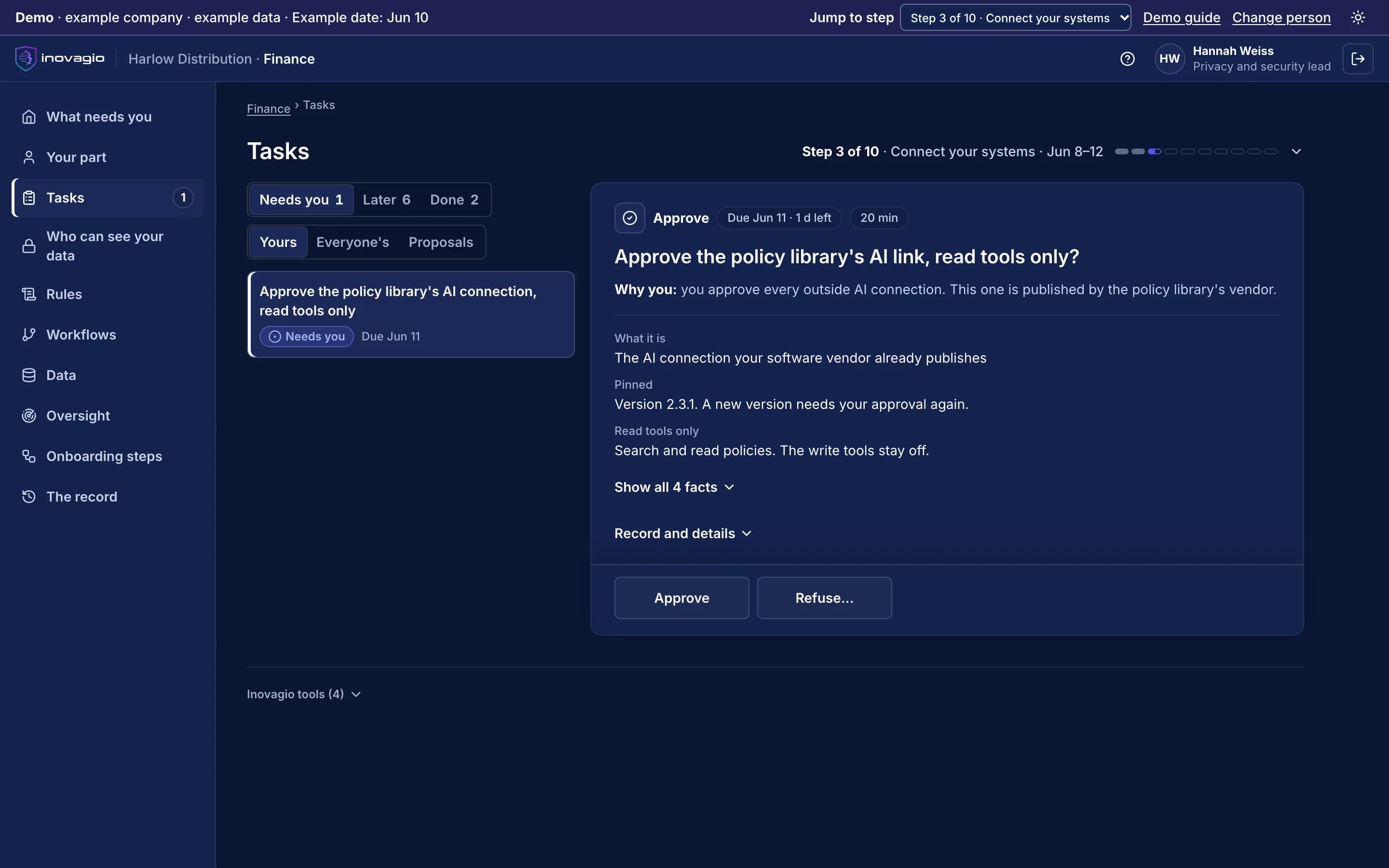
Outside AI connections, approved one by one.
When a software vendor publishes its own AI connection, your security team approves it before it is used. It is pinned to the approved version, limited to read tools until go-live, and approved again whenever it changes; its tool descriptions are treated as untrusted.
The products at work
- Checks every prompt, response and tool call (Guard)
- Stops any Virtual Employee at once (Archon)
- Shows every Virtual Employee's work as it runs (Panoptes)
- Signs in people and Virtual Employees (Auth)
- Holds each secret, scoped to the task that needs it (Inovagio Secrets)
- Keeps the policies and the record of every decision (Phylax)
For your reviewers: the security review, answered.
Your role’s questions, each with a one-line answer and where to read more.
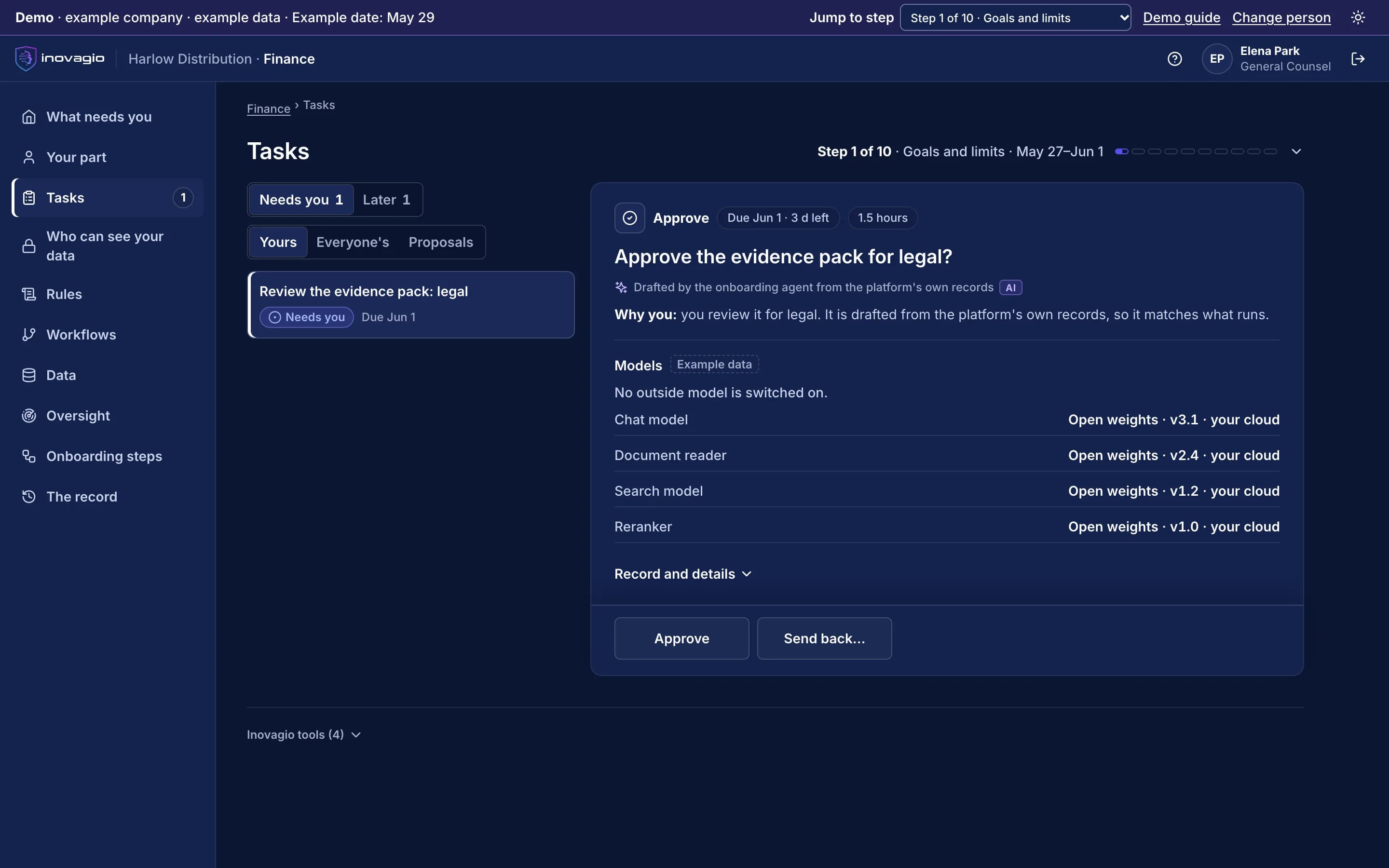
An evidence pack, drafted from the platform's own records.
In step 1 the AI drafts the evidence pack from what actually runs: the models and their versions, the subprocessors, the data flow, where data lives and the audit rights. Each review is a task, so legal, security, privacy and vendor risk work in parallel.
Can your people see our data?
Only the people your administrator approves, by name, for named steps and until a set date, and your administrator can end their access at any time.
Who can see what · Trust
Is an AI with a login a new way in?
Each Virtual Employee starts with no access and gets each permission only by approval. Instructions hidden in a document carry no authority, and it is attacked on purpose before sign-off.
Controls · Trust
What about the AI connections our software vendors publish?
Your security team approves each one. It is pinned to the approved version, limited to read tools until go-live, and approved again whenever it changes.
Outside AI connections · Trust
What leaves our network?
Only status: the step, its state and dates, whether each check passed, and counts such as hours per role. No document, value, transcript or rule leaves.
Who can see what · Trust
Will our data train anyone's model?
No. Nothing trains a model another customer uses, and learning across customers is off unless you opt in by contract.
Your data · Trust
How is sensitive data protected?
Each kind of sensitive data gets its own protections, approved by privacy and security and proven with planted test values before any work runs.
Protection by data type · Trust
Does delete mean delete?
Your content and what it taught are deleted together. The audit record keeps only ids and hashes of whole records, never values.
What the record keeps · Trust
Who sees what our people say in interviews?
The person who decides sees the practice, not the name. Only the verifier and auditors can see who said it, and every look is recorded.
Who can see what · Trust
Can we show the examiner what it did, case by case?
Yes. The record in your account shows who decided, under which rule and version, and what they had in view.
What your auditors can check · Trust
Does it decide anything about people?
No. Decisions about a person stay with a named person. The AI prepares the case.
Decisions about people · Trust
Which framework criteria does it map to?
Each control leaves a record your auditors can sample, and our checklists map it to the NAIC model bulletin for insurers and the CSBS framework for banks.
What your auditors can check · Trust
Is it high-risk under the EU AI Act?
That depends on what each kind of case decides, and your counsel decides it. The record is built to support the Act's record-keeping and human-oversight duties.
What your auditors can check · Trust
Can we sample it like any other control?
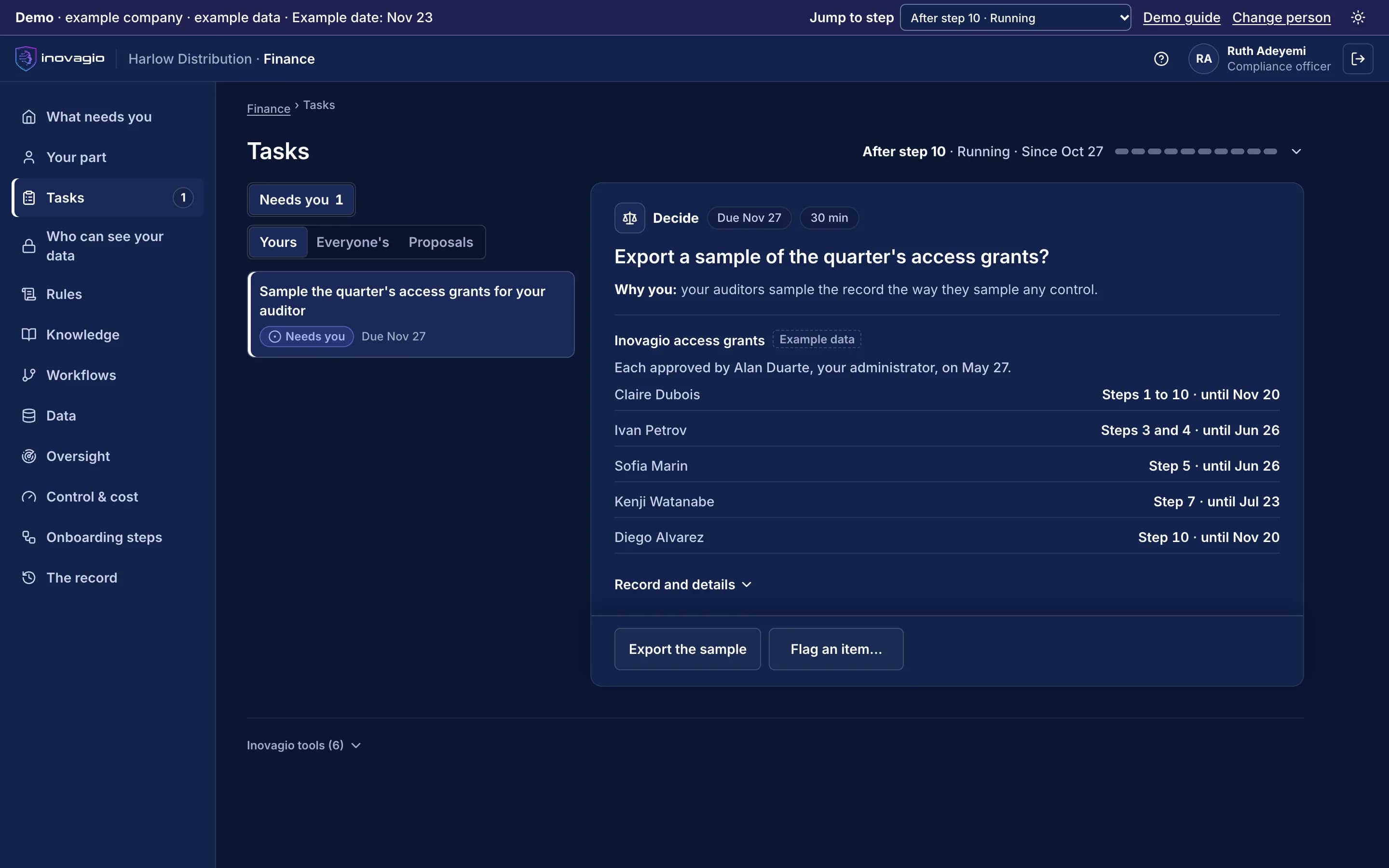
Pick a control, see every instance in the period, open one and see who decided, when, and what they had in view.
What your auditors can check · Trust
Who verifies the release, and how?
Someone your charter names who built none of it. They replay a sample, trace results and repeat a sample of the attacks, and the verdict is theirs.
Step 8 · How it works
Has anything changed since it was signed?
Each entry is chained to the one before it, so a gap or an edit shows, and the version that runs is the one your sponsor signed.
What your auditors can check · Trust
Is it a model under our model-risk policy?
Validation evidence comes with every release: the test on cases locked away first, the attacks, shadow mode and the verifier's report. Your model-risk team decides how to classify it.
What your auditors can check · Trust
What is the risk to the company if it goes wrong?
Nothing does live work until it is tested, signed off, checked by someone who built none of it and run beside your team, and each kind of case goes live on its own.
Every step, shown on one workflow · How it works
How is it stopped?
You can stop a kind of case, a Virtual Employee, a department or everything, and each stop is in the record.
Stop it any time · Control and cost
Can I get every document in one place?
Bring your questionnaire to a call, and we'll take your reviewers through the architecture, the data handling and the task record. Your reviewers also get one evidence pack, drafted from the platform's own records so it matches what runs.
Your security review · Trust
What is the status of your own audits and tests?
Ask us for our audit and test status, with dates, when we talk.
Our own audits · Trust
How do we show our examiner our due diligence?
We take your team through the architecture, data flow, sign-in and subprocessors, and our checklists map the questions examiners ask insurers and banks.
Your security review · Trust
Which models, and from where?
Each role runs on an open-model family you choose, the family is written on every task record, and outside models stay off unless your administrator turns one on.
Models · Trust
Backups, recovery and your subprocessors?
Ask us for the list of subprocessors and the dated status of backups and recovery when we talk.
Your security review · Trust
Is it really one system?
Yes. One sign-in and permission model, one policy check, one approval flow, one record and one cost ledger for every Virtual Employee.
One platform, built as one system · Architecture
Is this an integration project my team owns?
We connect to each system the way it already allows, read-only and approved by its owner, reusing what exists first.
Step 3 · How it works
How do sign-in and identities work?
Your people sign in with your company account, and every Virtual Employee gets its own identity that starts with no access.
Step 2 · How it works
What leaves our network, and where does it run?
It runs where you choose. Inovagio receives status only: the step, its state and dates, whether each check passed, and counts.
Who can see what · Trust
What does IT maintain after go-live?
Your IT team runs the platform like any other enterprise system, with your identity provider, your monitoring and your keys, or we run it for you as a managed service.
Runs where you choose · Architecture
Which agreements come first?
Your account opens only once the order, the data processing terms and any business associate agreement are recorded.
Step 0 · How it works
Who carries the loss?
Money always waits for a person, every write permission is approved one action at a time, and the record shows who decided. The terms are in the contract.
Controls · Trust
Privilege: who sees our matters?
Your matters stay in your account, and Inovagio people see them only by your administrator's approval.
Who can see what · Trust
Does delete mean delete?
Your content and what it taught are deleted together. The audit record keeps only ids and hashes of whole records, never values.
What the record keeps · Trust
Every question for Legal and the general counsel, on one page
Who owns what, and can we leave?
Your data, rules, records and the models trained on your approved results are yours, and your rulebook exports free in open standards.
If you leave · Trust
How is it bought?
Pricing sets out the plans and the four ways to buy. Each uses the same process, and every task shows its cost.
Four ways to buy · Pricing
Is this a services project in disguise?
It is one process with four ways to buy. Where our engineers help, you approve each of them by name, for named steps, until a set date.
Who does what, and when · How it works
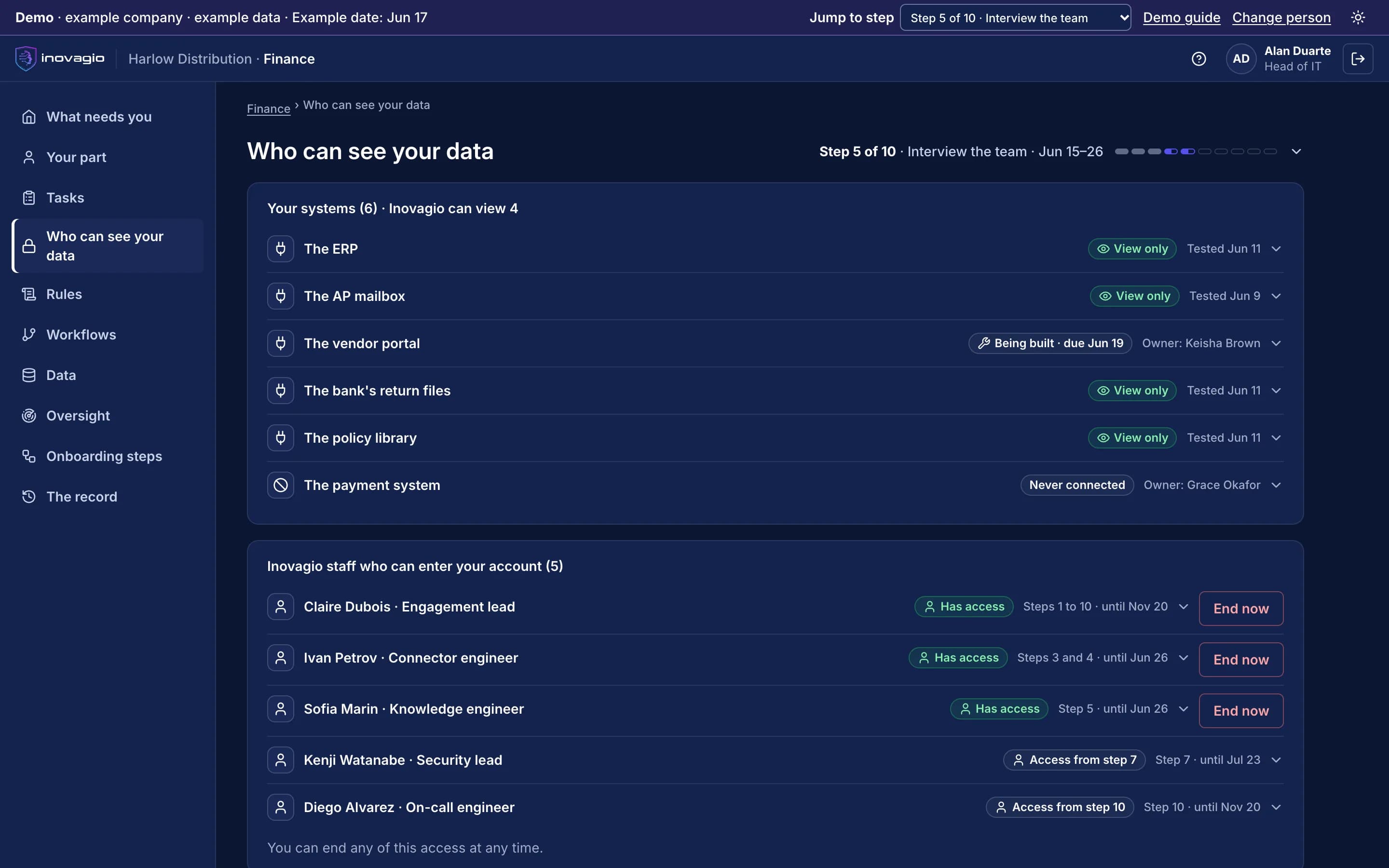
Who can see what: every connection, every person, and what leaves.
Your administrator sees it all on one screen in your account, from the day it opens.
Every connection, and its mode
Each system shows whether Inovagio can view it, when the connection was tested and who owns it. Nothing connects until the charter is signed and your team has been told, and access starts view-only.
Every Inovagio person with access
Your administrator approves each of our people by name, for named steps, until a set date. End now removes their access at once, and the end is recorded.
What Inovagio receives
Only status: the step, its state and dates, whether each check passed, and counts such as hours per role. No document, value, transcript or rule leaves.
What each step touches
Your records stay in your account. Each kind of case moves through build, test, shadow mode and live, and every move is a recorded approval.
- 0 Account
- None of your business records
- 1 Charter
- None of your records
- 2 Set up
- Your directory, for sign-in
- 3 Map
- A view-only connection test per system
- 4 Data
- Your records, read in place; the test copy stays in your account
- 5 Learn
- Interviews, your documents, and records outside the locked test cases
- 6 Build
- Past records outside the locked test cases; nothing new
- 7 Test
- The locked test cases
- 8 Sign off
- Test results and replays
- 9 Shadow
- Live work, view-only; your team's decisions
- 10 Live
- Live work, inside permissions granted one action at a time
- Operate
- Live work, and a weekly set of known cases
From a queue, or on your network like an employee.
From a queue
Works through approved connectors only, with no account on your network. Forward the pile or drop files in its folder.
On your network
Gets an account in your directory with the least access the job needs and short-lived credentials. Disable the account and the work stops. Every session is recorded, and it works in shadow mode, with your team still deciding, before it takes on live work.
Your choice of model
Each role runs on an open-model family you choose, and the family is written on every task record. Outside models stay off unless your administrator turns one on.
What we never publish
Your data, personal information, the content of your rules, your name without written consent, or any number we didn’t measure.
Your data stays yours.
How your data is handled
- Your data never trains a model another customer uses.
- Approved results train only models you own.
- Learning across customers is off unless you opt in by contract. Then only counts, durations, step outcomes and connector types cross customers, never a document, a value, a rule, a transcript or personal data.
- The working session runs inside your account, and tests use a copy with names and identifiers replaced, kept in your account.
- Secrets are held in Inovagio Secrets and scoped to the task that needs them.
- The services that reach your systems redact personal data from the log and audit entries they write.
Encryption, retention and injected instructions
- Every record is bound to the signed-in customer in code, encrypted at rest and in transit.
- Retention, legal hold and erasure apply across tables, documents, vectors and graphs alike.
- Audit retention can be set to the period your regulator and records schedule require.
- A Virtual Employee's permissions come only from its grant, so an instruction found in a document, an email or a tool's output changes nothing it may do.
- Prompt injection, personal data and unsafe content are screened on the way in and out.
Protection by data type
Each kind of sensitive data sets the protections it needs. They are rules like any other: approved by privacy and security, proven with planted test values before the data is used, checked at test and sign-off, and watched once the work runs. A rule that fails holds the work for a person.
- Personal data
- Screened on prompts, responses and tool calls at the threshold you approve; fields the work doesn't need masked as they arrive; the record keeps category and count, never the value.
- Health information
- Handled only after your business associate agreement is recorded; outside models off; plus the personal-data protections.
- Card data
- Card numbers masked as they arrive and never sent to a model.
- Documents, email and tool output
- Instructions inside carry no authority; screened on the way in; a vendor's AI connection reviewed by security before it is approved.
What your auditors can check.
Every step of onboarding, and every task after go-live, leaves a record in your account. Before anything changes, the record says who acted, under which rule, on what and why; afterwards, what happened.
Each entry is chained to the one before it, so a gap or an edit shows. Your auditors sample it the way they sample any control: pick a control, see every instance in the period, open one and see who decided, when, and what they had in view.
Replay shows a task again, step by step, from what was recorded: its inputs, the rules and their versions, the checks, the model's output and who decided.
When an examiner asks, the answer is already in the record.
| The question | Where the answer lives | What your team can show |
|---|---|---|
| Who approved this decision? | The approval step inside the task | The named approver, the time and their reason |
| Which rule applied? | The policy check before and after the action | The rule, the document it came from and the result of the check |
| What did the AI rely on? | Every read, recorded in the ledger | The records and clauses each finding links to |
| Has anything changed since? | The hash chain across the task record | A chain that verifies end to end, or shows exactly where it breaks |
| Could another customer's data be involved? | Each customer bound to its own sign-in, in code | Every resource bound to the signed-in customer, not to network setup |
| Can we stop it? | The stop control, by scope | Who paused or stopped which Virtual Employee, when and why, and what it was doing at the time |
| What did it cost? | The cost recorded on every task | The AI, the platform's share and the minutes your people spent on it |
What the record keeps
The record is yours and stays in your account. When a company's data is deleted, its content and what it taught go together; the audit record keeps only ids and hashes of whole records, never values, for the retention your rules require.
Our own audits
Your auditors read the record in your account. For our own audit and test status, with dates, ask us when we talk.
It learns your company without your data ever entering a shared model.
Learning is kept in five separate layers. Four belong to your company alone, and the shared base model is never trained on any customer's data. When a better open model arrives, your company's layers are rebuilt from the kept record of tasks and results instead of starting over.
- Forgets on request
- Delete your company's data and what it taught is gone too, because none of it sits in a shared model.
- Every answer can be replayed
- Each answer keeps a record of the exact model, rules and add-ons behind it, so it can be run again and shown to an examiner.
- Changes only with approval
- Rules change only when a named expert approves them, and a model changes only when you choose to upgrade it, after it is tested again against your rulebook.
Five layers of learning, kept separate
Yours stays yours- 01Every task and resultThe record everything else is rebuilt fromYour company only
- 02FactsIn your company’s own knowledge graphYour company only
- 03RulesApproved by your company’s own expertsYour company only
- 04Company add-onsSmall model add-ons, trained for one company onlyYour company only
- 05Shared base modelNever trained on any customer’s dataShared, no customer data
Private AI deployment: your data center, your cloud, air-gapped or hosted.
Hosted for you
On Inovagio's own servers and GPUs, shared or dedicated to you, isolated per customer either way, with your identity provider for sign-in.
In your cloud
Inside your own cloud account and network perimeter, bought through your cloud provider's marketplace if you like.
On your servers
The whole platform, models included, on hardware you control or validated hardware.
Air-gapped
The whole platform, models included, with no outside connection.
Bring your security questionnaire.
Bring it to a 30-minute call, and we will walk your risk, compliance and security teams through the controls, the data handling and the audit record.
Trust questions
Is our data used to train shared models?
No. Your data trains only models you own, and only on results your people approved.
Can it run on our servers?
Yes. The whole platform, including the models, runs on your own hardware or in your cloud.
Who approves what Virtual Employees do?
Your people. Your policy decides which actions need a named approver, and the approval is part of the record.
What happens to our knowledge if we leave?
You keep it. Your rulebook exports free, in open standards: OWL for the model, SKOS for vocabularies and taxonomies, RDF for the records.
How much outside code is in the platform?
Very little. Inovagio is our own code from the inference engine to the screen, with very few outside libraries, so your security team reviews one codebase rather than a stack of vendors.
Which models does it use?
The ones you choose: open models on your hardware through Origin, or a frontier model behind the same API, switched on only by your administrator.
Where to go next
- Find the questions for your role Every reader's questions, each linked to its answer.
- Stop it, cap it, see the cost Spending limits, the stop by scope and cost per correct task.
- One platform, built as one system How every product works together, layer by layer.
- The ten steps, from charter to live work What happens at each step, and who does it.
- Your industry's checks The work, the rules and the outside checker, by industry.
- Pricing and the four ways to buy One process, whoever does each part.
Articles and guides on trust and governance.
 Guide · Data qualityAI-ready data checklist for regulated teamsTwenty-eight checks to run against the data an AI process will read, before it goes live and at set intervals after. Grouped by stage, from sources and owners to documents, mapping and run-time checks, each with why it matters to an examiner and how to test it. · updated November 18, 2026 · 8 min read
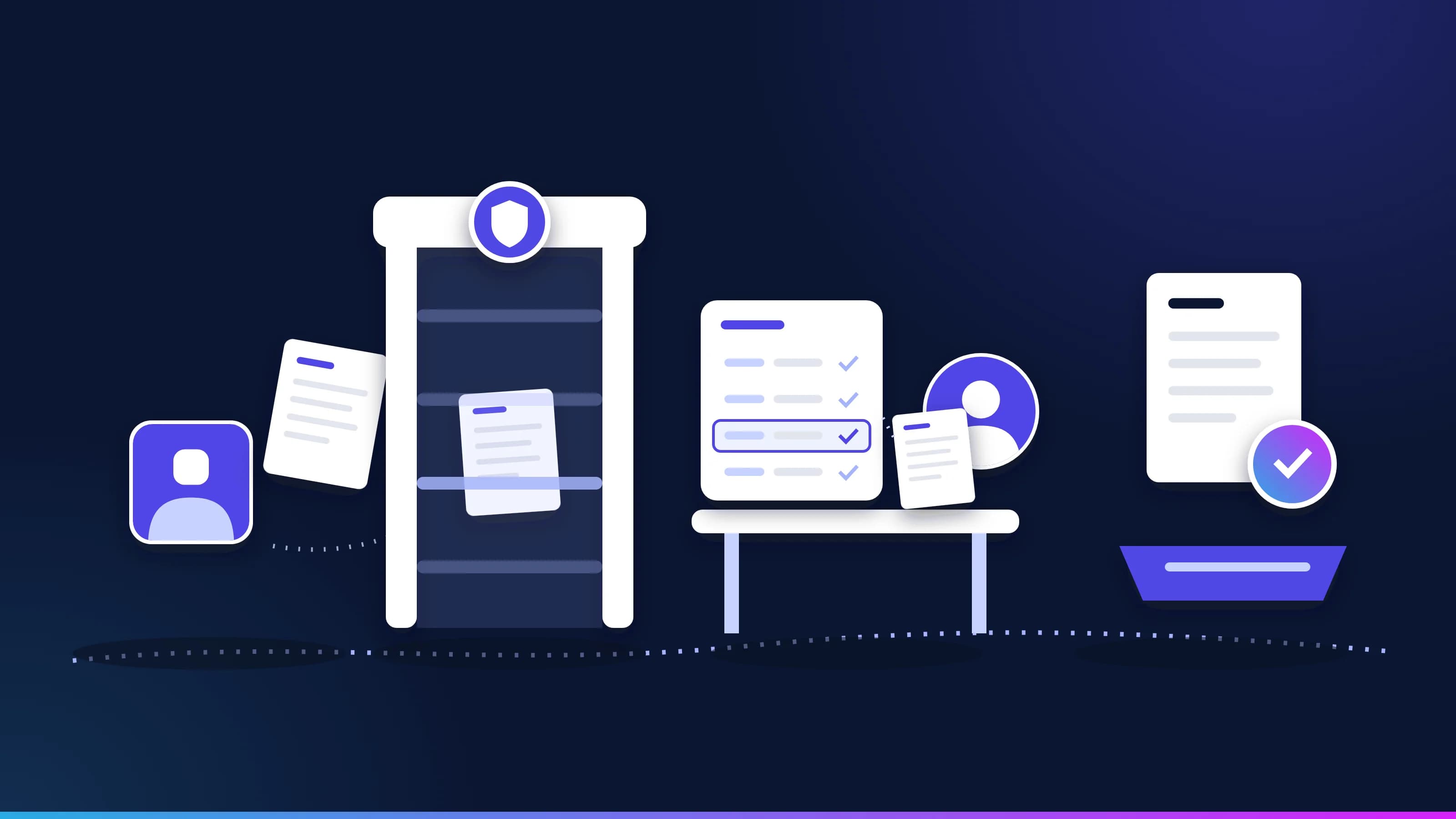 Article · GovernanceBusiness rules or AI guardrails? Why regulated work needs bothGuardrails filter what an AI model takes in and says. Business rules check what the work itself must satisfy. In regulated work you need both, plus a model's judgment for the messy parts. What each one catches, a worked example, and what to ask a vendor. · updated November 18, 2026 · 12 min read
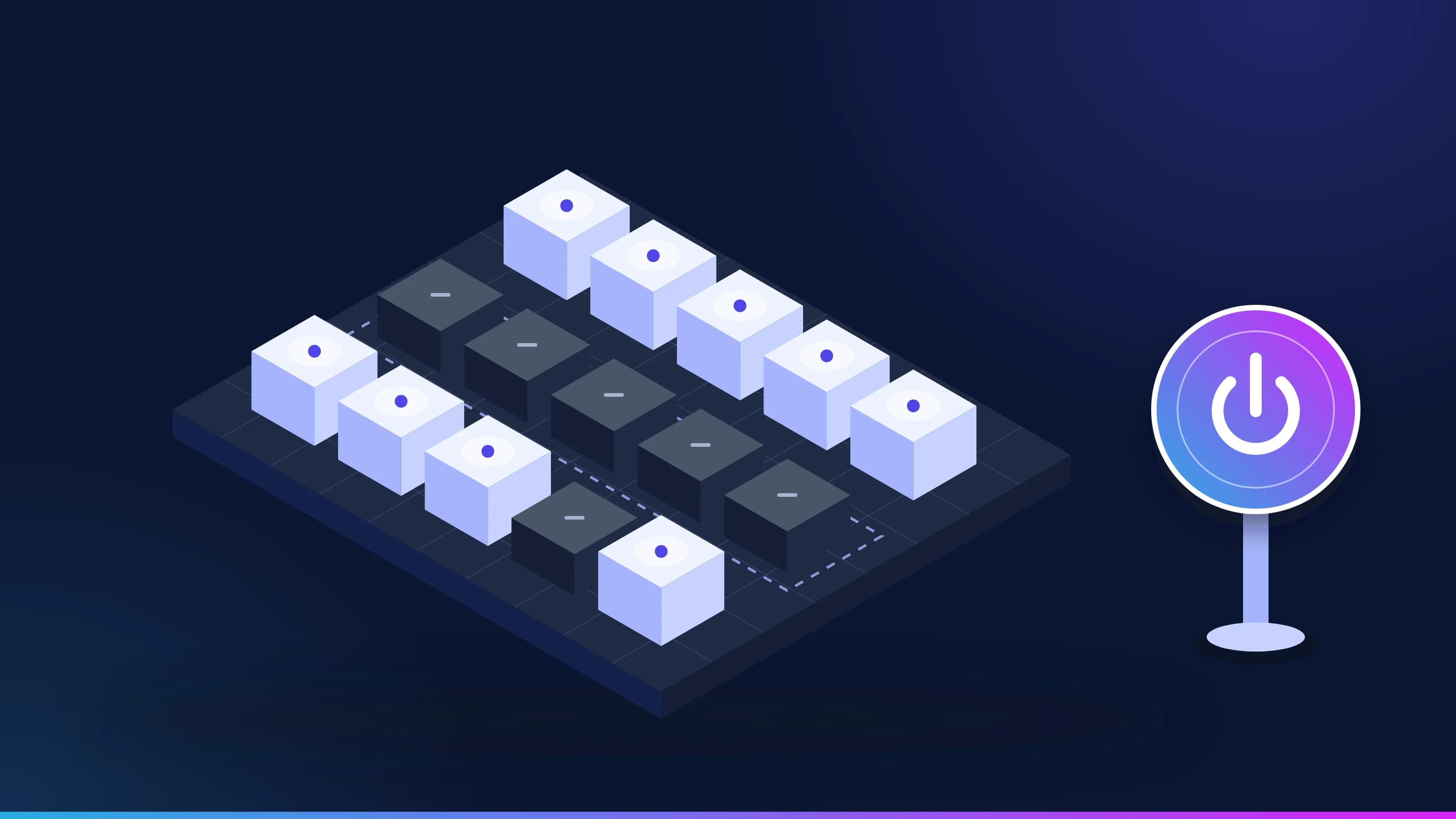 Article · GovernanceCan you turn your AI agents off? What examiners now askUS bank regulators have started asking how banks would shut their AI agents down, while the new model risk guidance leaves agents out of scope. Here's what examiners are asking, which deadlines arrive in Colorado and the EU, and what a working kill switch looks like. · updated November 18, 2026 · 11 min read
 Guide · Context engineeringContext engineering for enterprise AI agentsContext engineering decides what an AI agent sees at each step of a task. The research on why long contexts fail, the techniques that keep context small, how agent memory fits in, and the controls that stop context from becoming an attack path. · updated November 18, 2026 · 18 min read
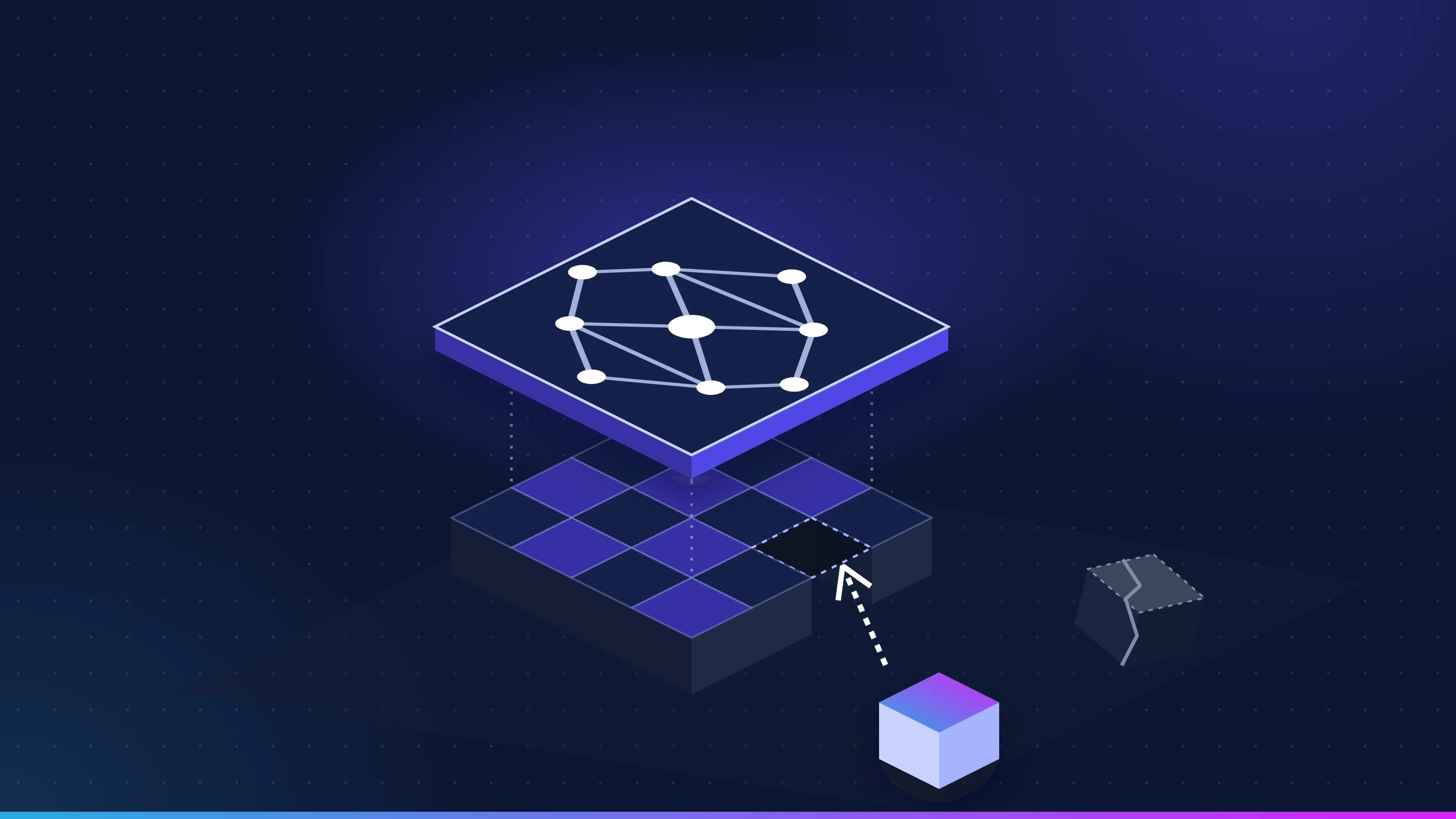 Article · Data qualityData hygiene for AI: your knowledge layer is only as clean as your dataAn AI agent acts on whatever record it is handed, so a duplicate customer or an old policy becomes a wrong action, not just a wrong number. What dirty data looks like to an agent, what regulators have already seen, and why a knowledge layer makes the problems visible and fixable. · updated November 18, 2026 · 8 min read
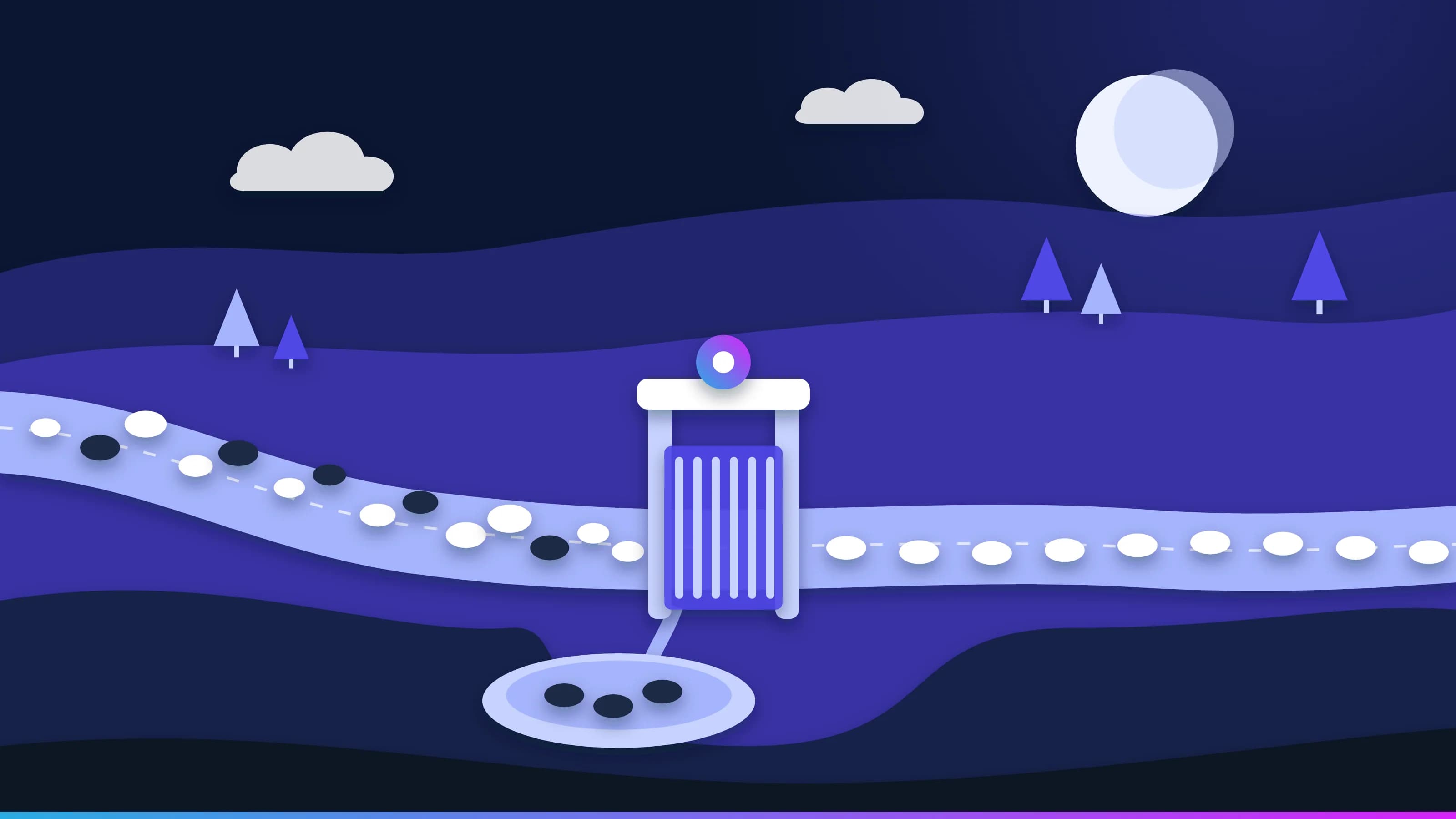 Guide · Data qualityData quality checks for AI agents in automated processesThe checks a record must pass before an AI agent may act on it, and the monitoring that catches what slips through. Shapes, business rules, freshness limits, confidence and quarantine, drift, and how a bad record is traced and fixed at the source, with the audit record each step leaves. · updated November 18, 2026 · 13 min read
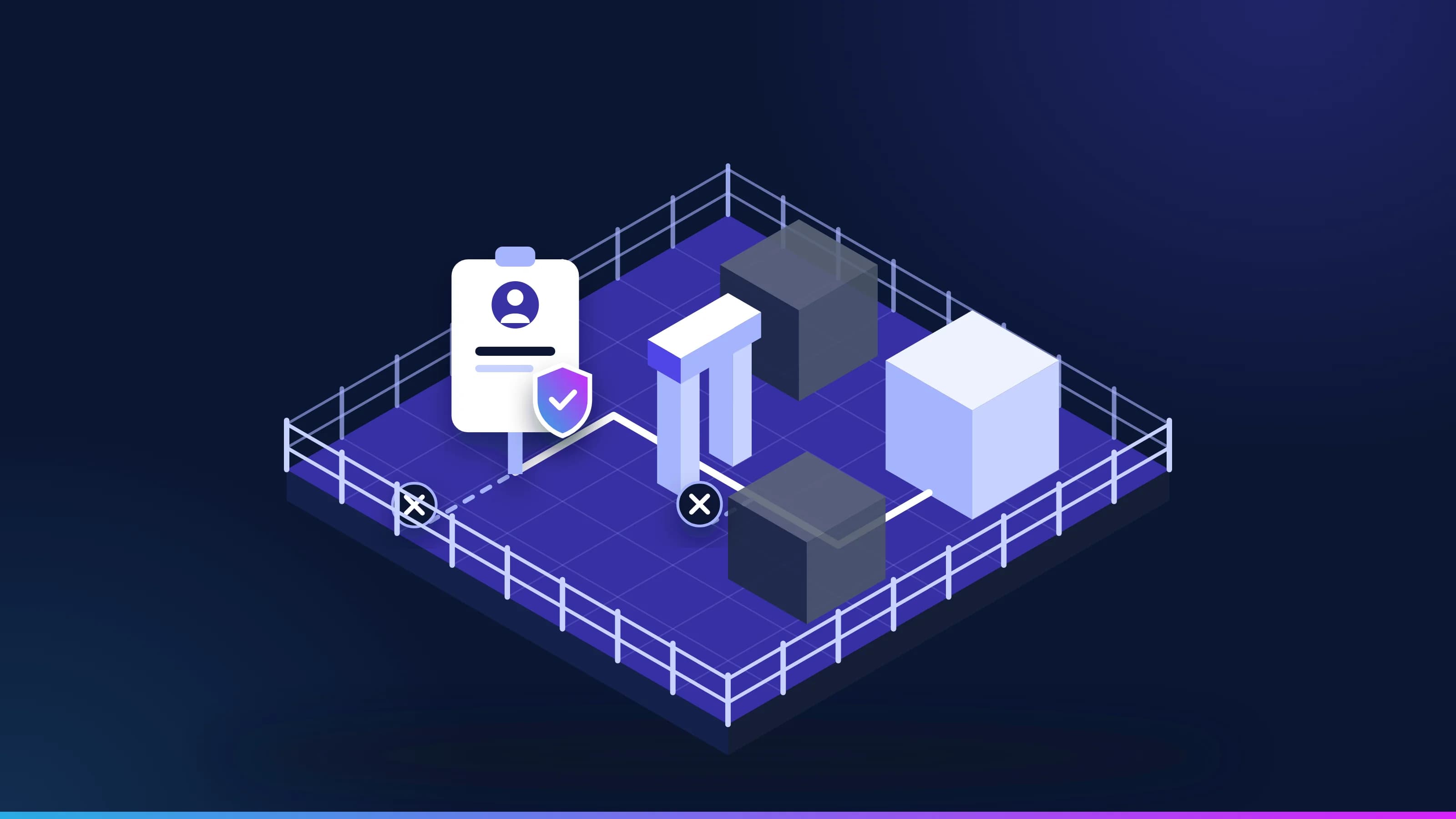 Article · GovernanceIs it safe to give AI a login?Work that crosses systems needs a login, and a login is what a security team guards hardest. These are the five controls that make a Virtual Employee safe to credential, how the kill switch works, and the one number a security team should watch. · updated November 18, 2026 · 8 min read
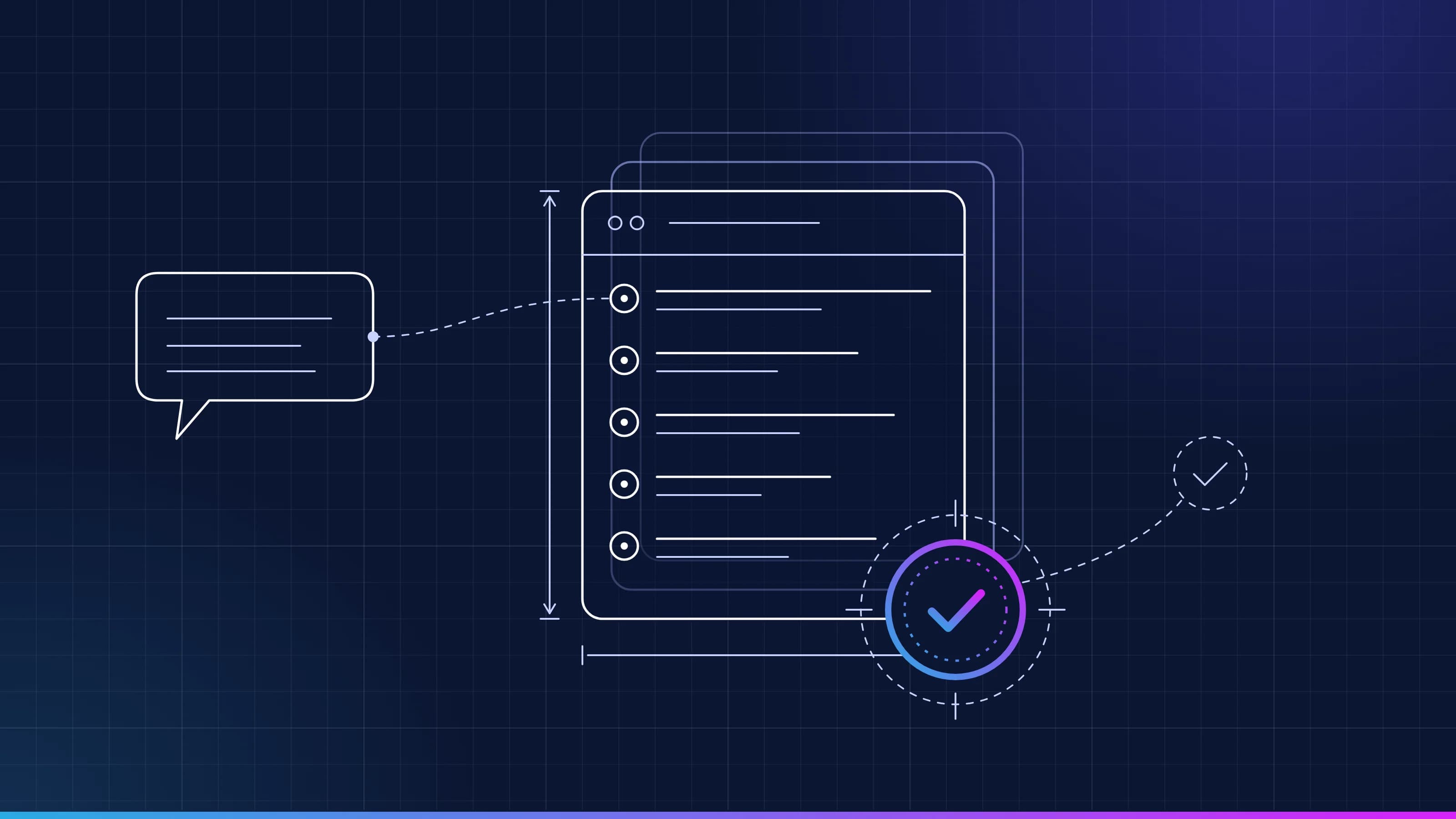 Guide · GovernanceHow an AI business rule is written and approvedEvery Virtual Employee works from rules approved one at a time by the people you make responsible. What a rule contains, who signs it, how a correction becomes a new version, and how any change is rolled back. · updated November 18, 2026 · 9 min read
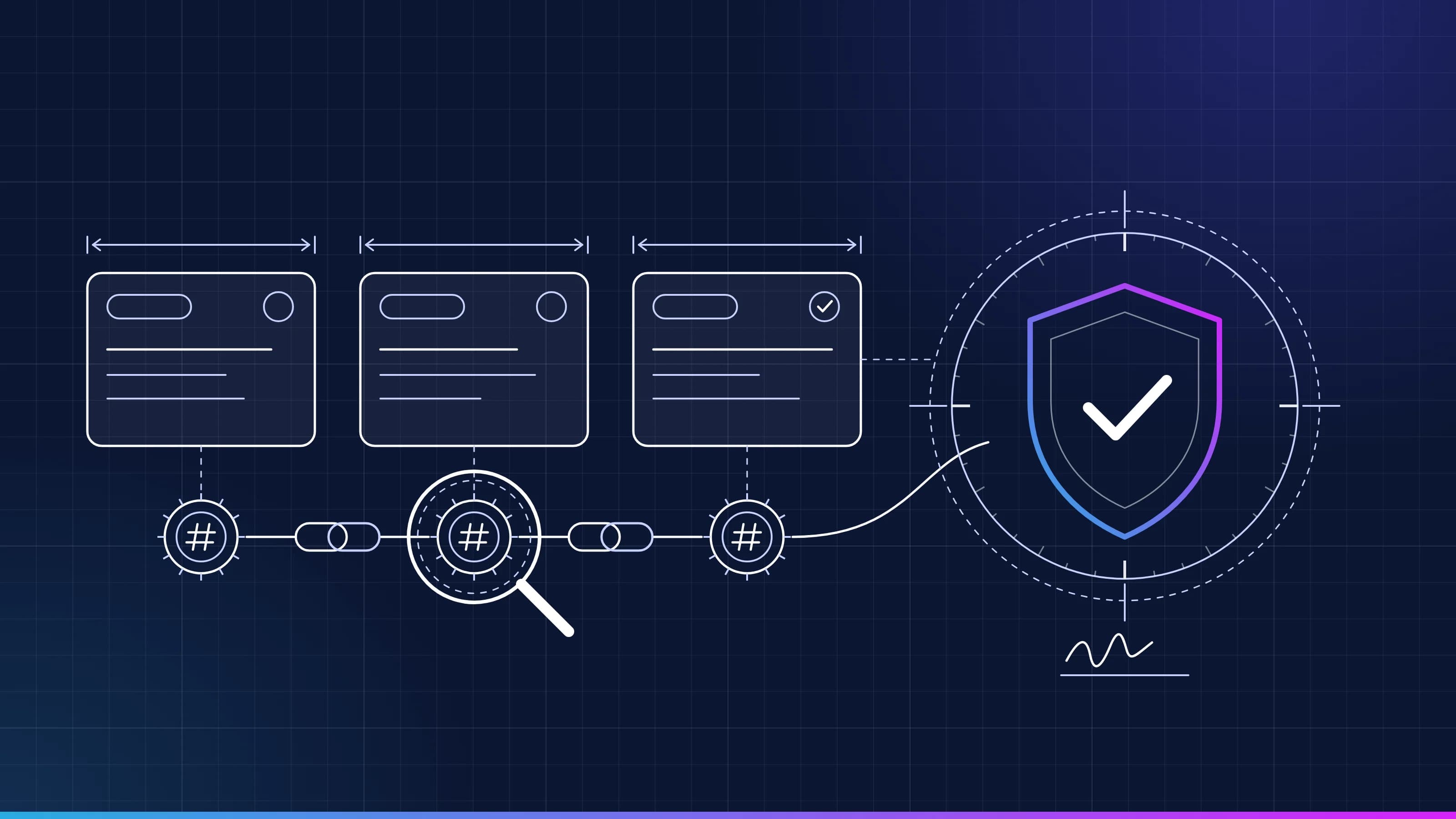 Guide · AI audit trailRead a task recordEvery task Inovagio runs leaves a tamper-evident record. Here is what each line means, how the seals chain together, and how to replay a task end to end. · updated November 18, 2026 · 5 min read
Find out how Inovagio can help your team.
Every project starts with one workflow your people know well, measured against what it costs you today.
We’ll spend 30 minutes with you on one of your workflows, and you don’t need to share any data.