

ArchonAgent control plane
See every agent at work, and stop or start any of them.
See every running agent and job, pause or stop any of them, and keep every action on the record.
We’ll spend 30 minutes with you on one of your workflows, and you don’t need to share any data.
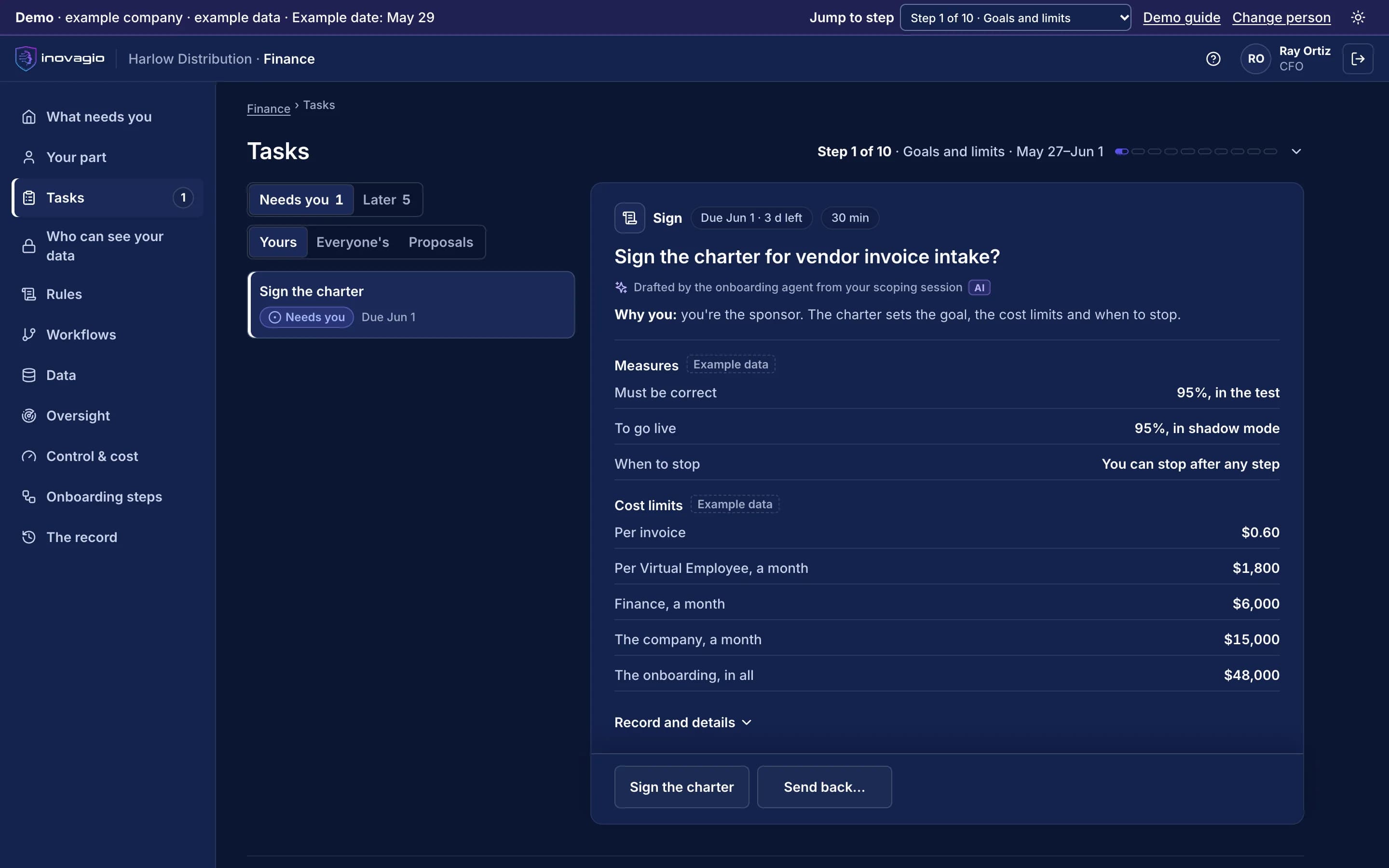
Where Archon works
Stops or starts any Virtual Employee, by scope (Archon). These are the onboarding steps it works in, from your first decision to live work, and after go-live.
- Step 8 · Sign offSign off and verifyRemoves: “Who approved this?”
- Step 9 · ShadowRun in shadow mode and prepare the teamRemoves: The leap of faith from test to live.
- Step 10 · LiveGo live, one kind of case at a timeRemoves: The big-bang switch.
- After go-live · OperateOperate: watch, re-test, decideRemoves: Silent drift, and spend nobody can justify.
What Archon does
Archon is Inovagio’s agent control plane: one place to see every agent, goal, workflow and job that is running, pause, stop, resume or start any of them, pull a kill switch for one Virtual Employee, a department or everything at once, and keep every action on the record.
Every agent, live
Running agents, goals, workflows and jobs, with their current step, model, tokens and cost.
Stop, pause, resume, start
Act on any run from one place, and the agent stops at a safe point.
Kill switches at every level
Stop one Virtual Employee, a department or everything at once, enforced across every process.
Approvals queue
Every action waiting for a person, with the rule that paused it and the evidence attached.
Budgets and ceilings
Token, cost and step limits per agent, goal and tenant, enforced as the work runs.
Policies in one place
Approval modes, allowed tools and model choices, changed once for every face.
Every action on the record
Each stop, start, approval and policy change is written to the tamper-evident trail.
Drill into any run
Open the full trace, logs and decisions of any run in Panoptes.
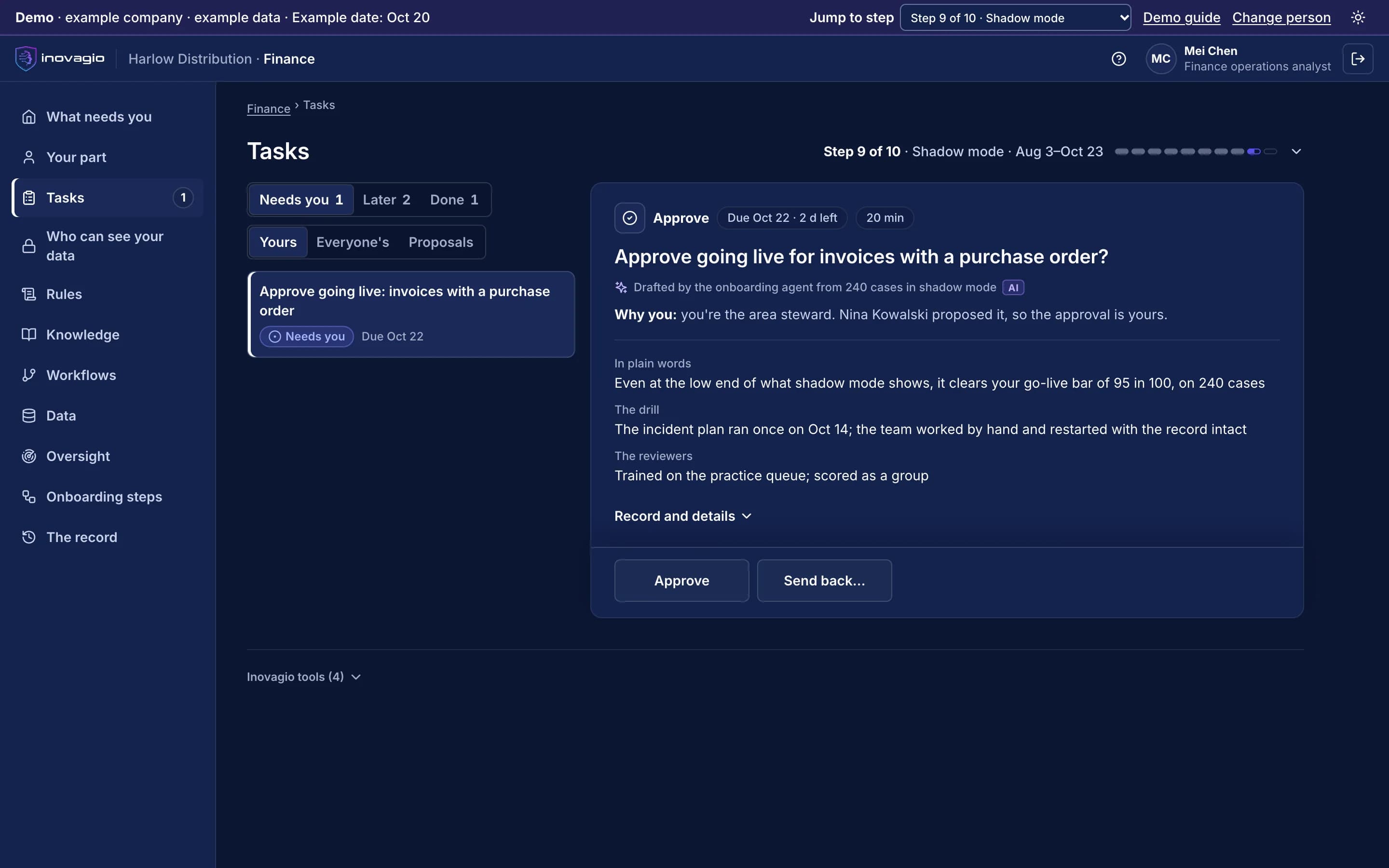
Archon at work
In the App at step 9: Run in shadow mode and prepare the team.
- One kind of case at a time: invoices with a purchase order.
- Even at the low end of its range, shadow mode clears the go-live bar of 95 in 100, on 240 cases.
- The area steward approves; the department head proposed it.
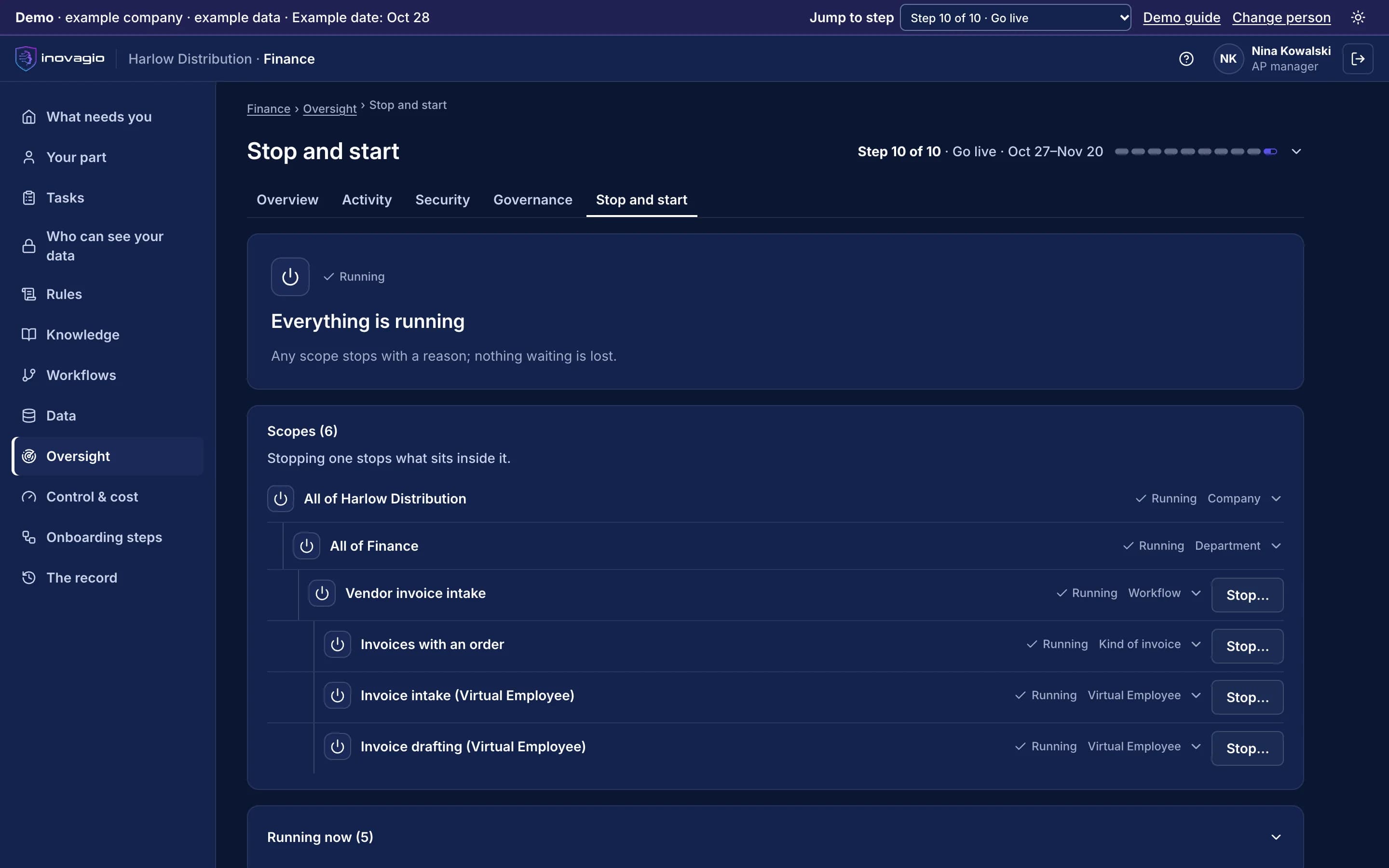
Inside Archon
The views Archon gives the people who run it, on sample data from Inovagio’s example companies.
- Synesis
- Virtual Employees
- Agent Harness
- Opsis
- Origin
- Phylax
- Operations
- Platform services
Inspection agent
Goal: schedule inspections for approved permits
Live steps · BP-26-01487
Read the approved permit
09:12Permit BP-26-01487, residential addition
Find inspector availability
09:123 slots this week
Check the inspection rule
09:13Framing before insulation
Confirm the slot with a person
nowRule: weekend slots need a supervisor
Notify the applicant
Approval waiting
Saturday 09:00 with the framing inspector
Asks: Inspections supervisor
Budget today
44% of its cap · stops itself at 100%
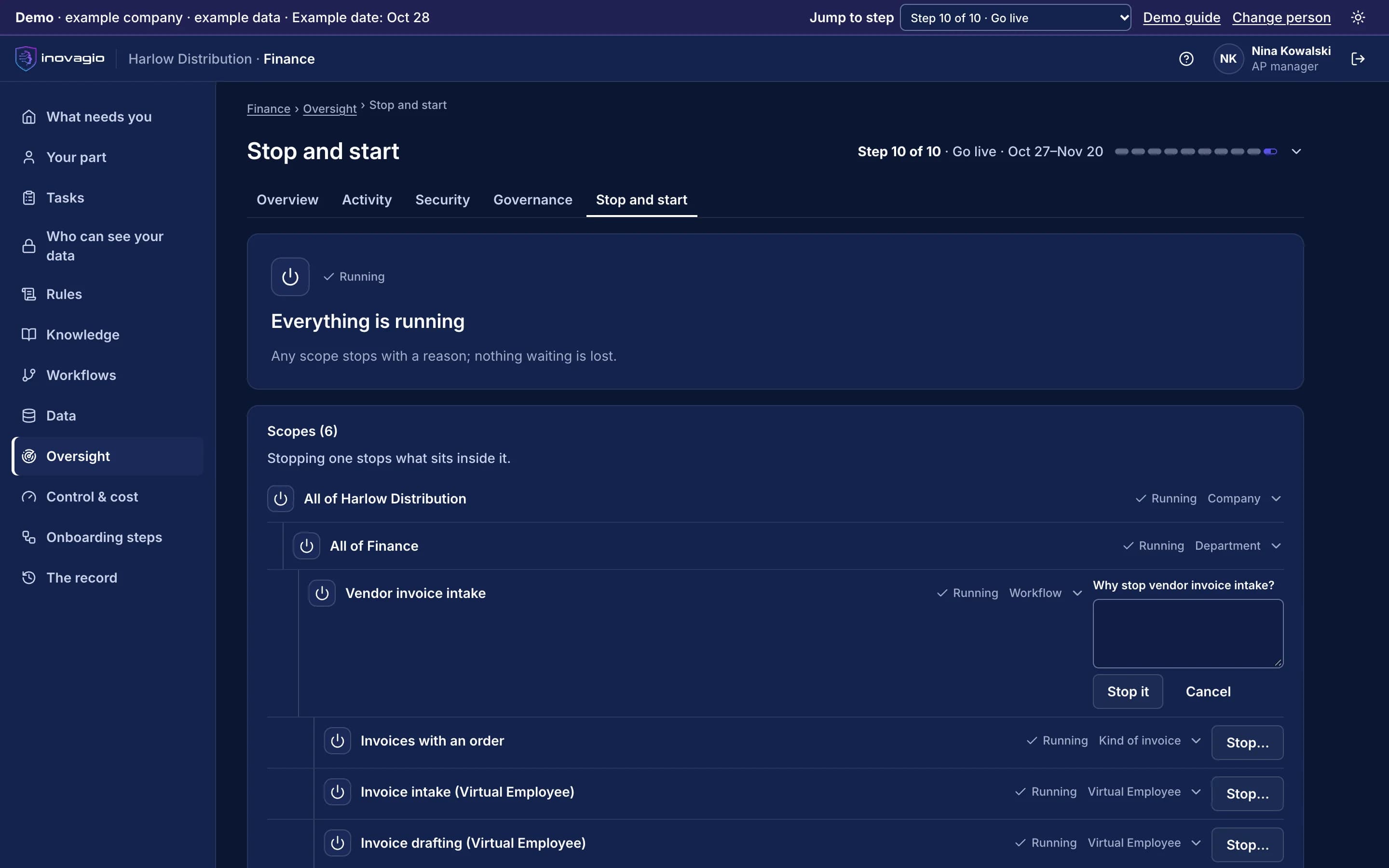
Archon › Scopes: every scope that can be stopped, from the whole company down to each Virtual Employee, and what is running. Sample data from Inovagio’s example companies.
Everything Archon does, by area.
See
- Live list of agents, goals, workflows and jobs
- Current step, model, tokens and cost
- Waiting approvals and their reasons
- History of every run
Act
- Pause, stop, resume and start
- Kill switch for one Virtual Employee, a department or everything
- Approve or reject from the queue
- Change budgets and ceilings live
Prove
- Every control action recorded
- Who acted, when and why
- Export for audit review
What Archon replaces
Archon does the work of these, inside one platform with one identity, one policy and one record:
- Ad-hoc scripts to find and stop runaway agents
- Separate admin screens per agent tool
- Spreadsheets of who approved what
The controls Archon brings
Every Inovagio product keeps the same five commitments, because regulated work needs all five at once.
Security
Kill switches stop one Virtual Employee, a department or everything at once.
Governance
Limits, budgets and approvals are set and changed in one place.
On the record
Every stop, start and change is on the record.
Monitoring
Every running agent, goal, workflow and job is visible live.
Cost per task
Budgets and ceilings stop runaway work before it costs you.
Archon in your industry
Every industry runs the same ten steps, so Archon does the same job in each, on that industry’s own work.
- Financial servicesBanks, credit unions, lenders and insurersWorked example: Alder Ridge Community Bank · Example company
- Healthcare providersHealth systems, hospitals and physician groupsWorked example: Meridale Health · Example company
- Health plansMedicare Advantage, Medicaid and commercial plansWorked example: Ashgrove Health Plan · Example company
- LegalLaw firms and in-house legal teamsWorked example: Calloway Finch · Example company
- GovernmentState, county and city agenciesWorked example: City of Larkhaven · Example company
- DefenseDefense contractors and their suppliersWorked example: Keelstone Aerospace · Example company
- Finance operationsFinance teams in any industry
For developers: Archon at a glance
- Scope
- Agents, goals, workflows, jobs and tasks
- Controls
- Pause, stop, resume, start, kill switch, approve, reject
- Kill-switch levels
- One Virtual Employee, a department, everything
- Access
- Admin console in the browser, Desktop and CLI
- Record
- Tamper-evident audit trail
Archon in the platform.
Where Archon fits
One platformAgent HarnessAgent harness
Inovagio CLIInovagio DesktopWeb ChatInovagio SDK
OpsisExperience layer
FolioMorphe
Virtual EmployeesVirtual Employee layer
NexusErgon
SynesisKnowledge layer
PerceptionMNEMOS
OriginModel layer
Inference ServerForge
PhylaxTrust layer
AuthInovagio SecretsGuard
Operations (this layer)Operations
PanoptesArchon (this product)
Platform servicesPlatform services
ServerAPI ManagementConnect
Further reading
Guides and posts on Archon
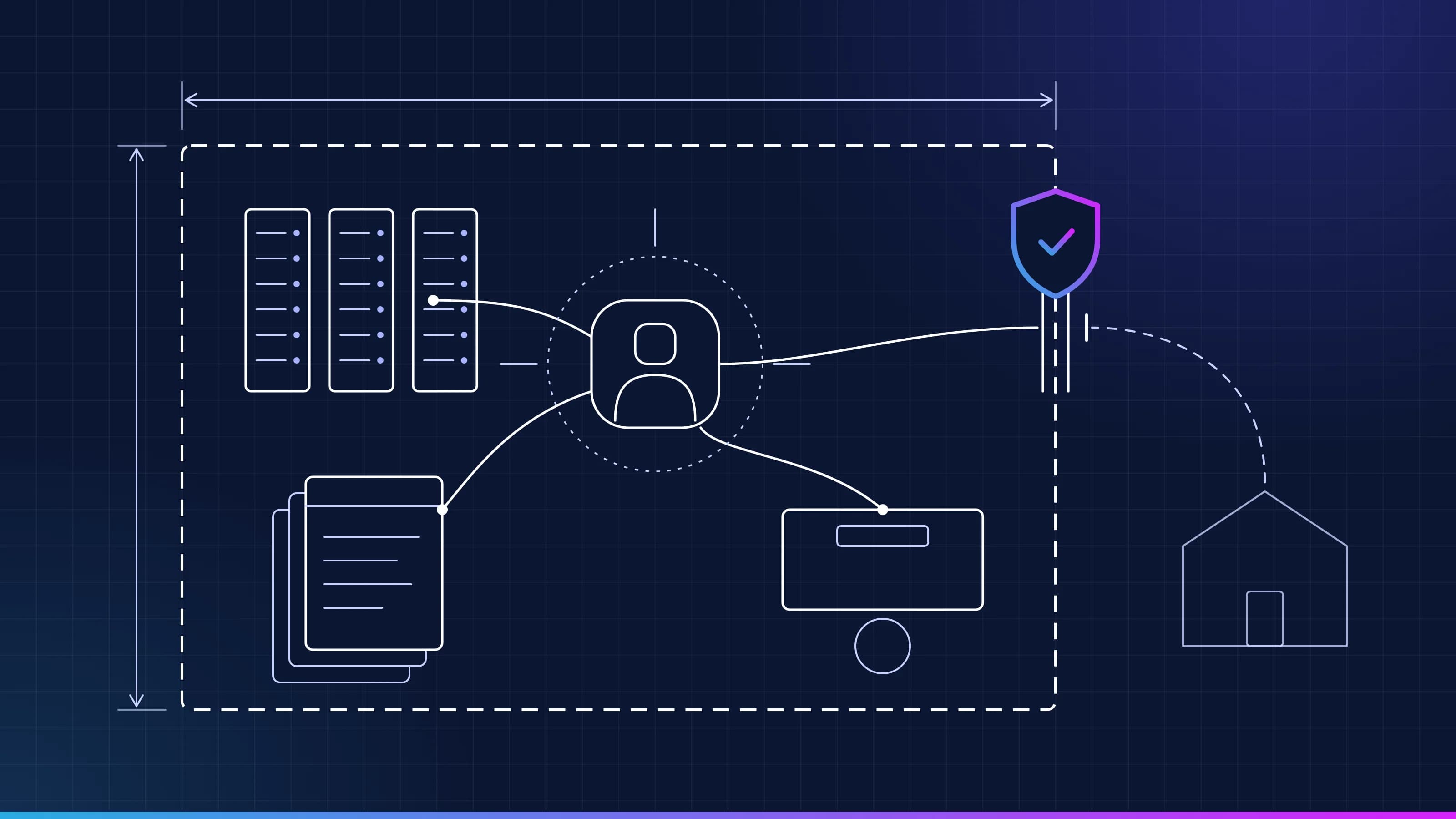 Guide · GovernanceAI agents and CUI: keeping controlled information controlledThe federal rules for controlled unclassified information say who may see it, where it is kept and when it may be shared. An AI agent that reads a drawing or drafts a supplier letter has to follow them too. This guide covers what the rules ask and how to set up an agent that follows them. · 5 min read
 Article · GovernanceAI in a market conduct exam: what insurers get askedA state insurance department can ask about any AI system that makes or supports decisions affecting consumers, in an investigation or a market conduct exam. This post covers what the NAIC model bulletin says examiners may request, and how to have each answer ready before the letter arrives. · 5 min read
 Article · GovernanceCan you turn your AI agents off? What examiners now askUS bank regulators have started asking how banks would shut their AI agents down, while the new model risk guidance leaves agents out of scope. Here's what examiners are asking, which deadlines arrive in Colorado and the EU, and what a working kill switch looks like. · updated November 18, 2026 · 11 min read
 Guide · Knowledge graphHow AI agents use your knowledge graphAn AI agent uses your knowledge graph in five steps. Approved terms become concepts, the ontology types the graph, retrieval finds connected records and their evidence, your rules check the result, and failures go to a person. How each step works, and what the GraphRAG research shows. · 17 min read
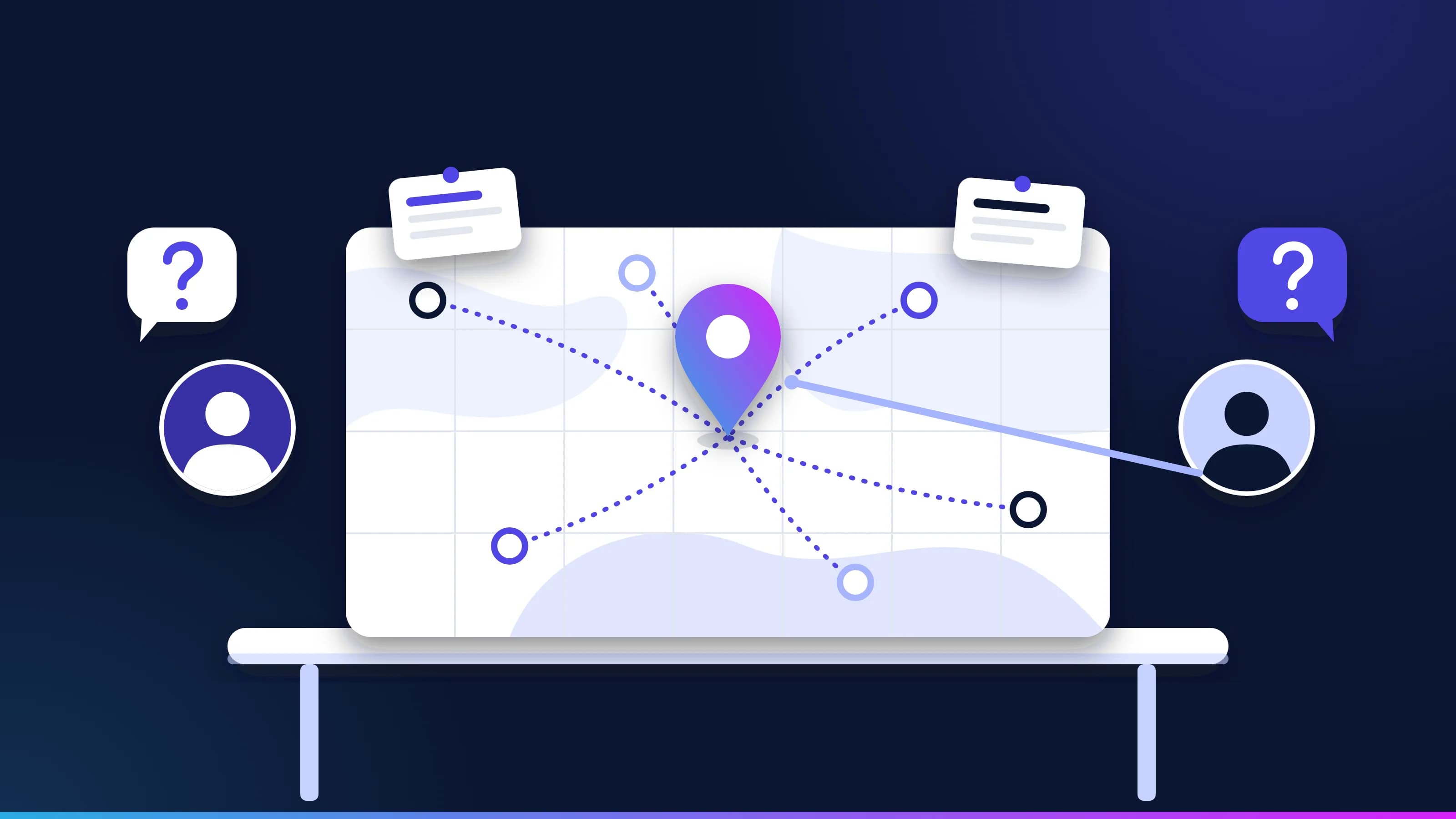 Guide · KnowledgeKnowledge layer: questions and answersStraight answers to the questions buyers and architects ask about the knowledge layer for AI agents, from ontologies, knowledge graphs and semantic layers to context engineering, GraphRAG, semantic caching, small models and who owns it all. · updated November 18, 2026 · 12 min read
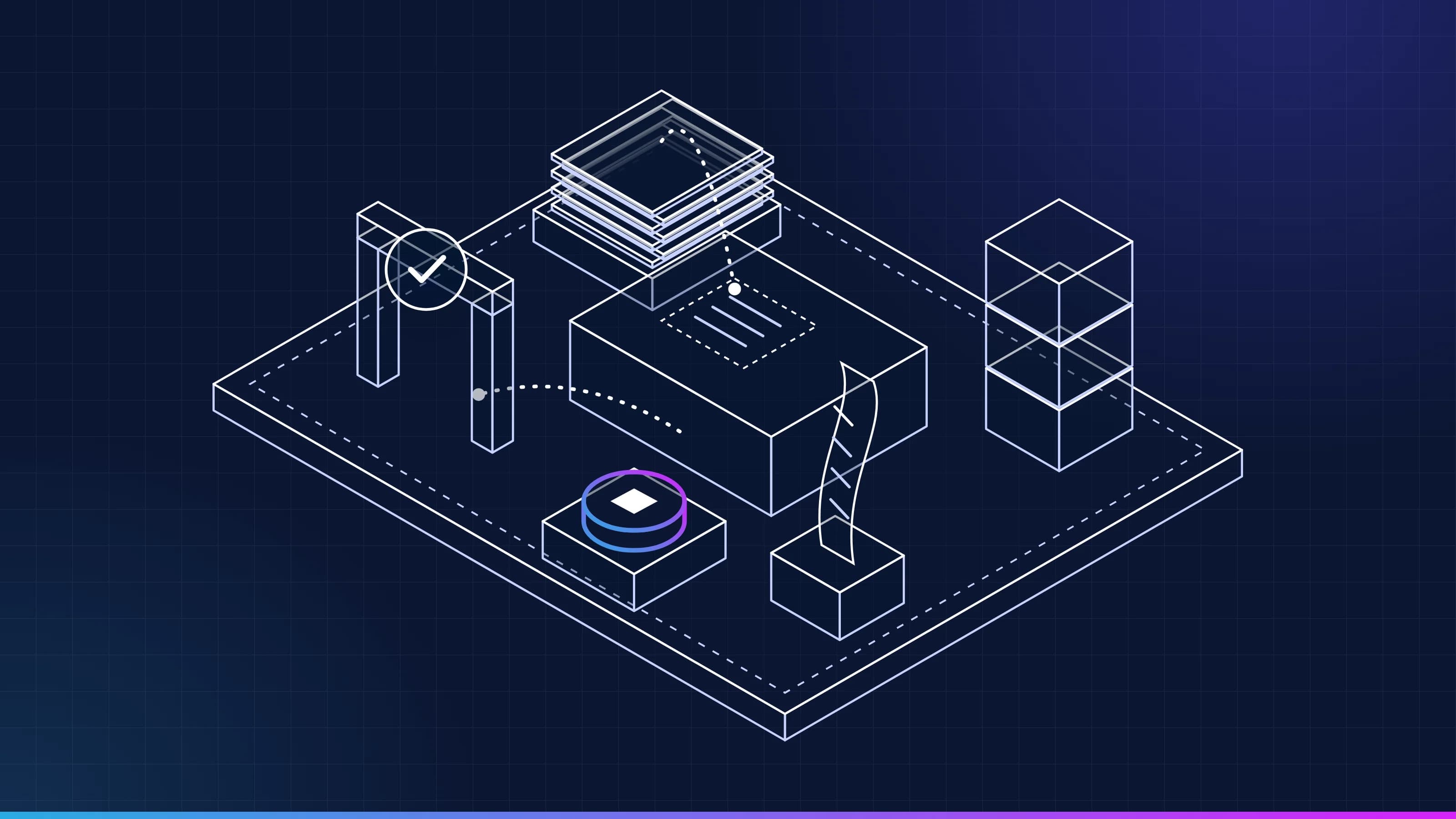 Article · ApproachA worker, not a conversationWhat is a Virtual Employee? It has a queue, a memory, a receipt for every task, the approvals and spot checks a rule sets, and a stop button. Here is what each one means, and what a Virtual Employee is not. · updated November 18, 2026 · 7 min read
See Archon on one of your workflows.
Every project starts with one workflow your people know well, measured against what it costs you today.