

ErgonWorkflow engine
Durable workflows where agents, people and systems each do their step.
Workflows that mix agent steps, people’s approvals and system calls, and pick up where they left off after any restart.
We’ll spend 30 minutes with you on one of your workflows, and you don’t need to share any data.
Where Ergon works
Designs, versions, tests and rolls back the workflow (Ergon). These are the onboarding steps it works in, from your first decision to live work, and after go-live.
- Step 1 · CharterChoose the work and sign the charterRemoves: The project with no finish line.
- Step 6 · BuildBuild the releaseRemoves: The black box.
- Step 7 · TestTest it, try to break it, fix itRemoves: “Trust us.”
- After go-live · OperateOperate: watch, re-test, decideRemoves: Silent drift, and spend nobody can justify.
What Ergon does
Ergon is Inovagio’s workflow engine: durable, governed workflow graphs that combine agent steps, human approvals, decisions and system calls, and survive restarts without losing their place.
Agents as workflow steps
An agent step runs the full governed agent loop, so a workflow can hand a judgment task to an agent and continue with its result.
Approvals inside the run
A human approval step pauses the workflow until a person approves or rejects, and the decision is written to the audit log.
Policy blocks before execution
Governance hooks check each step before it runs; a step that fails policy never executes.
Durable across restarts
Definitions and run state are stored in MNEMOS, so a paused or interrupted run resumes where it stopped.
Parallel fan-out, deterministic merge
Branches run in parallel and their results merge in a fixed order, so the result never depends on which branch finished first. Where a run must replay exactly, agent steps use the Inference Server’s deterministic mode.
Built-in triggers
Start workflows on a cron schedule with time zones, at an interval, from a webhook, or from an agent.
Dry runs and rollback plans
Simulate a run and approve it before anything changes, with pre- and post-conditions and a rollback plan per step.
Built from a request
Ask the agent to build a workflow; it creates and validates the graph, which you can inspect, export and rerun.
Ergon at work
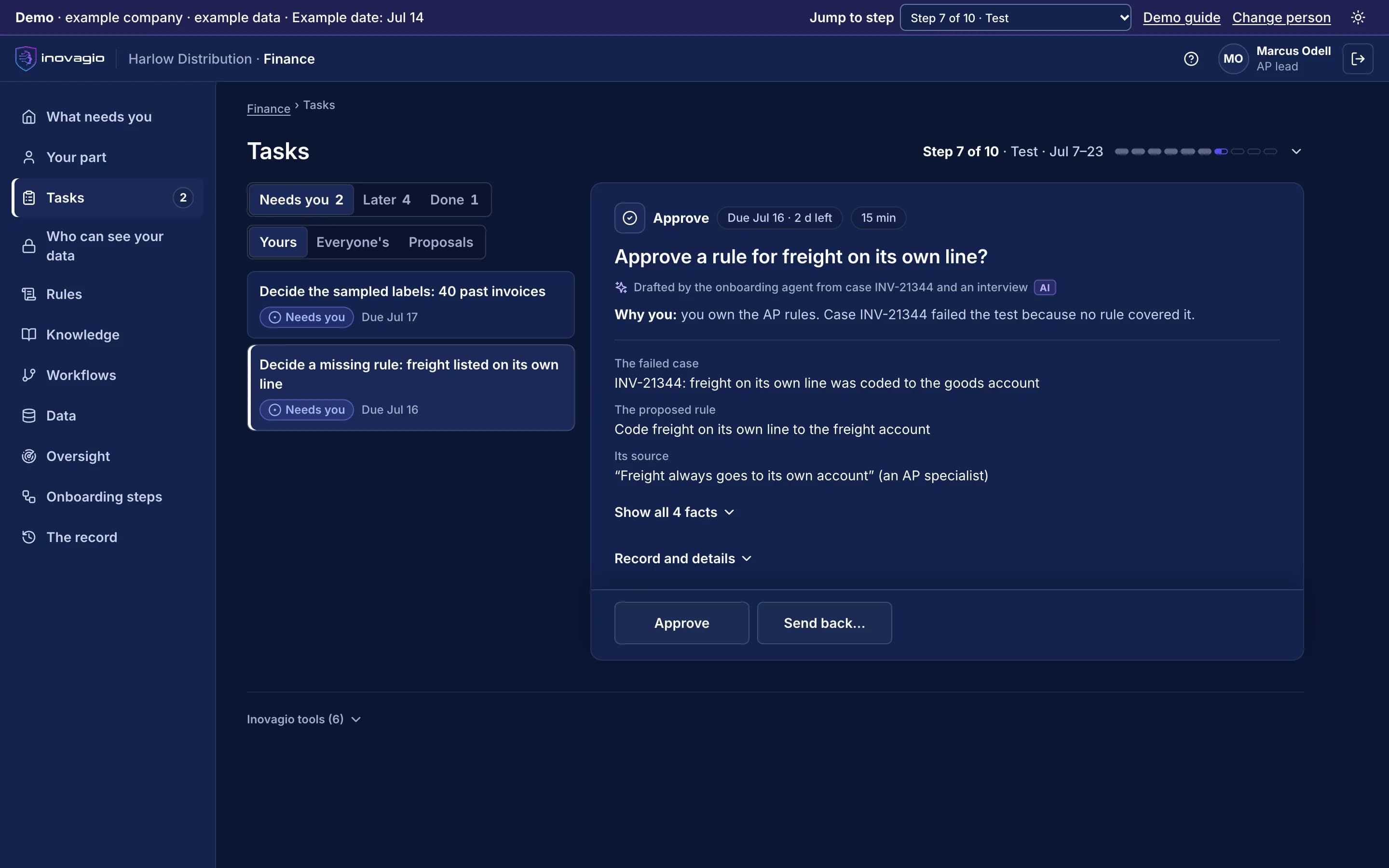
In the App at step 7: Test it, try to break it, fix it.
- Test case INV-21344 failed: freight on its own line was coded to the goods account.
- The proposed rule codes it to the freight account.
- Its source is an AP specialist’s own words, and the rule owner decides.
Build a workflow right here.
This is the Ergon designer with three sample workflows. Move steps, add one from the palette, connect them, then reset. Nothing is saved.
Inside Ergon
The views Ergon gives the people who run it, on sample data from Inovagio’s example companies.
Step settings · Check coverage
Rule check · step 3 of 7 in Auto claim intake v7
Inputs
| Input | From | Required |
|---|---|---|
| Claim | Read the claim | Yes |
| Policy | Policy system | Yes |
| Loss date | Read the claim | Yes |
| Vehicle | Read the claim | Yes |
| Prior claims | Claims history | No |
Rule
- Rulebook
- Policy terms v6
- Sections
- §2 period · §4 collision · §7 exclusions
- Passes when
- Loss is in period and covered
- Cites
- Every section it applied
Retries
- Attempts
- 3
- Wait
- 30 s, doubling
- Then
- Hand to a person
- Resumes
- From this step after a restart
Approver
- Who
- Coverage specialist
- When
- The rule cannot decide
- Times out
- 2 h, then claims supervisor
- Show the cited sections
- Allow an override with a reason
- Skip on a dry run
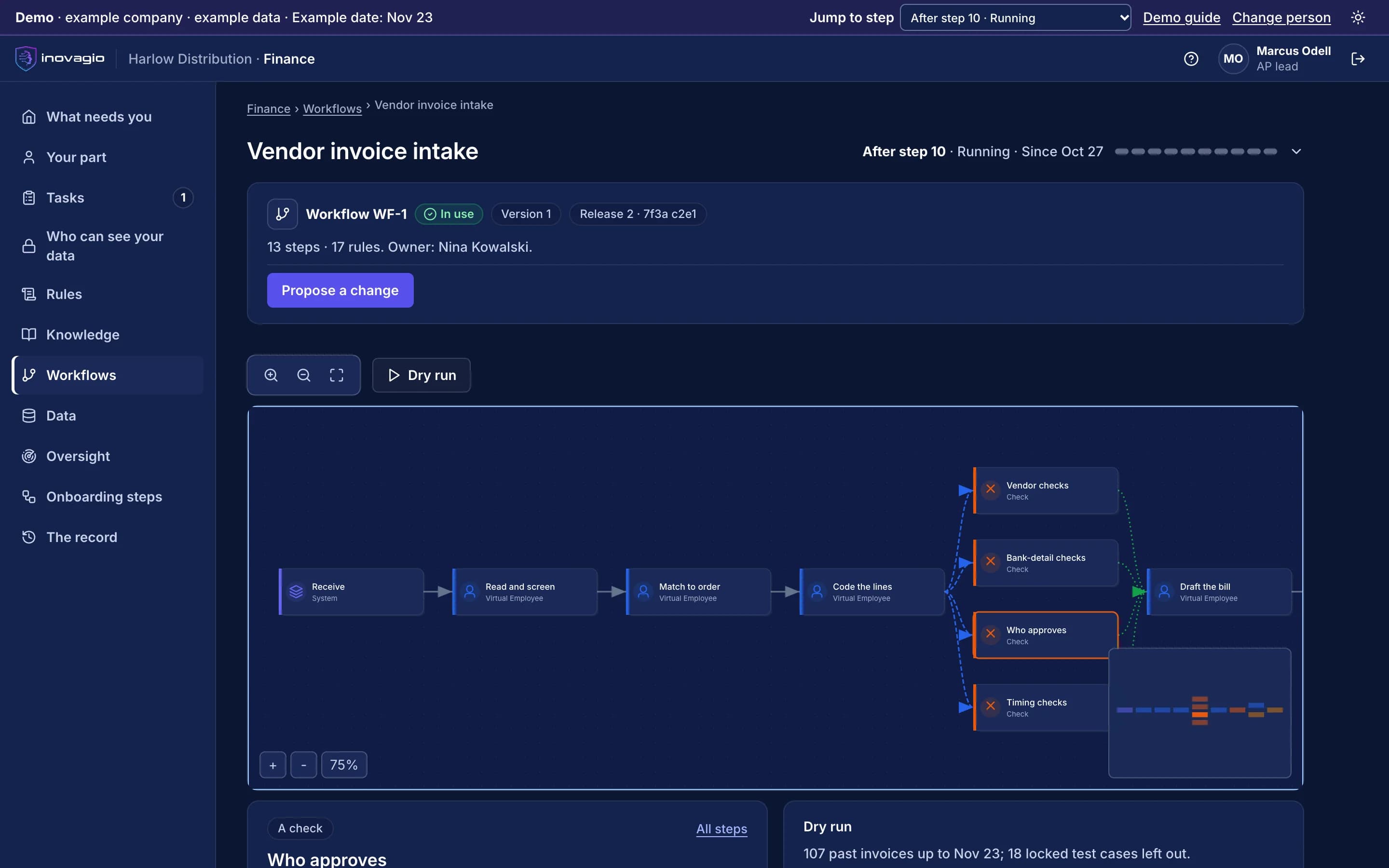
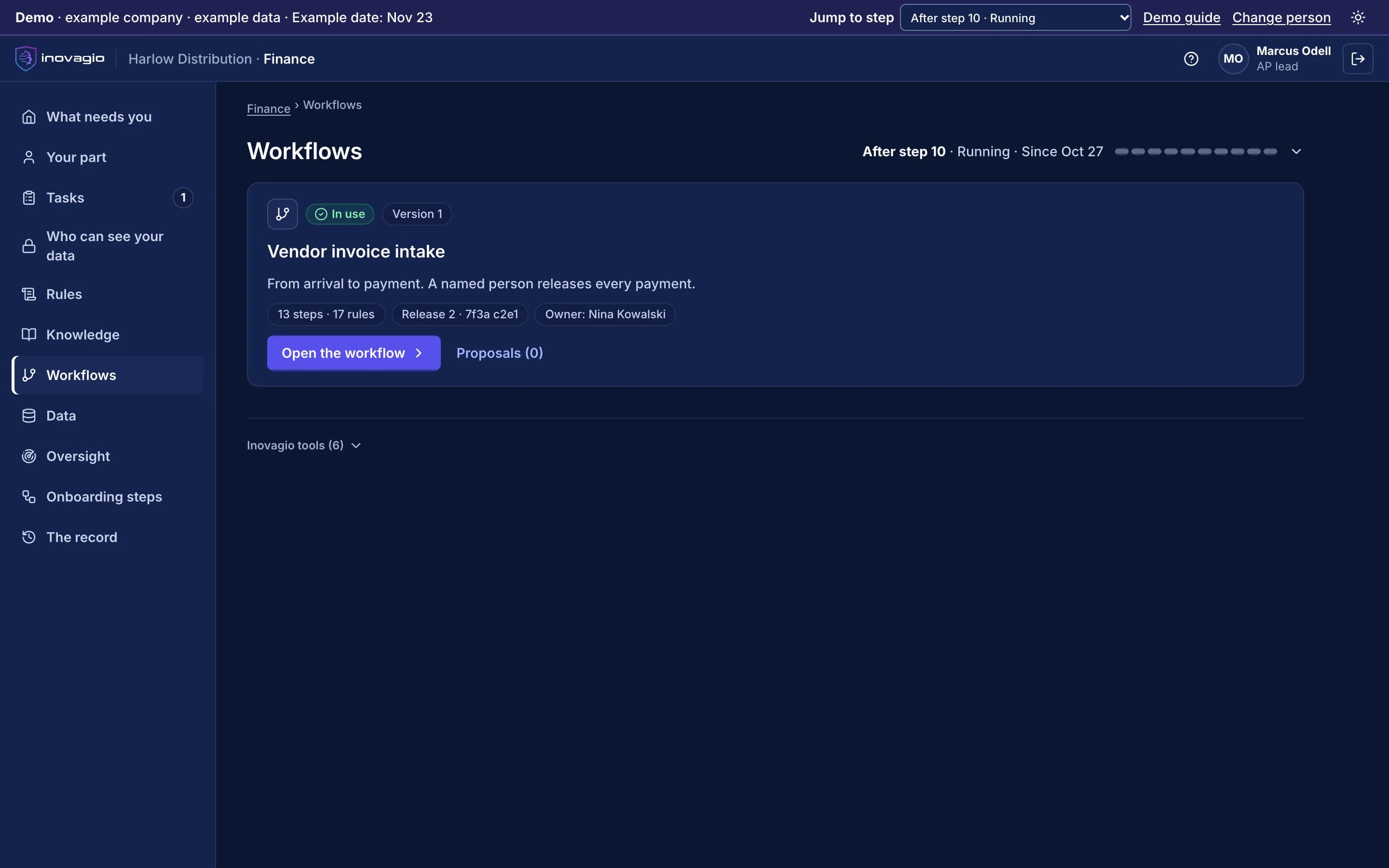
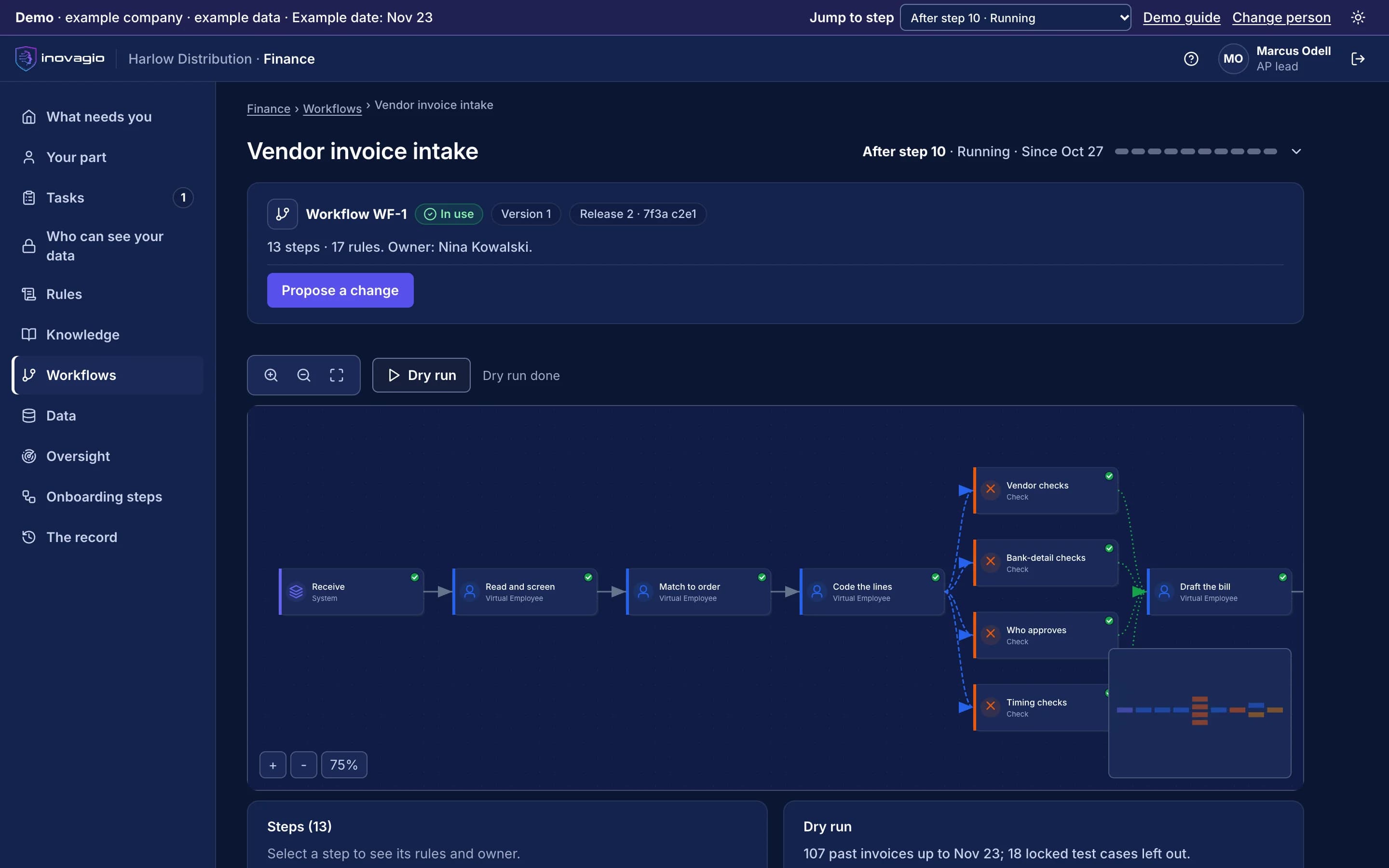
Ergon › Workflows: a workflow with its steps, rules, release and owner, in which a named person releases every payment. Sample data from Inovagio’s example companies.
Everything Ergon does, by area.
Step types
- Agent loop
- Human approval
- Decision and conditional
- Connector call
- Loop
- Sub-workflow
- Goal stage
Execution
- Simple, parallel and resilient executors
- Fan-out and fan-in with admission limits
- Retries, timeouts and dynamic recovery
- Idempotency keys
- Superstep execution for staged state
- Blackboard and contract-net coordination
- Pause, resume and checkpoint
Safety
- Pre-execution policy checks
- Dry-run approval and simulation gate
- Risk scoring and review queue
- Pre- and post-condition validators
- Rollback plans
- Integrity audit of each run
Build and operate
- Built-in workflows such as design review and CI gates
- Graph create, validate and export (JSON or DOT)
- Agent tools to build and run workflows
- Tracing on every step
- Visual workflow designer card
What Ergon replaces
Ergon does the work of these, inside one platform with one identity, one policy and one record:
- Workflow automation service
- Job scheduler and cron scripts
- Business process engine
- Integration platform glue code
The controls Ergon brings
Every Inovagio product keeps the same five commitments, because regulated work needs all five at once.
Security
Each step runs with only the access it needs.
Governance
Approval steps are part of the workflow, so policy cannot be skipped.
On the record
Every run keeps its inputs, decisions and outputs for replay.
Monitoring
Runs, waits and failures are visible in Panoptes.
Cost per task
Durable steps resume after a failure instead of starting over.
Ergon in your industry
Every industry runs the same ten steps, so Ergon does the same job in each, on that industry’s own work.
- Financial servicesBanks, credit unions, lenders and insurersWorked example: Alder Ridge Community Bank · Example company
- Healthcare providersHealth systems, hospitals and physician groupsWorked example: Meridale Health · Example company
- Health plansMedicare Advantage, Medicaid and commercial plansWorked example: Ashgrove Health Plan · Example company
- LegalLaw firms and in-house legal teamsWorked example: Calloway Finch · Example company
- GovernmentState, county and city agenciesWorked example: City of Larkhaven · Example company
- DefenseDefense contractors and their suppliersWorked example: Keelstone Aerospace · Example company
- Finance operationsFinance teams in any industry
For developers: Ergon at a glance
- Storage
- MNEMOS: definitions, runs, checkpoints
- Triggers
- Cron with time zones, interval, webhook, schedule, agent
- Governance
- Every step traced, authorized, checked against policy, measured and audited
- Human-in-the-loop
- Approval steps with recorded decisions
- Export
- JSON and DOT
- Interfaces
- CLI, agent tools, product API, designer card
$ inovagio workflow graph create invoice-intake$ inovagio workflow graph add-node invoice-intake extract$ inovagio workflow graph add-node invoice-intake approve$ inovagio workflow graph add-edge invoice-intake extract approve$ inovagio workflow graph validate invoice-intake$ inovagio workflow graph export invoice-intake --output-format dot
Ergon in the platform.
Where Ergon fits
One platformAgent HarnessAgent harness
Inovagio CLIInovagio DesktopWeb ChatInovagio SDK
OpsisExperience layer
FolioMorphe
Virtual Employees (this layer)Virtual Employee layer
NexusErgon (this product)
SynesisKnowledge layer
PerceptionMNEMOS
OriginModel layer
Inference ServerForge
PhylaxTrust layer
AuthInovagio SecretsGuard
OperationsOperations
PanoptesArchon
Platform servicesPlatform services
ServerAPI ManagementConnect
Further reading
Guides and posts on Ergon
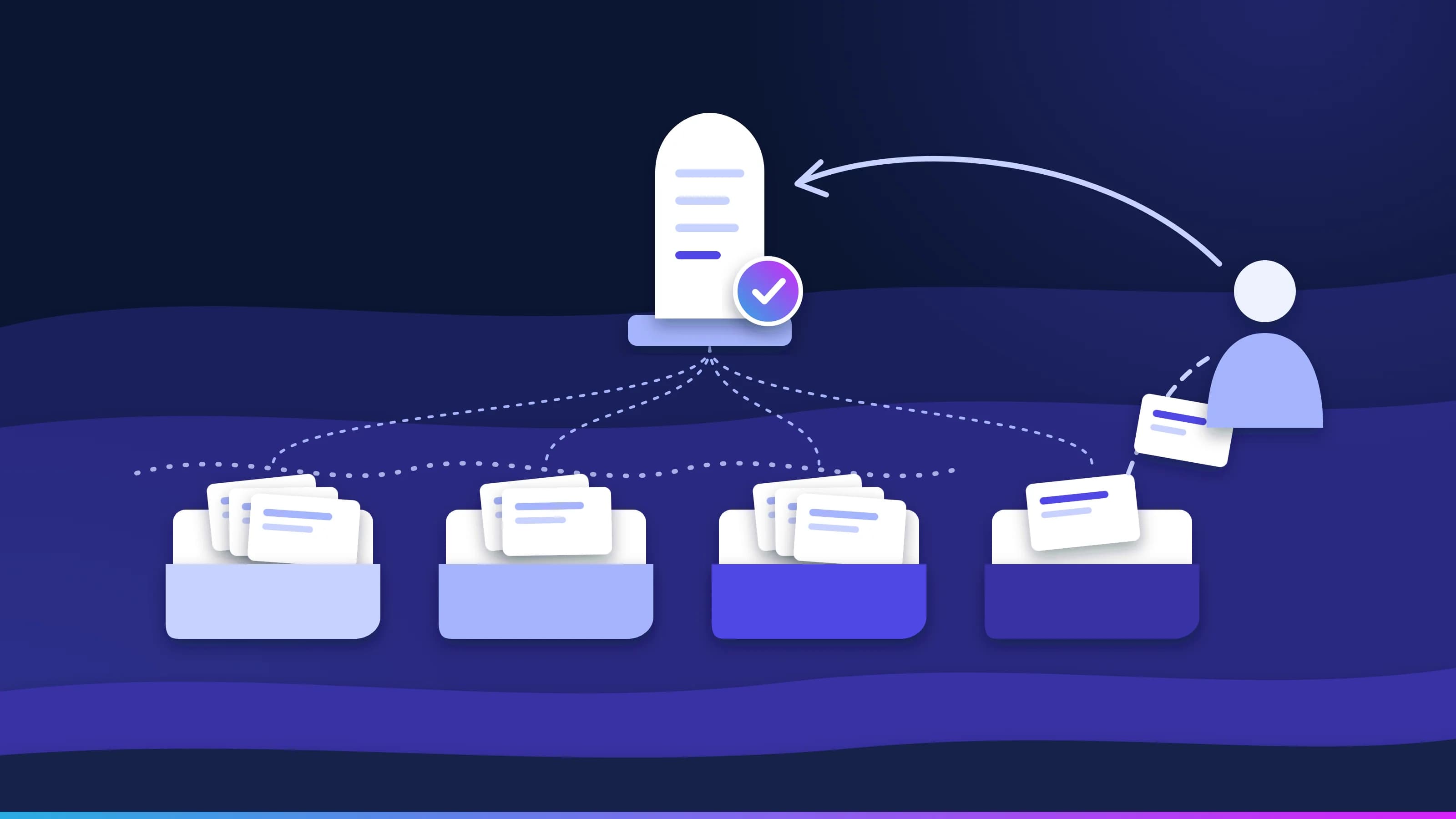 Article · Learning loopA mistake your team fixes once stays fixedGood AI exception handling doesn't stop at the flag. Every task moves through four queues, every failure reaches a named person with the reason attached, and that person's fix becomes an approved rule, so the same exception doesn't come back next week. · updated November 18, 2026 · 8 min read
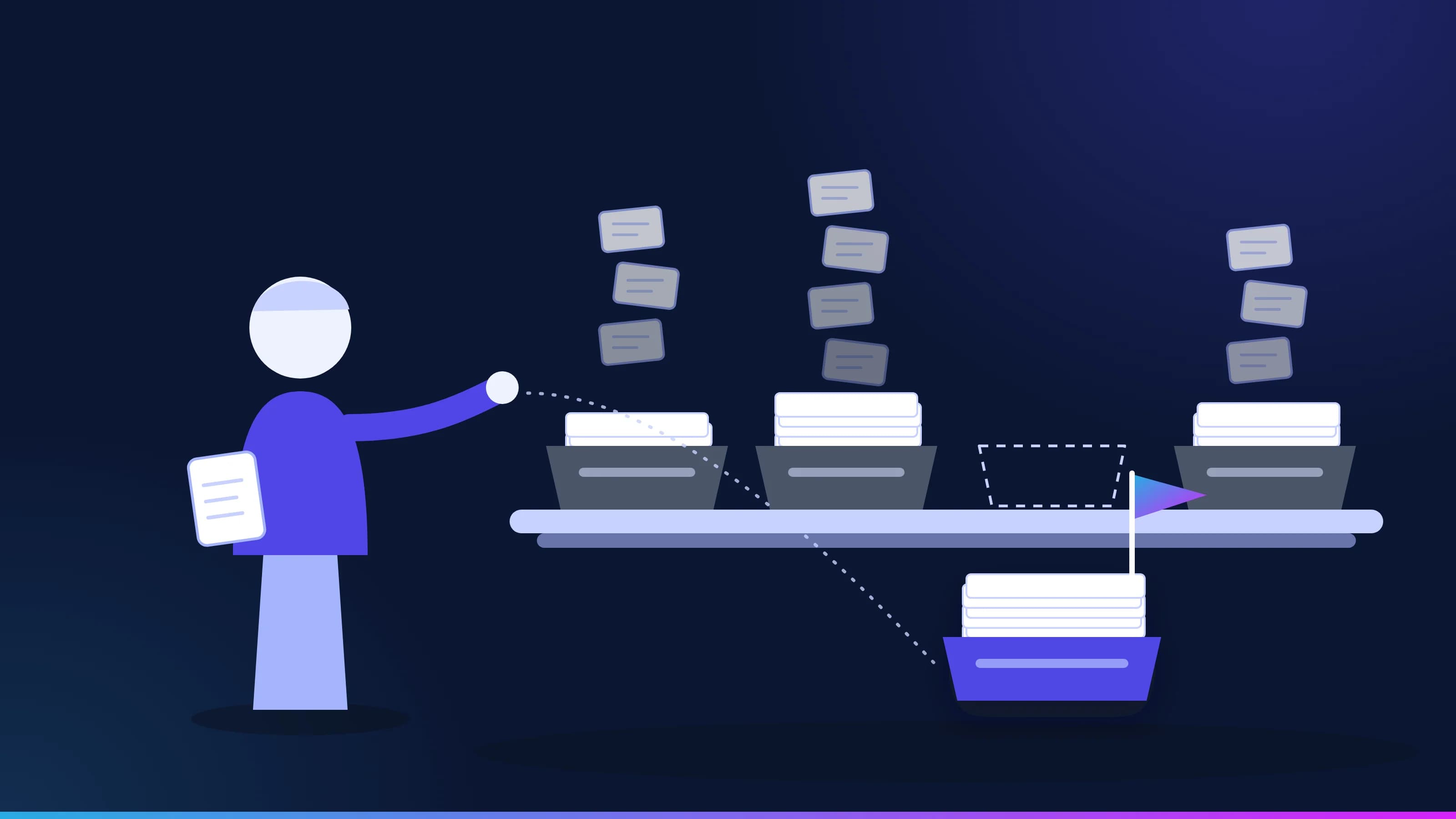 Guide · ApproachYour first AI use case: pick one queueThe best first AI use case is a queue, not an idea from the offsite. How to spot one, the triggers that make it urgent, the cases that are not a fit, and the charter to sign before any work starts. · updated November 18, 2026 · 7 min read
See Ergon on one of your workflows.
Every project starts with one workflow your people know well, measured against what it costs you today.